QuickDic
Learning and languagesLook up words in downloaded dictionaries, switch language pairs, and collect a word list with QuickDic for Android.
By Reimar Döffinger
Get QuickDic
Store availability and purchase options can vary by country. Check the listing for your device.
Screenshots
Select a screenshot to enlarge it.
About QuickDic
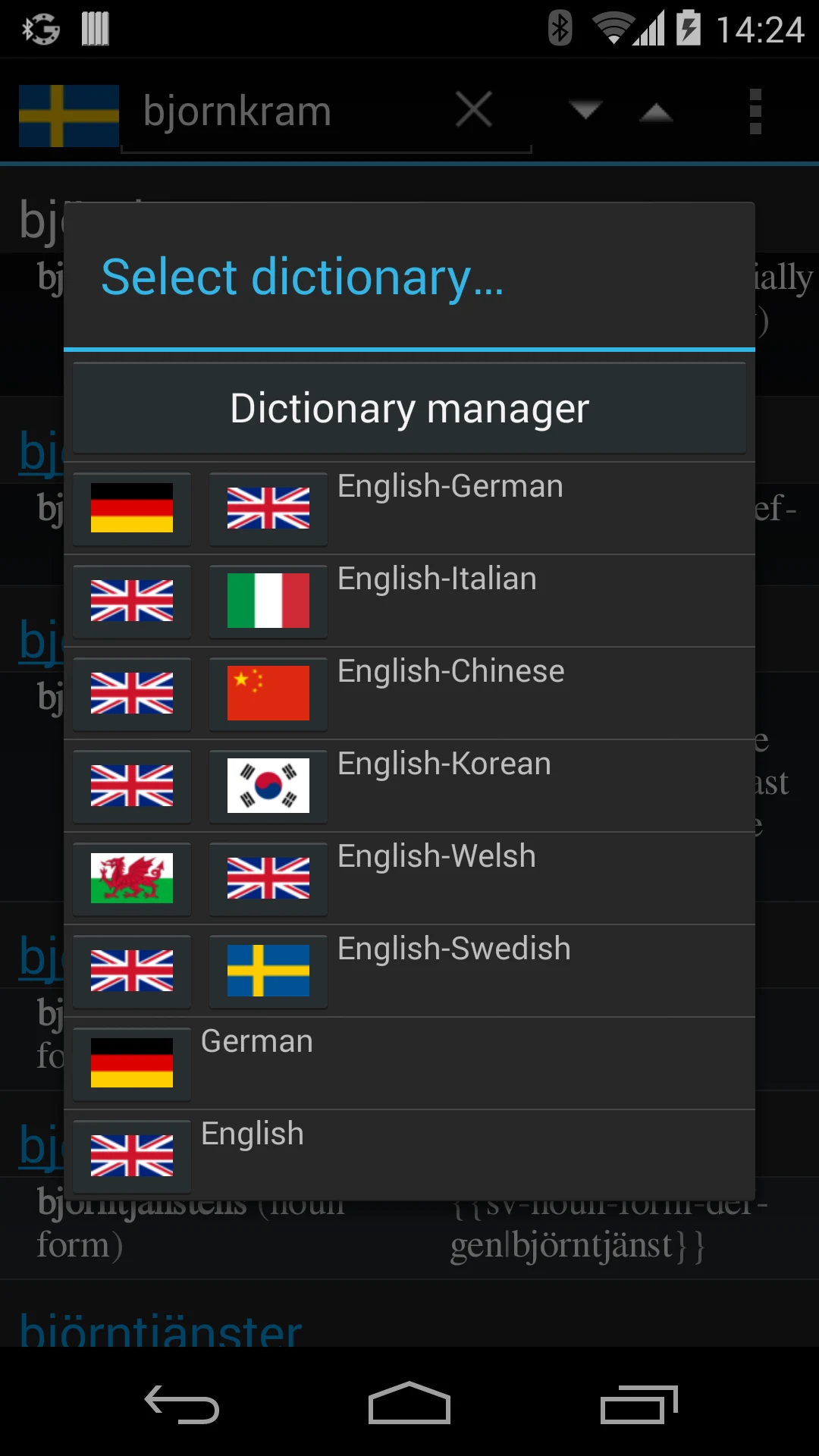
QuickDic is an offline dictionary reader for Android. Download supported dictionary files for the languages you need, then search their entries without keeping a connection open. The app lets you switch between dictionaries while reading.
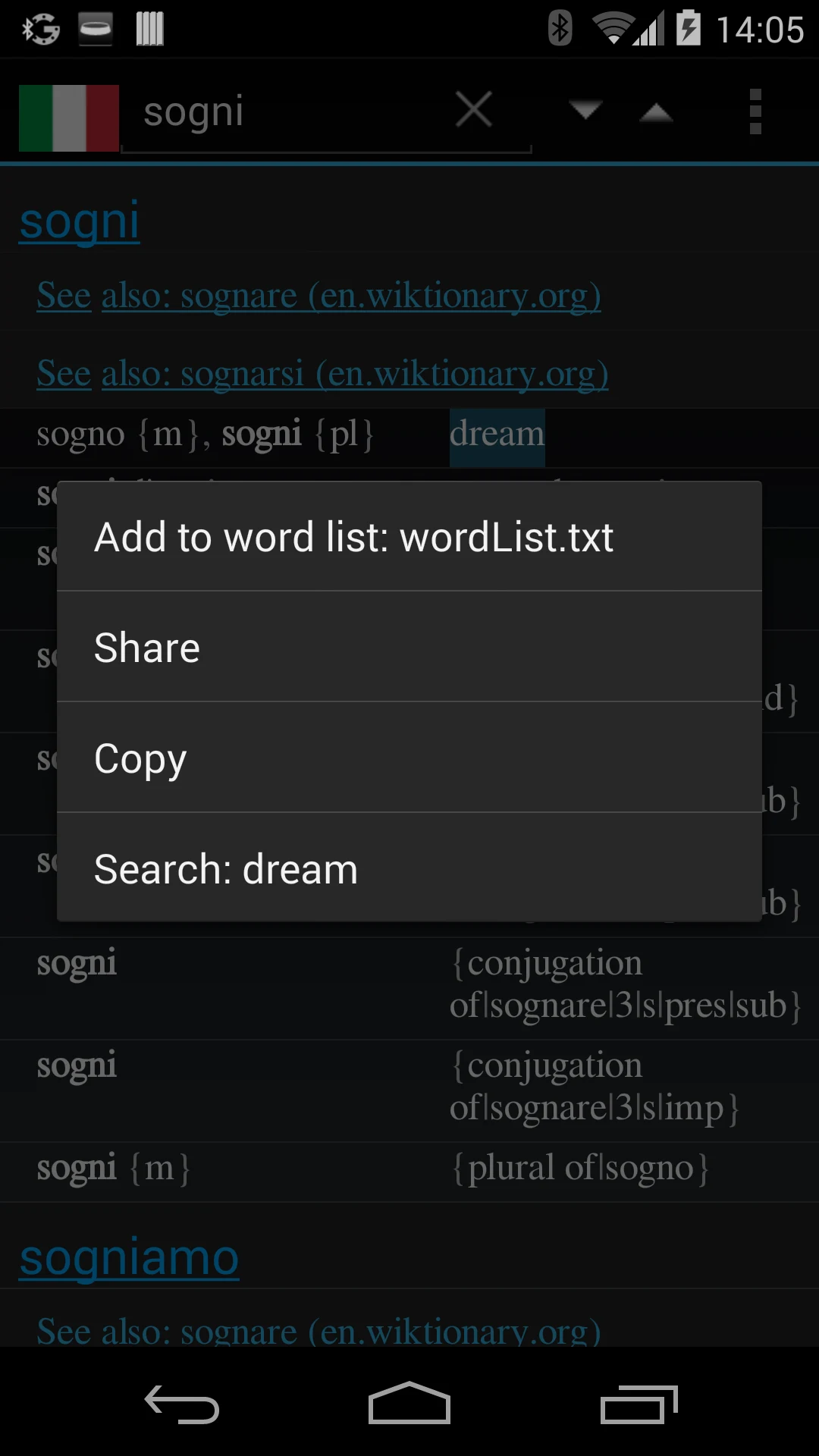
A word-list action can collect terms you want to revisit. The exact translations and entries depend on the selected dictionary files, which are generated from documented reference sources.
The official Google Play product is free. Dictionary downloads use device storage, so prepare the needed files before an offline session. QuickDic is useful beside a reading or vocabulary routine; it provides reference lookup rather than a complete language course or a scheduled flashcard review system.
What you can do
- Downloaded dictionary reading
- Word search
- Language-pair switching
- Word-list collection
Free features and limits
Dictionary languages and contents depend on the selected files. Downloads use device storage.
Alternatives to QuickDic

Choosing between apps
Free Android Apps for Vocabulary Study and Reading
Combine flashcard review, offline dictionary lookup, and stored reference reading around the words you want to learn.
AnkiDroid vs QuickDic: Flashcard Review or Dictionary Lookup?
Compare a spaced-repetition flashcard app with an offline dictionary tool for vocabulary study on Android.
Image credits
App icon
QuickDic app icon
Screenshot 1
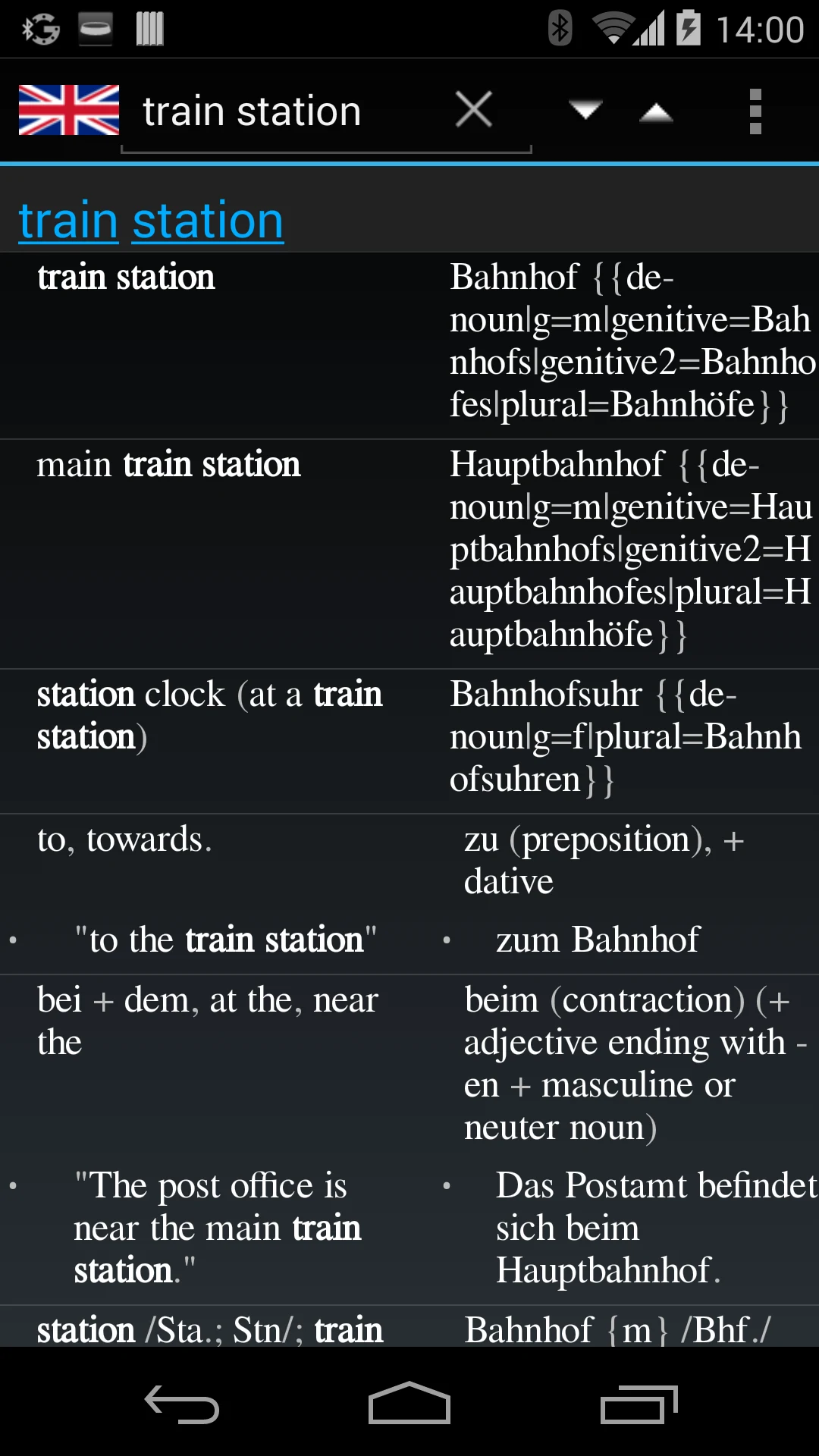
English-German word lookup
Screenshot 2
English-Italian lookup and word-list actions
Screenshot 3
Choose a downloaded dictionary