
Notesnook
Notes and productivityWrite notes and sync them across devices with a free plan and optional paid upgrades.
By Streetwriters (Private) Limited
Get Notesnook
Store availability and purchase options can vary by country. Check the listing for your device.
Screenshots
Select a screenshot to enlarge it.
About Notesnook
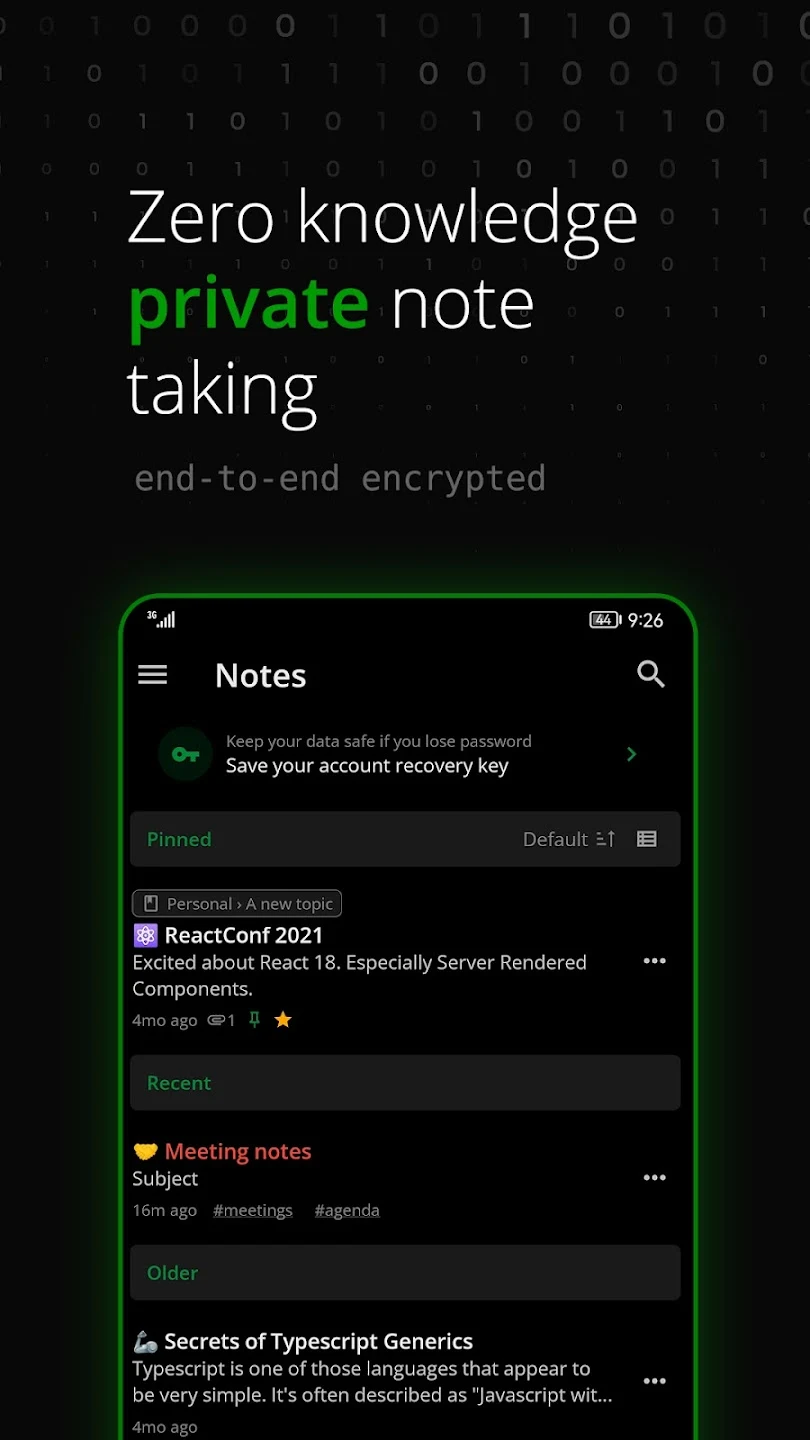
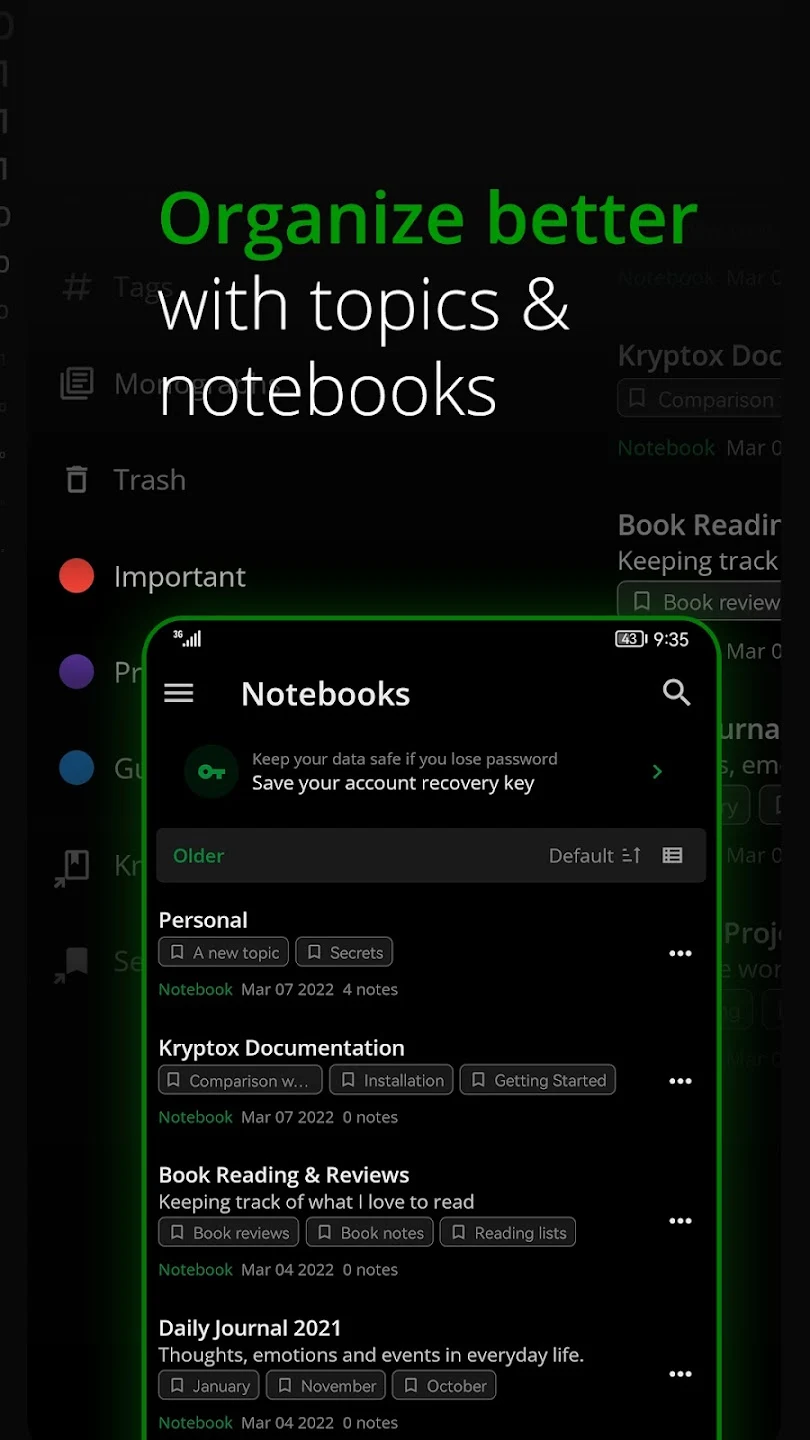
Notesnook is a note-taking app with mobile, desktop and web versions. It organizes notes with notebooks and tags, and its editor supports formatted text. The publisher describes the service as encrypting notes on the device before they are synchronized to the cloud.
The free plan supports unlimited notes and devices, up to 50 notebooks and 50 tags, and a limited attachment allowance. At the review date, that allowance was 50 MB each month with a 10 MB maximum per file. The plan also includes up to 10 active reminders. These limits are useful to check if notes regularly include scans, images or other files.
Paid plans increase storage and other limits. Notesnook requires an email address for an account. It suits people who want the same notes available across several devices; someone who needs only a local list may prefer an app with fewer account and synchronization steps.
What you can do
- Formatted notes
- Notebooks and tags
- Synchronization across devices
- Reminders
- File attachments within plan limits
Free features and limits
Free plan: 50 notebooks, 50 tags, 50 MB of attachments per month, 10 MB per file and 10 active reminders at the review date. Paid plans increase limits.
Alternatives to Notesnook
Markor
Edit Markdown notes and todo.txt lists as ordinary files stored on Android.
By Gregor Santner

Orgzly Revived
Organize nested notes and tasks in Org-format notebooks on Android.
By Orgzly Community

Nextcloud Notes
Create, search, and organize Markdown notes from your Nextcloud account with Nextcloud Notes for Android.
By Nextcloud
Choosing between apps
Free Android Note Apps for Lists, Writing, and Organized Notebooks
Compare local notes, Markdown writing, and synced notebooks to choose a free note app for your Android phone.
Notally vs Notesnook: Local Notes or Synced Notebooks?
Compare quick local note-taking with a notebook app that offers encrypted synchronization and published free-plan limits.
Image credits
App icon
Notesnook app icon
Screenshot 1
Notes list
Screenshot 2
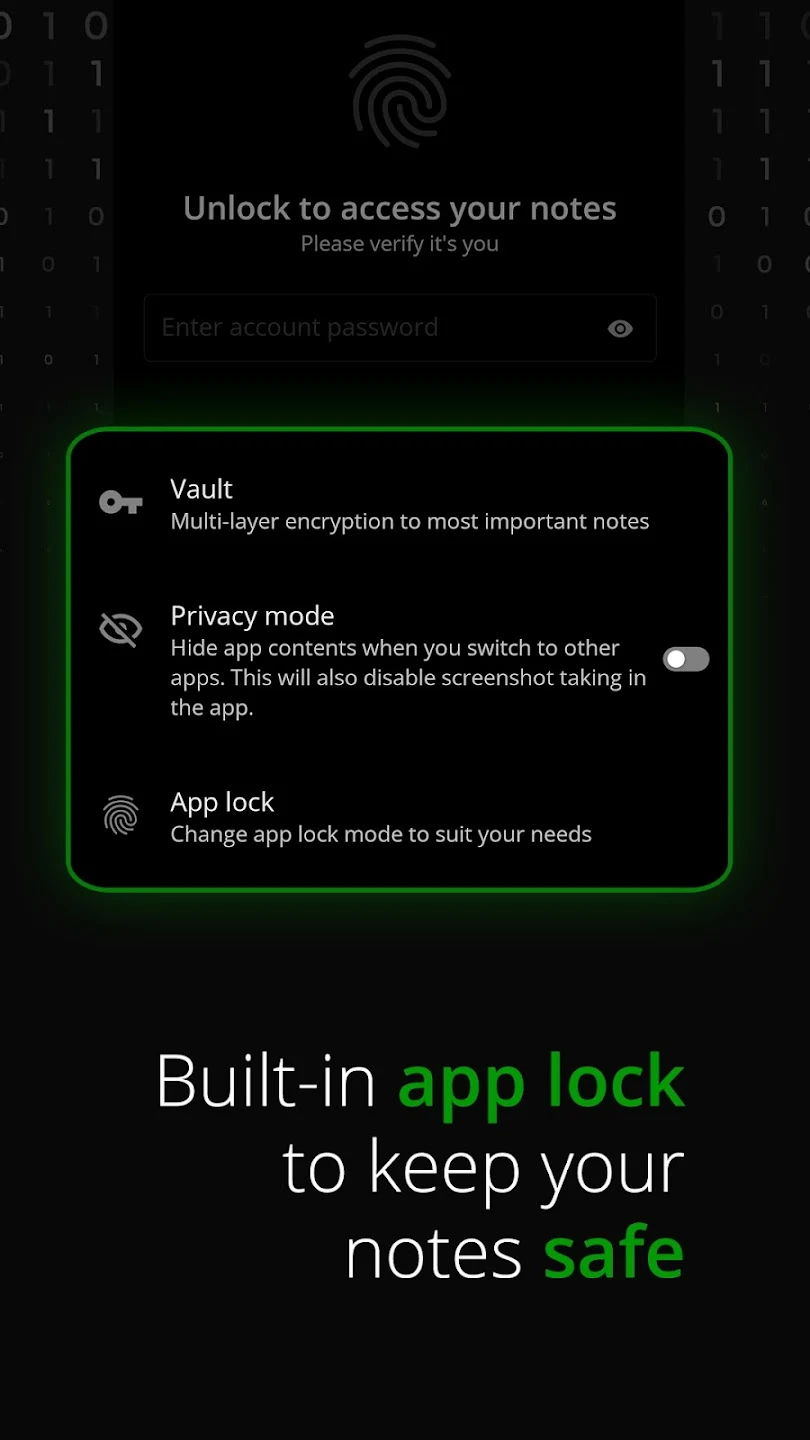
App-lock controls
Screenshot 3
Notebooks and topics