Nextcloud Notes
Notes and productivityCreate, search, and organize Markdown notes from your Nextcloud account with Nextcloud Notes for Android.
By Nextcloud
Get Nextcloud Notes
Store availability and purchase options can vary by country. Check the listing for your device.
Screenshots
Select a screenshot to enlarge it.
About Nextcloud Notes
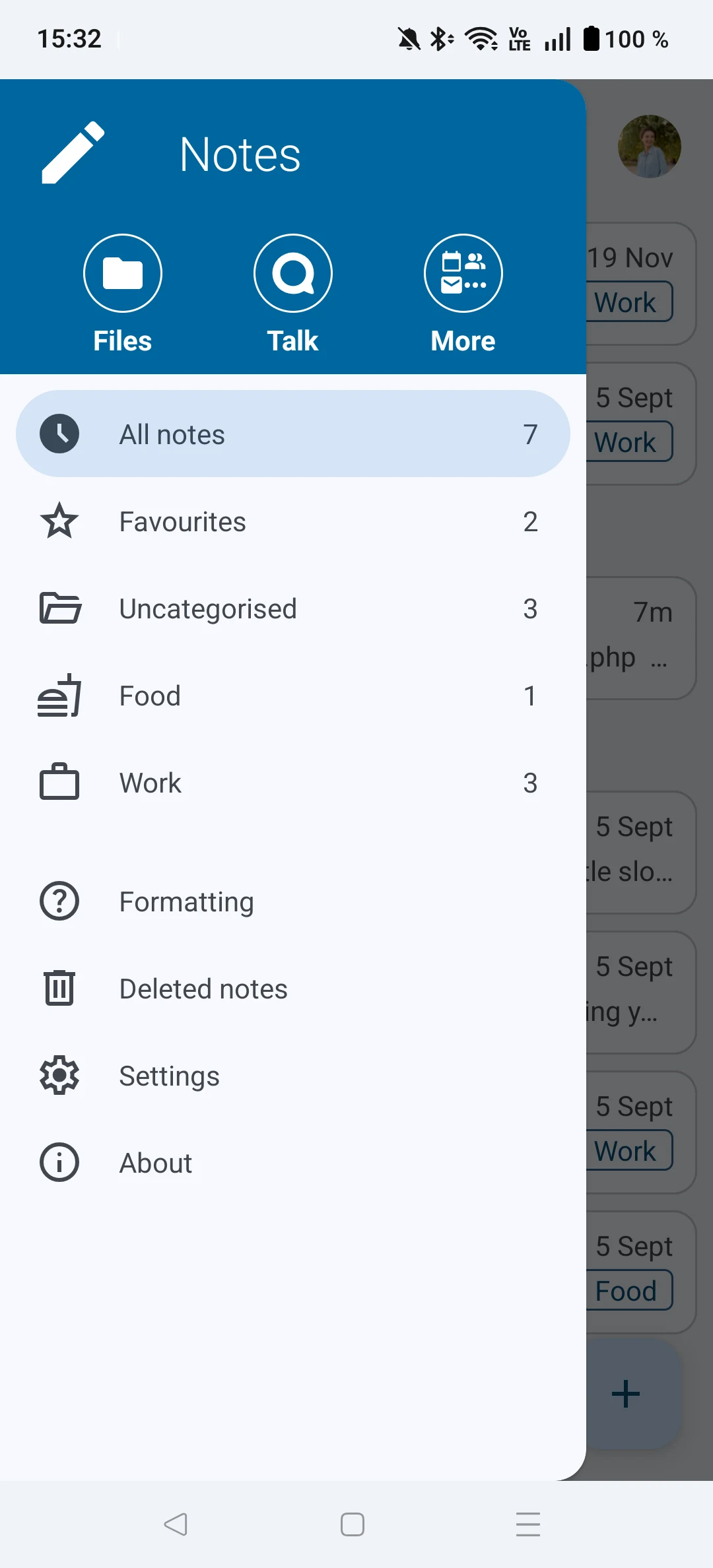
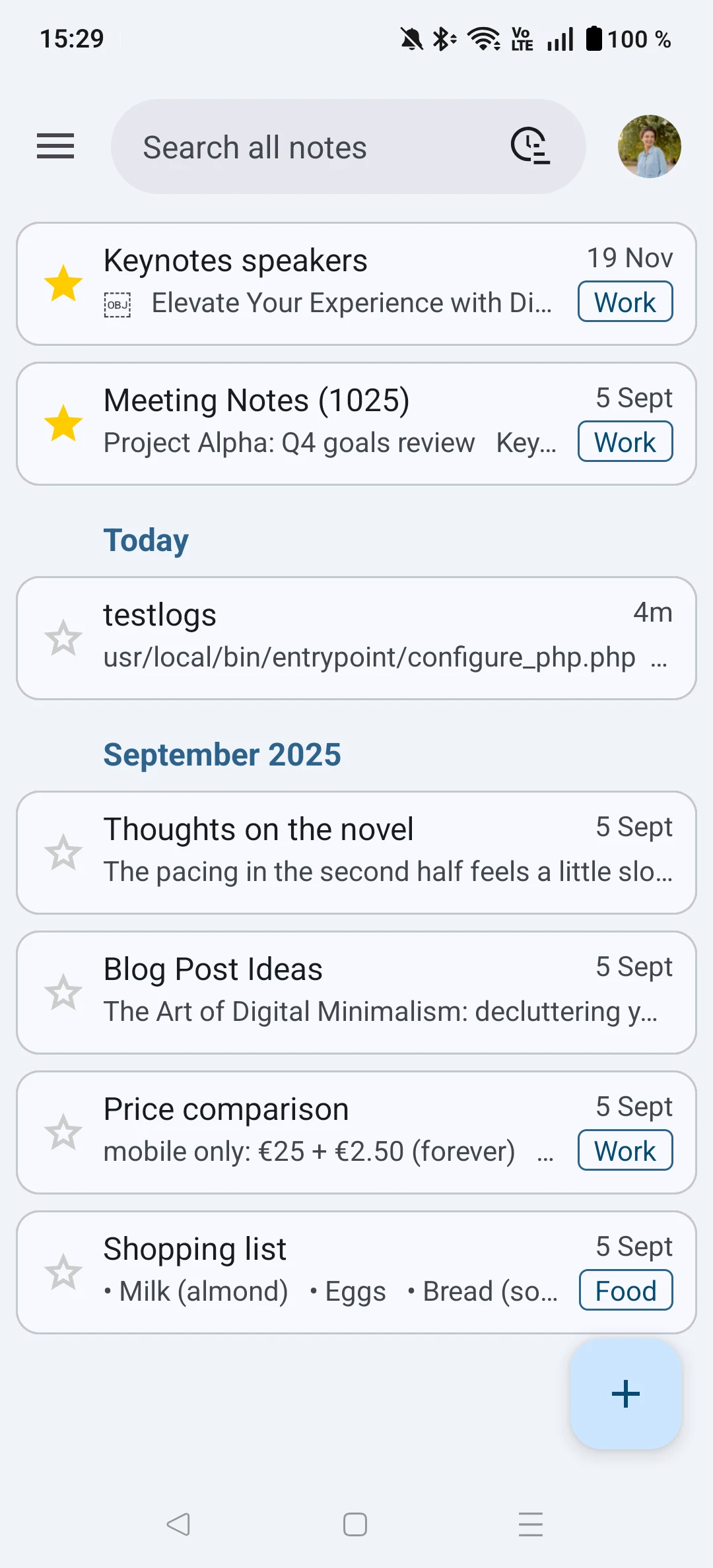
Nextcloud Notes brings notes stored on a Nextcloud server to an Android phone. Create a note, search its text, mark it as a favorite, or share text and links into a new note. Categories and widgets help keep frequently used notes within reach.
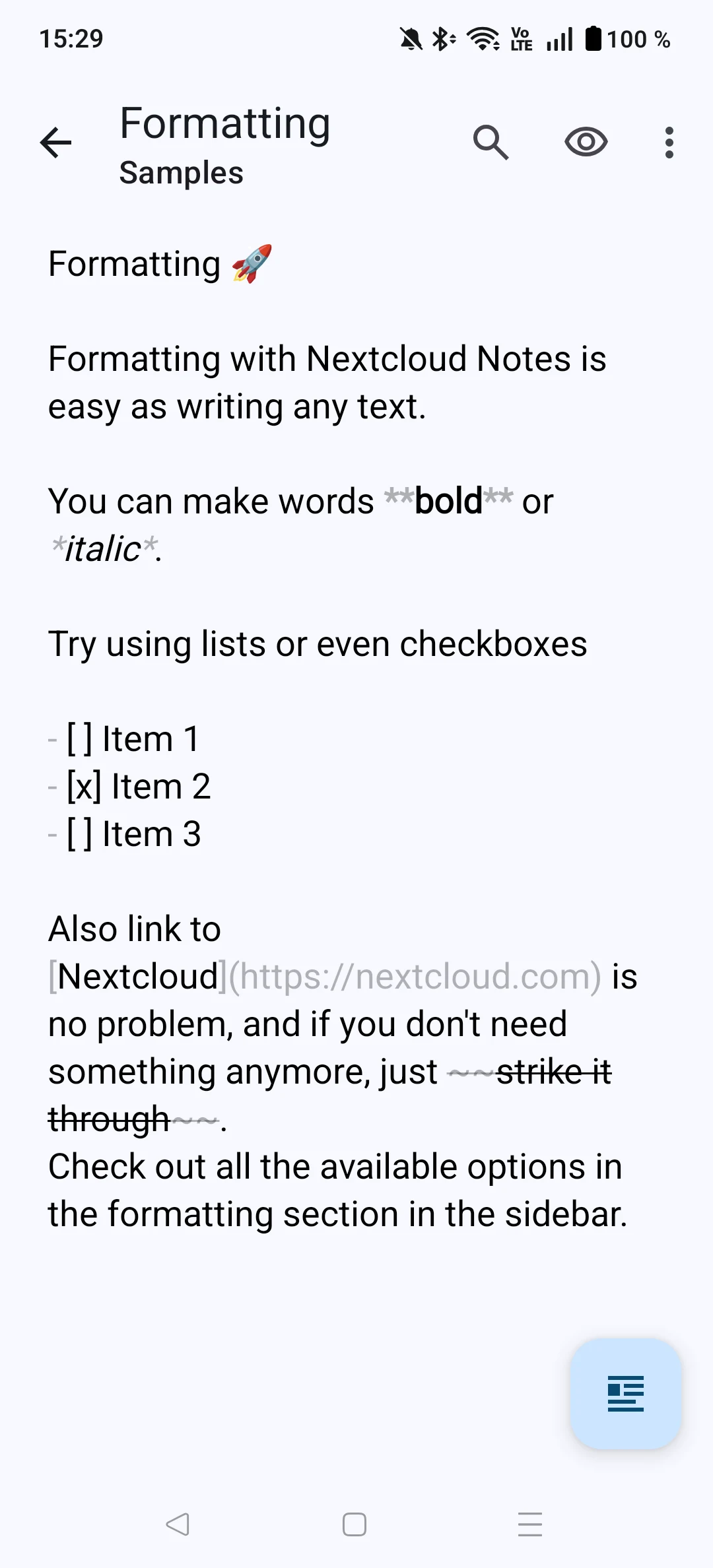
Markdown rendering supports formatted text, links, and checkboxes. The app can connect to more than one account, so notes from separate servers can be managed from the same phone.
The current Android app is free. It requires a Nextcloud server with the Notes server app installed, plus the Nextcloud Files Android app. Server hosting is separate from the mobile app and can have its own costs.
What you can do
- Create and search notes
- Markdown rendering
- Favorites and categories
- Multiple accounts
- Note widgets
Free features and limits
The mobile app is free. A suitable Nextcloud server is required; hosting may cost money.
Alternatives to Nextcloud Notes

Notesnook
Write notes and sync them across devices with a free plan and optional paid upgrades.
By Streetwriters (Private) Limited

Quillpad
Write Markdown notes, make checklists, attach files, and organize notebooks with Quillpad for Android.
By JSixface
Image credits
App icon
Nextcloud Notes app icon
Screenshot 1
Categories and favorites menu
Screenshot 2
Notes list and search
Screenshot 3
Markdown formatting examples