
Orgzly Revived
Notes and productivityOrganize nested notes and tasks in Org-format notebooks on Android.
By Orgzly Community
Get Orgzly Revived
Store availability and purchase options can vary by country. Check the listing for your device.
Screenshots
Select a screenshot to enlarge it.
About Orgzly Revived
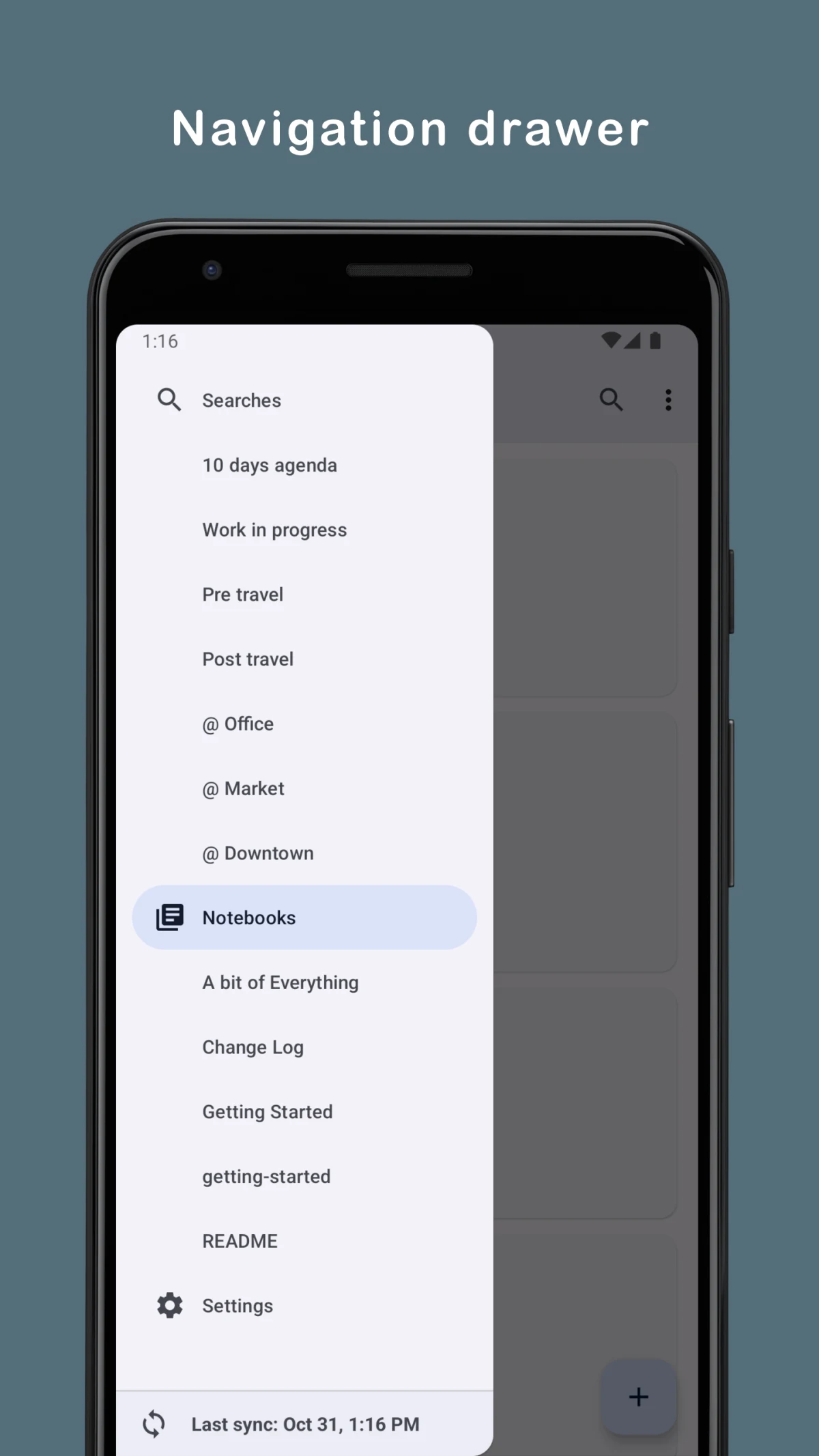
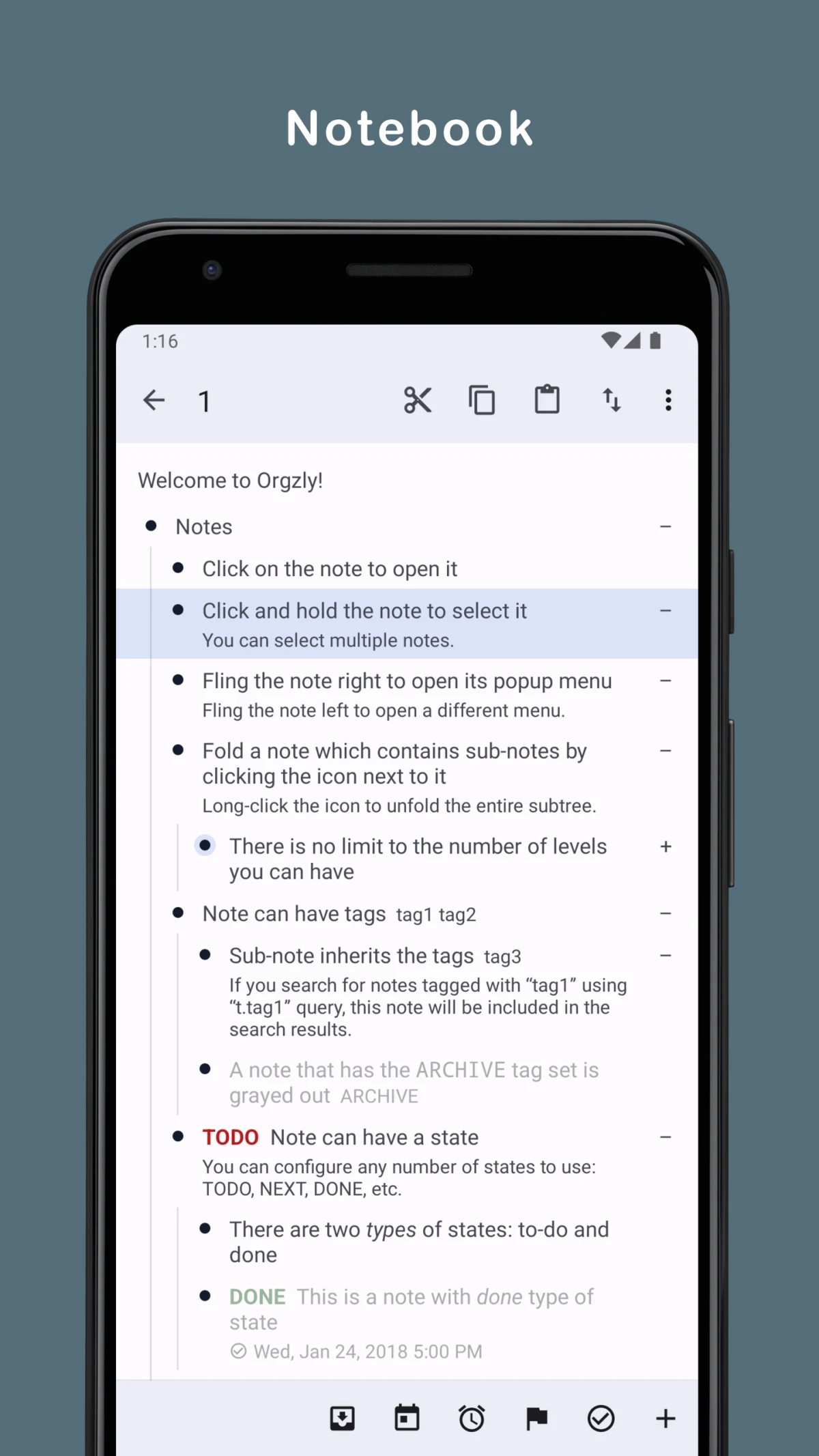
Orgzly Revived combines notes and to-do lists in an Android outliner. Notes can have nested sections, tags, task states and dates, which helps when a notebook needs more structure than a single long page. Searches and an agenda bring selected notes or dated tasks into view.
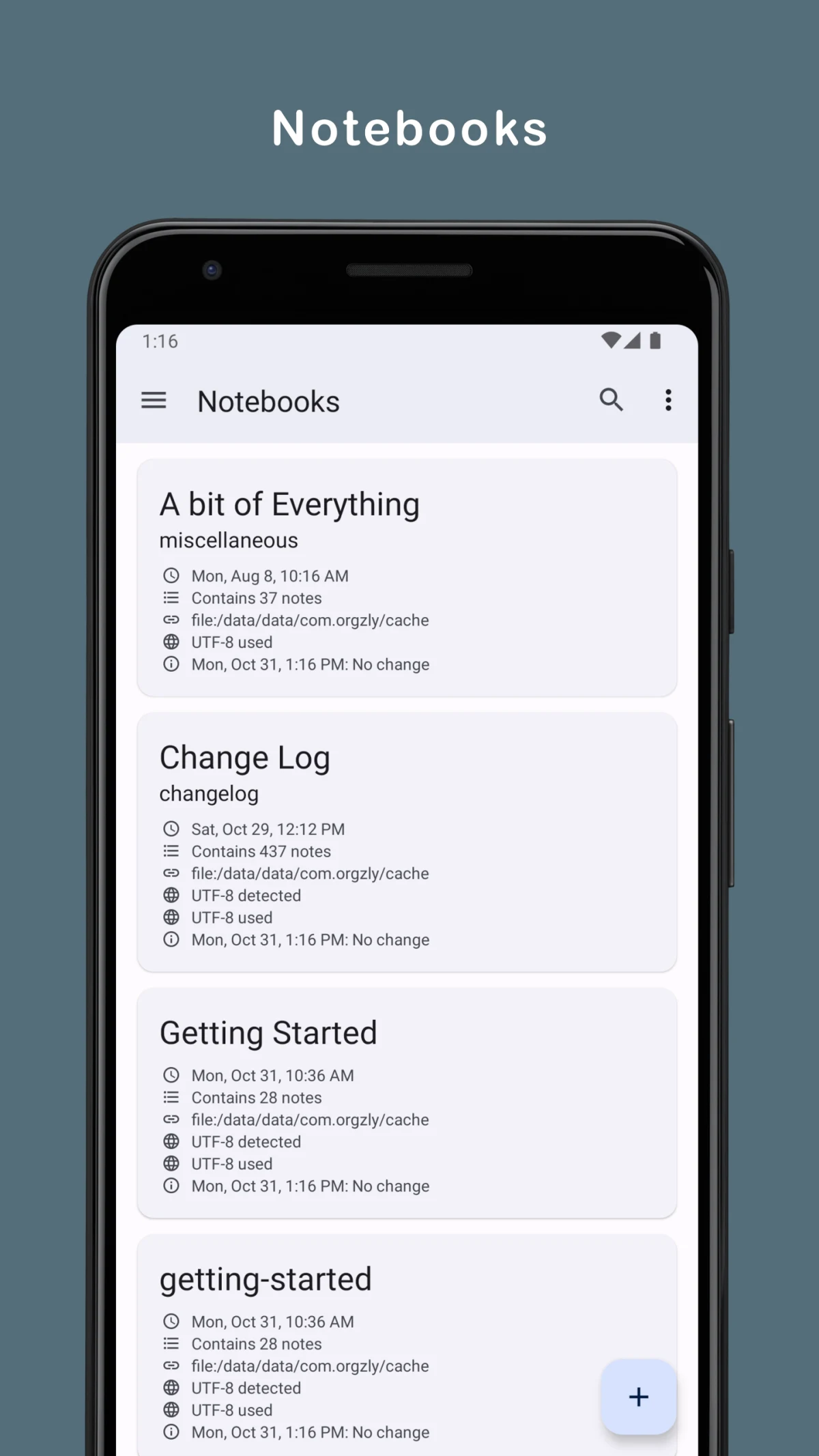
Notebooks use the plain-text Org format. The app can synchronize them with a local folder, SD card, WebDAV server or Dropbox. That file format is useful for people who also work with Org documents on a computer and want to keep the same notebook available on a phone.
Orgzly Revived is a free, community-maintained continuation of Orgzly. Cloud synchronization needs access to the chosen service. If ordinary rich-text formatting is your main need, a simpler note editor may take less setup than learning Org structure and search expressions.
What you can do
- Nested notes
- Task states and tags
- Agenda and searches
- Org-format notebooks
- Folder and WebDAV synchronization
Free features and limits
Cloud synchronization requires the chosen service or server. Notebooks use Org format.
Alternatives to Orgzly Revived

Image credits
App icon
Orgzly Revived app icon
Screenshot 1
Navigation and saved searches
Screenshot 2
Org notebooks
Screenshot 3
Nested notes and tasks