Dot Dominion
Place your numbered dots so each one captures more ground than the rival's last move.
The game opens here and keeps you on WapTRICK.
How to play Dot Dominion
Touch controls: Tap a hand number, then tap a square; hand buttons are at least 48 pixels tall and squares are about 50 pixels wide at 390 pixels viewport width. Pause, Restart and Sound sit in the head-up row.
Keyboard controls: 1, 2 and 3 choose a hand number, arrow keys move the square cursor, Enter or Space drops the dot, P or Escape pauses, R restarts and M toggles sound.
Screen: This game works best in any orientation.
About Dot Dominion
Dot Dominion is an area game played with numbers instead of pieces. Your hand holds three numbers from one to three, and a dot claims every empty square in its own row and column within that many steps. Ground that has been claimed never changes hands, so the whole match is about timing a three onto an open line.
The rival places dots on exactly the same rules and always takes its best available move, which means a three spent on a crowded row is a three wasted. The score counts ground held rather than dots placed.
You might also like
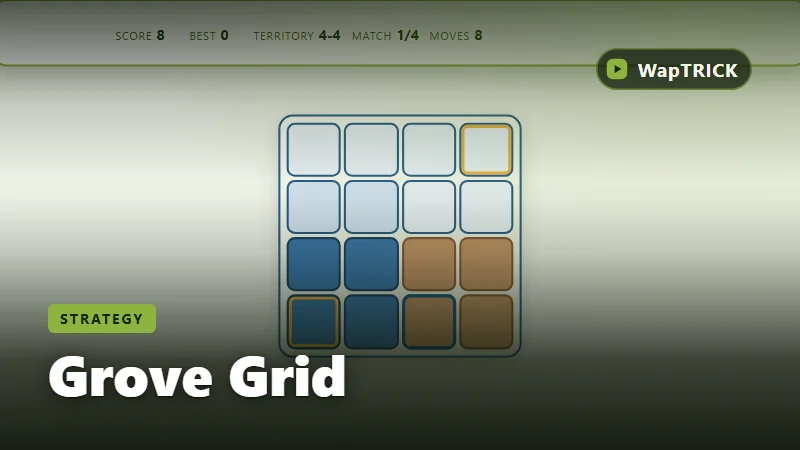
Grove Grid
Claim more of the grove grid than the rival gardener before the board runs out of room.
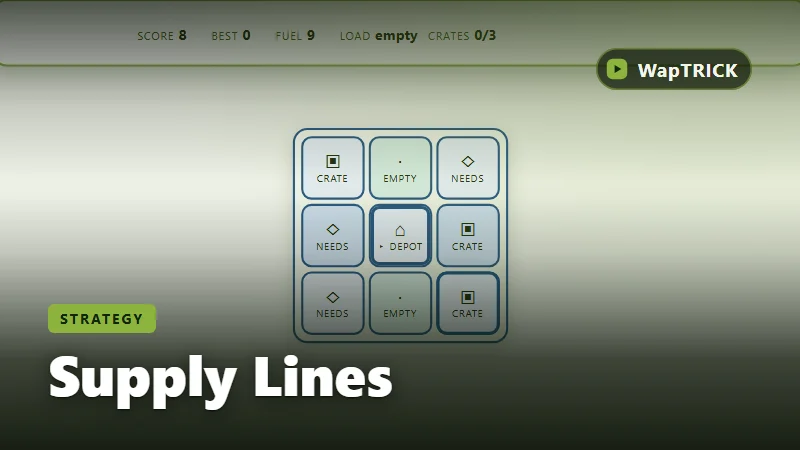
Supply Lines
Plan short delivery routes so every workshop gets its crate before the shift ends.
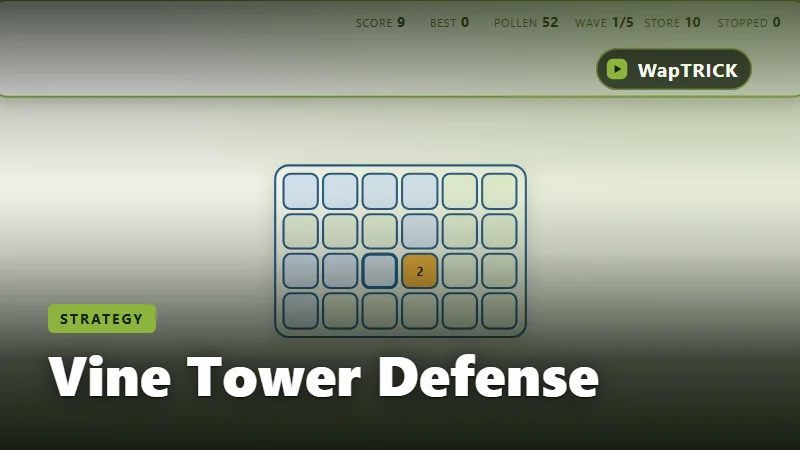
Vine Tower Defense
Place and upgrade vine towers so no crawler reaches the seed store.
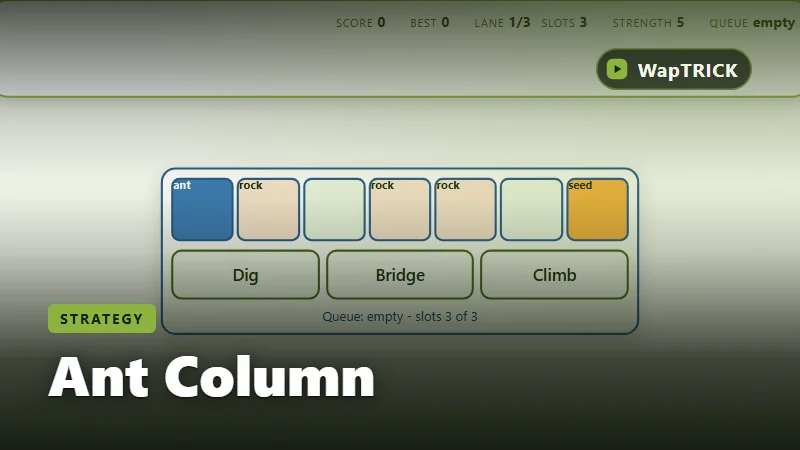
Ant Column
Give the ant column a handful of orders and make them count before the queue refills.