
OSS Document Scanner
Documents, scanning and filesScan documents, adjust page edges and contrast, organize files, and export PDFs with OSS Document Scanner for Android.
By Akylas
Get OSS Document Scanner
Store availability and purchase options can vary by country. Check the listing for your device.
Screenshots
Select a screenshot to enlarge it.
About OSS Document Scanner
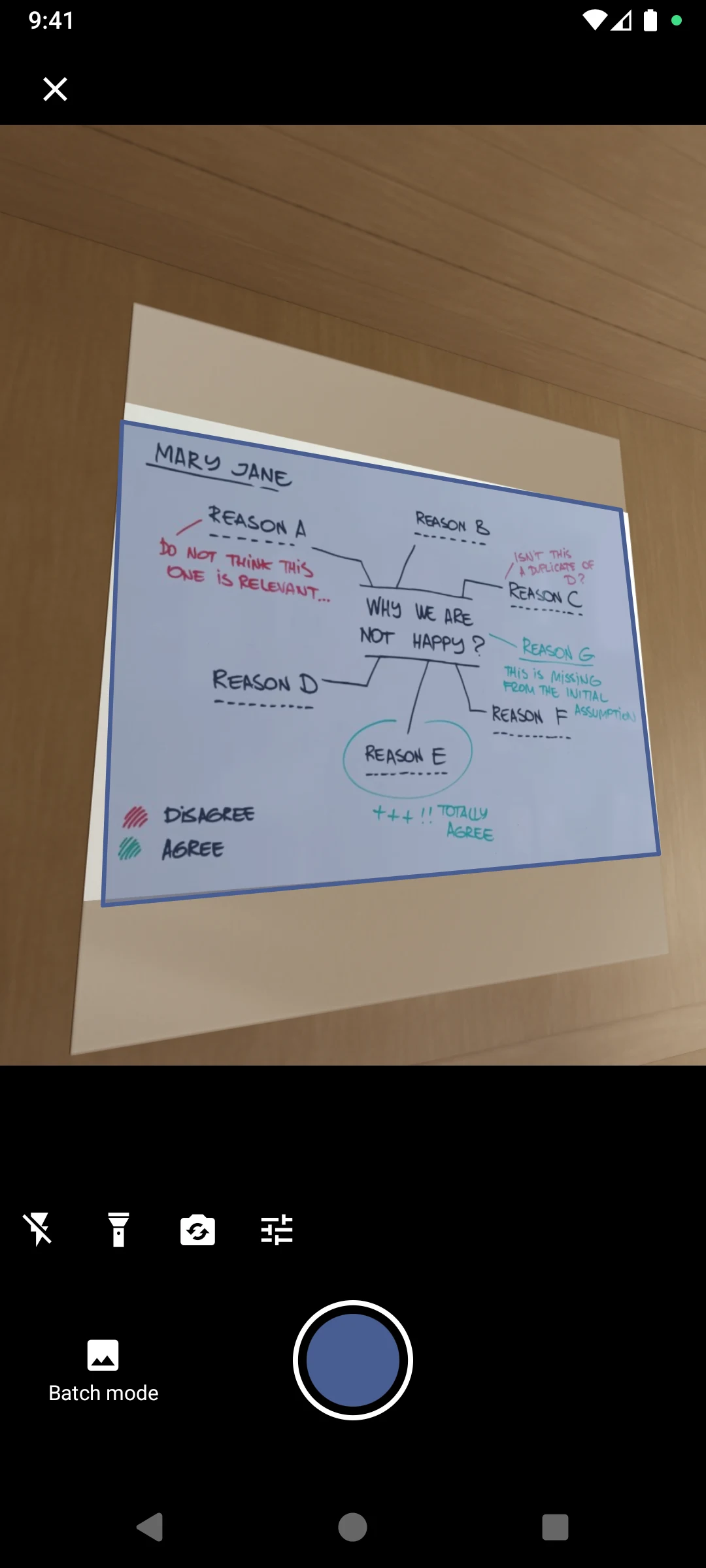
OSS Document Scanner turns a phone camera or imported files into a document-scanning workspace. Capture paper pages, import images or an existing PDF, and review the document before export. Automatic edge detection helps locate the page boundaries.
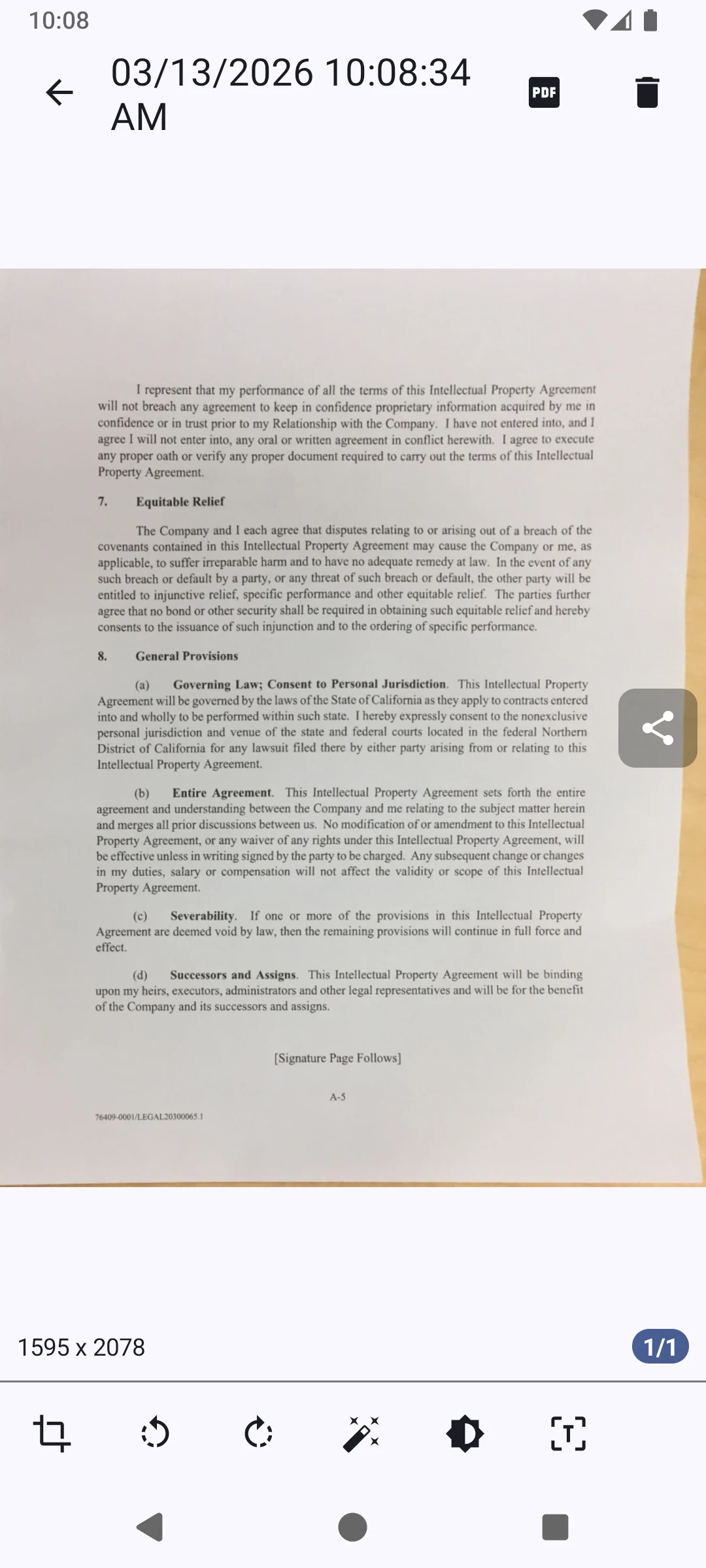
Editing tools include crop adjustment, rotation, brightness, contrast, and color or black-and-white filters. You can reorder pages, merge documents, and place files in colored folders. These controls are useful when a scan needs more work than a quick camera capture.
The official Android listing is free, and the publisher provides the project as open source. Its export tools create PDFs that can be opened or shared on other devices. Review the page order and small print in the exported file. Text recognized through OCR should be checked against the original document.
What you can do
- Camera scanning and file import
- Automatic edge detection
- Page crop and rotation
- Brightness and contrast
- PDF export
Alternatives to OSS Document Scanner


Choosing between apps
Image credits
App icon
OSS Document Scanner app icon
Screenshot 1
Scan a paper diagram
Screenshot 2
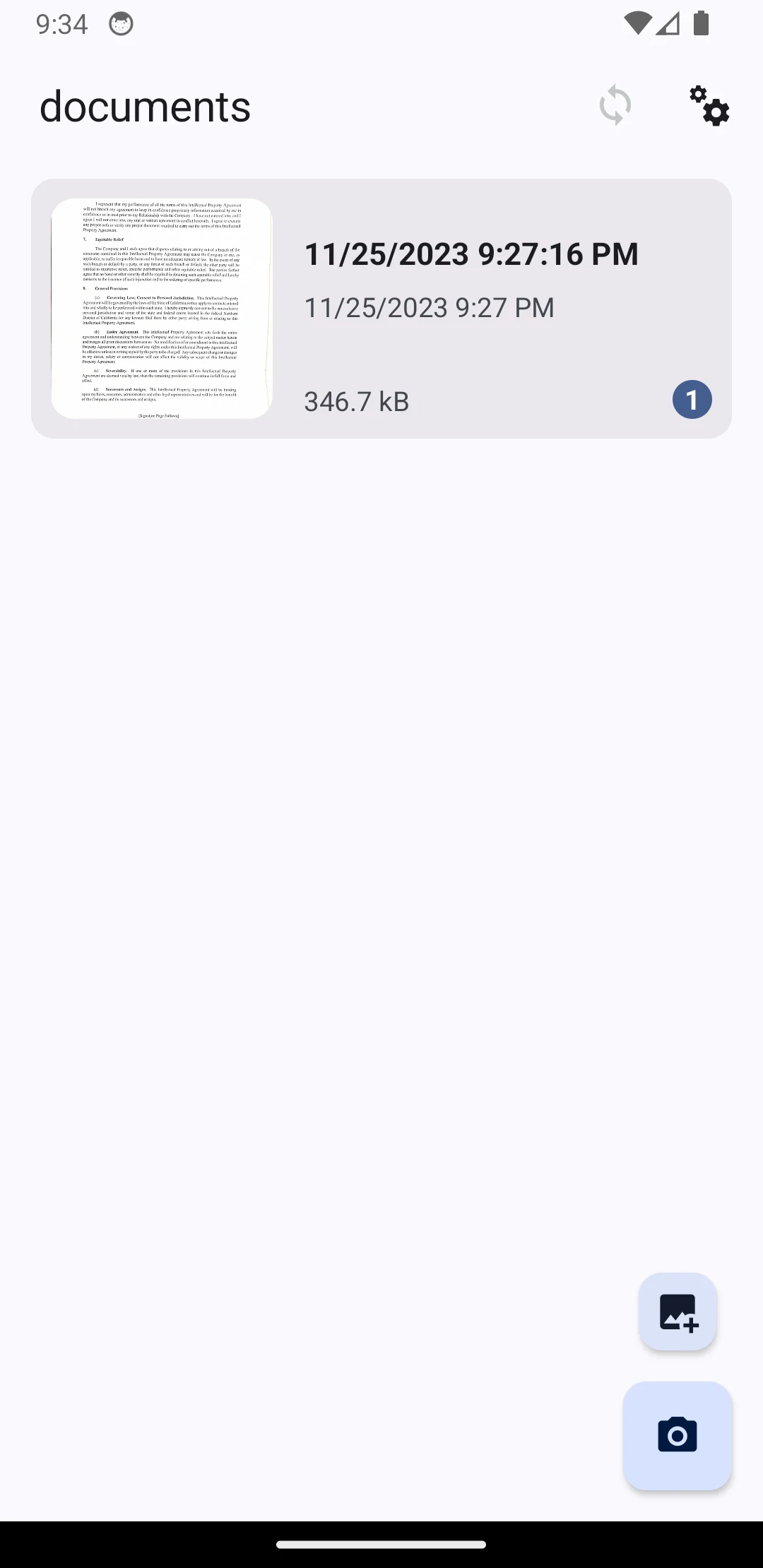
Document library
Screenshot 3
View and edit a scanned page