OpenScan
Documents, scanning and filesScan paper documents, crop page edges and share PDF or JPG files from Android.
By Ethereal Developers
Get OpenScan
Store availability and purchase options can vary by country. Check the listing for your device.
Screenshots
Select a screenshot to enlarge it.
About OpenScan
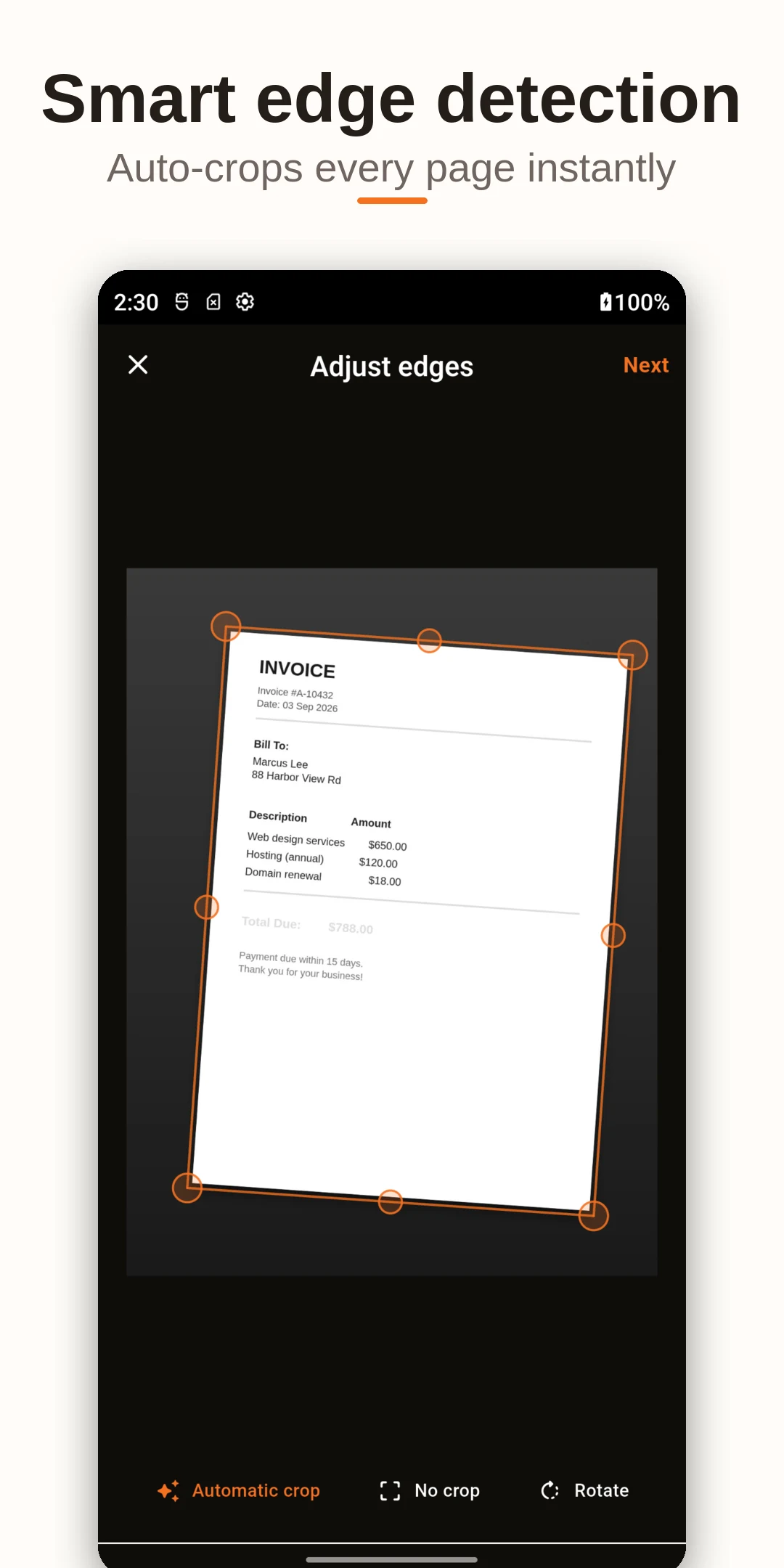
OpenScan uses an Android phone's camera to turn paper documents into files you can save or share. A scan can contain receipts, printed notes, business cards or other pages. The app lets you adjust the page boundary before saving, which helps remove the desk or background around a document.
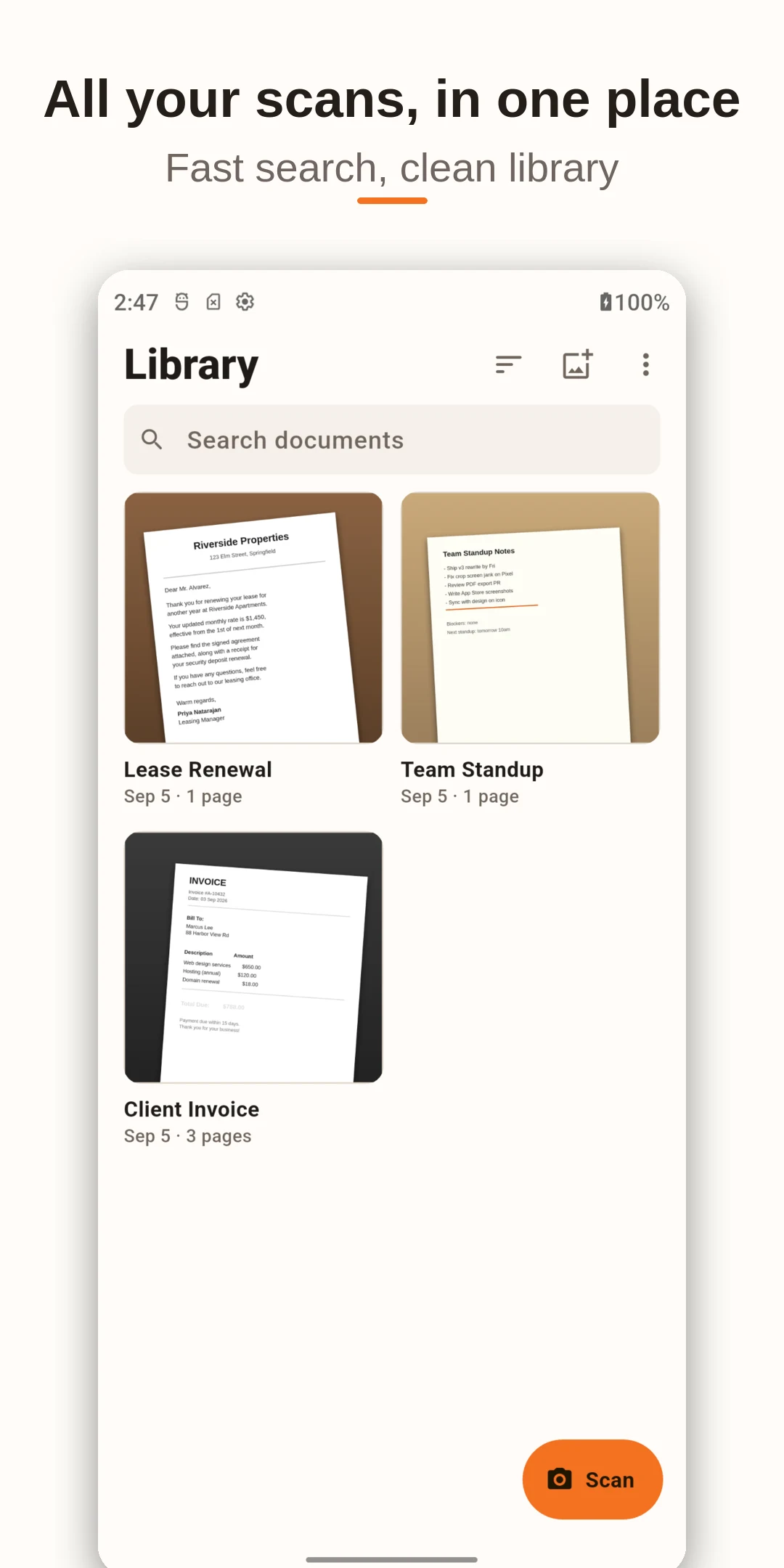
Its document library groups saved scans. You can apply filters, compress a document and choose which pages to export. PDF is useful for a document with several pages; JPG is an option when another app needs an image. The normal Android sharing options let you send a result through a compatible messaging or storage app.
OpenScan is offered free on Google Play. Scanning a page captures its appearance. The reviewed publisher information does not establish searchable text recognition, so choose an app with verified OCR support if editable text is your main requirement.
What you can do
- Camera document scanning
- Page-edge cropping
- Document filters
- PDF and JPG export
- Compression and selective exports
Free features and limits
Searchable text recognition was not established by the reviewed publisher information.
Alternatives to OpenScan
FairScan
Scan paper pages into PDFs with automatic detection, correction, on-device processing, and sharing in FairScan for Android.
By fairscan.org

OSS Document Scanner
Scan documents, adjust page edges and contrast, organize files, and export PDFs with OSS Document Scanner for Android.
By Akylas
Choosing between apps
Image credits
App icon
OpenScan app icon
Screenshot 1
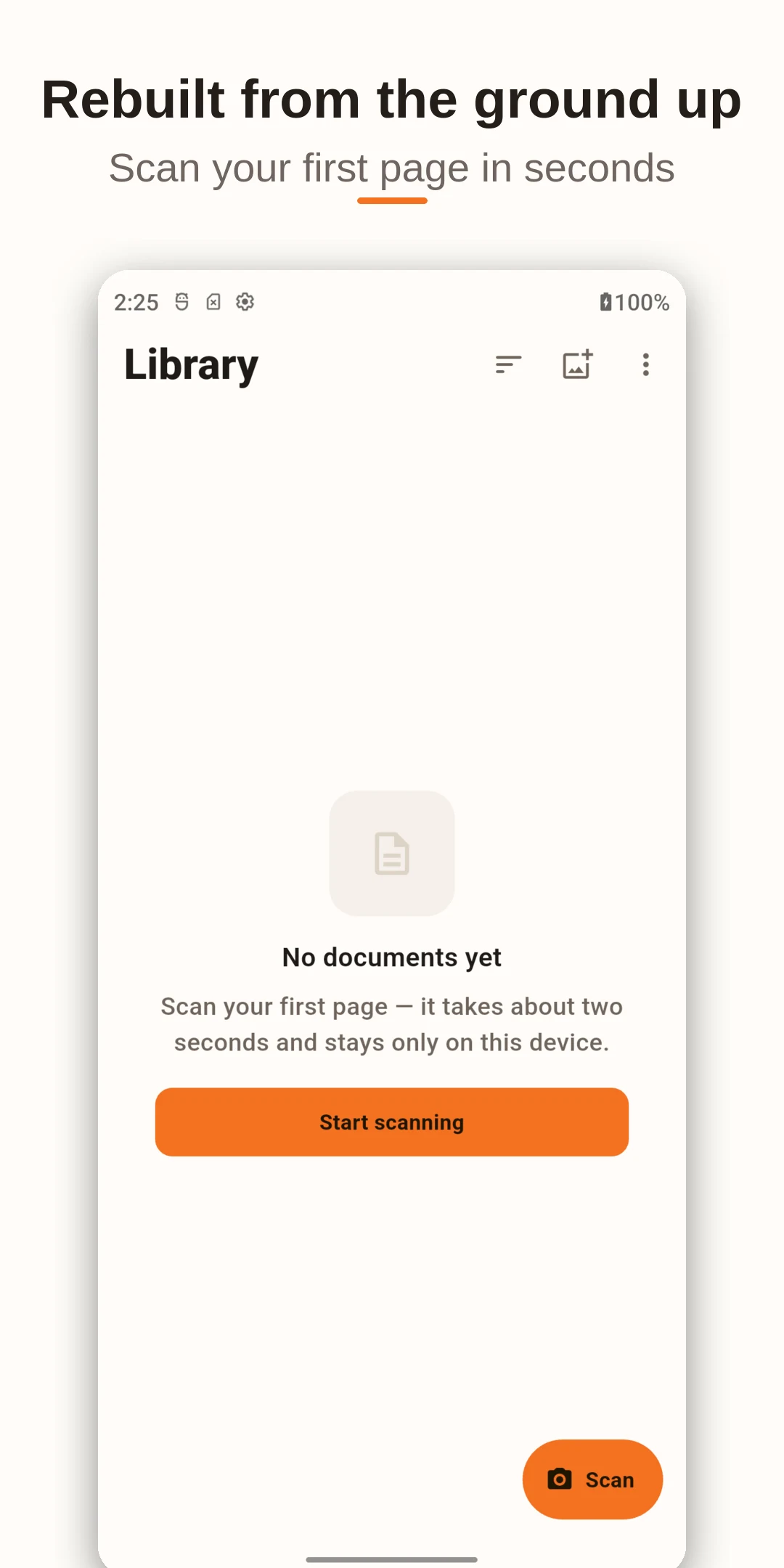
Start a new document scan
Screenshot 2
Document library with sample files
Screenshot 3
Adjust the edges of a scanned invoice