
Fossify Notes
Notes and productivitySave notes and checklists, then place useful notes in Android home-screen widgets.
By Fossify
Get Fossify Notes
Store availability and purchase options can vary by country. Check the listing for your device.
Screenshots
Select a screenshot to enlarge it.
About Fossify Notes
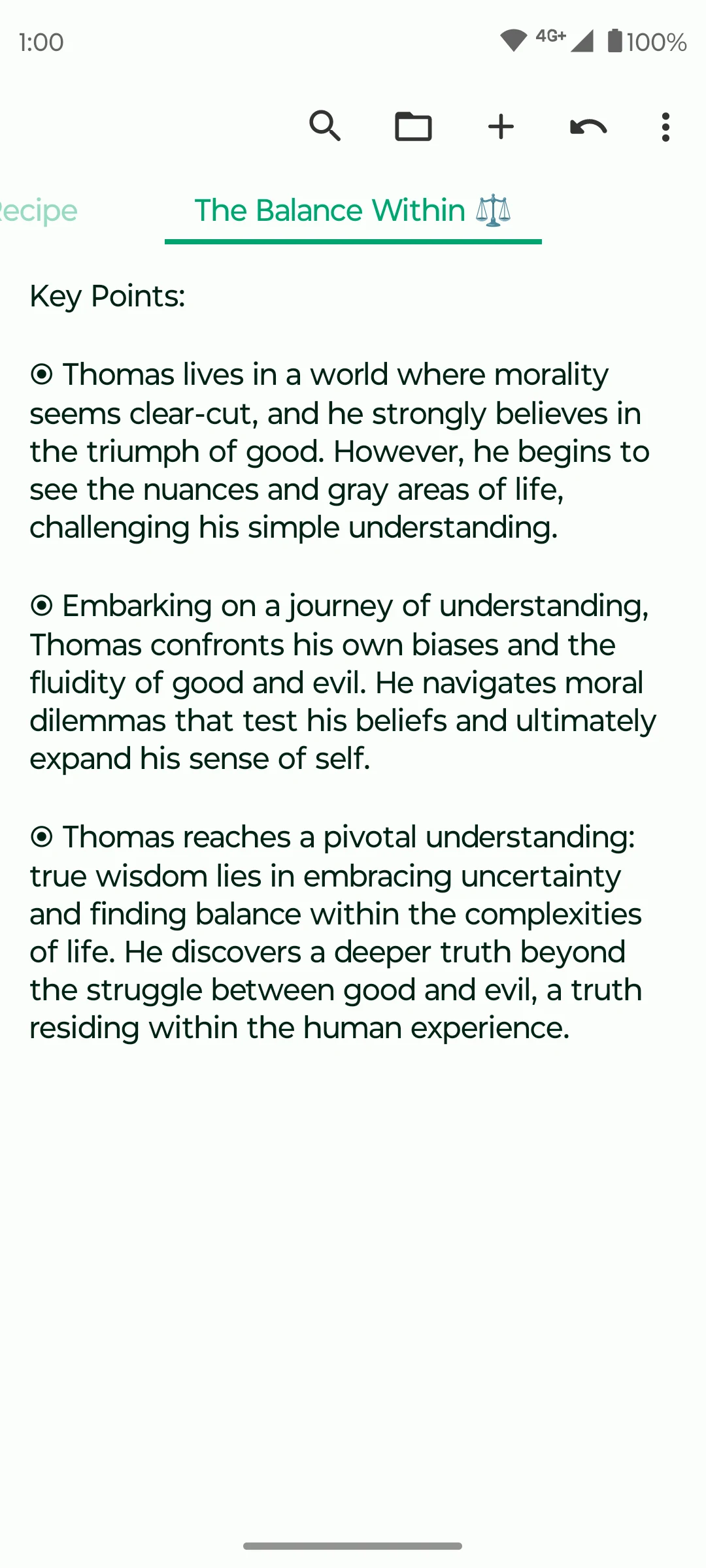
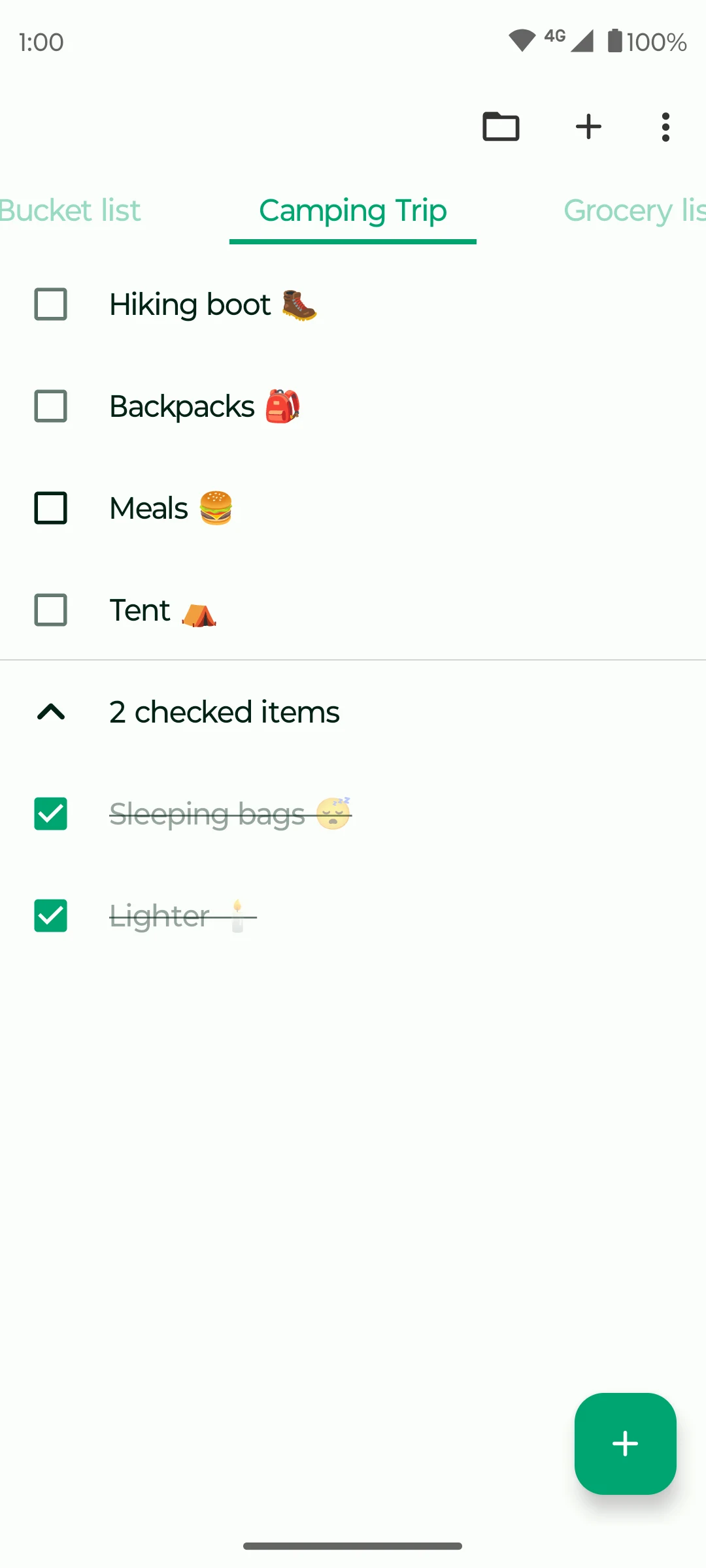
Fossify Notes keeps written notes and checklists on an Android phone. You can use a plain note for an idea or a longer passage, and use a checklist when individual items need to be marked as complete. Folders help separate notes by subject.
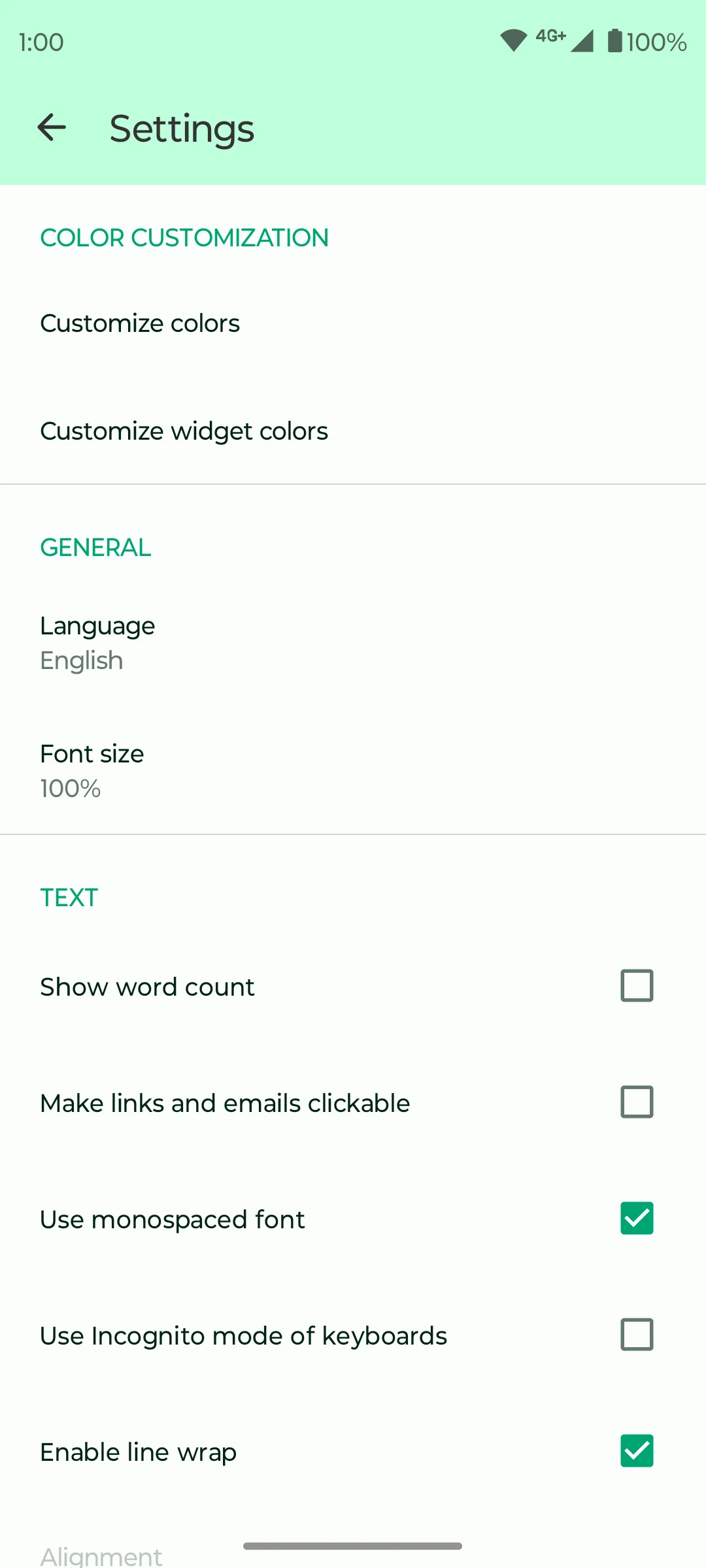
The app includes home-screen widgets, which put a note or list where you can see it without opening the app first. Appearance settings let you change the app's colors.
Fossify describes its note app as free and without ads. It is a local note-taking choice rather than a complete shared-workspace service. Review the official listing before relying on it for a particular backup, synchronization or device feature.
What you can do
- Written notes
- Checklists
- Folders
- Home-screen widgets
- Appearance settings
Free features and limits
Cloud collaboration and synchronization were not established by the reviewed sources.
Alternatives to Fossify Notes

Notally
Keep short notes and lists with labels, reminders and export options on Android.
By Om Godse

NotallyX
Create Android notes and nested lists with formatting, labels and reminders.
By Crustack

Noto
Organize local notes into folders, filter them with labels, and protect selected folders in Noto's vault.
By Ali Albaali
Choosing between apps
Image credits
App icon
Fossify Notes app icon
Screenshot 1
Written note
Screenshot 2
Checklist with completed items
Screenshot 3
Text and appearance settings