
Noto
Notes and productivityOrganize local notes into folders, filter them with labels, and protect selected folders in Noto's vault.
By Ali Albaali
Get Noto
Store availability and purchase options can vary by country. Check the listing for your device.
Screenshots
Select a screenshot to enlarge it.
About Noto
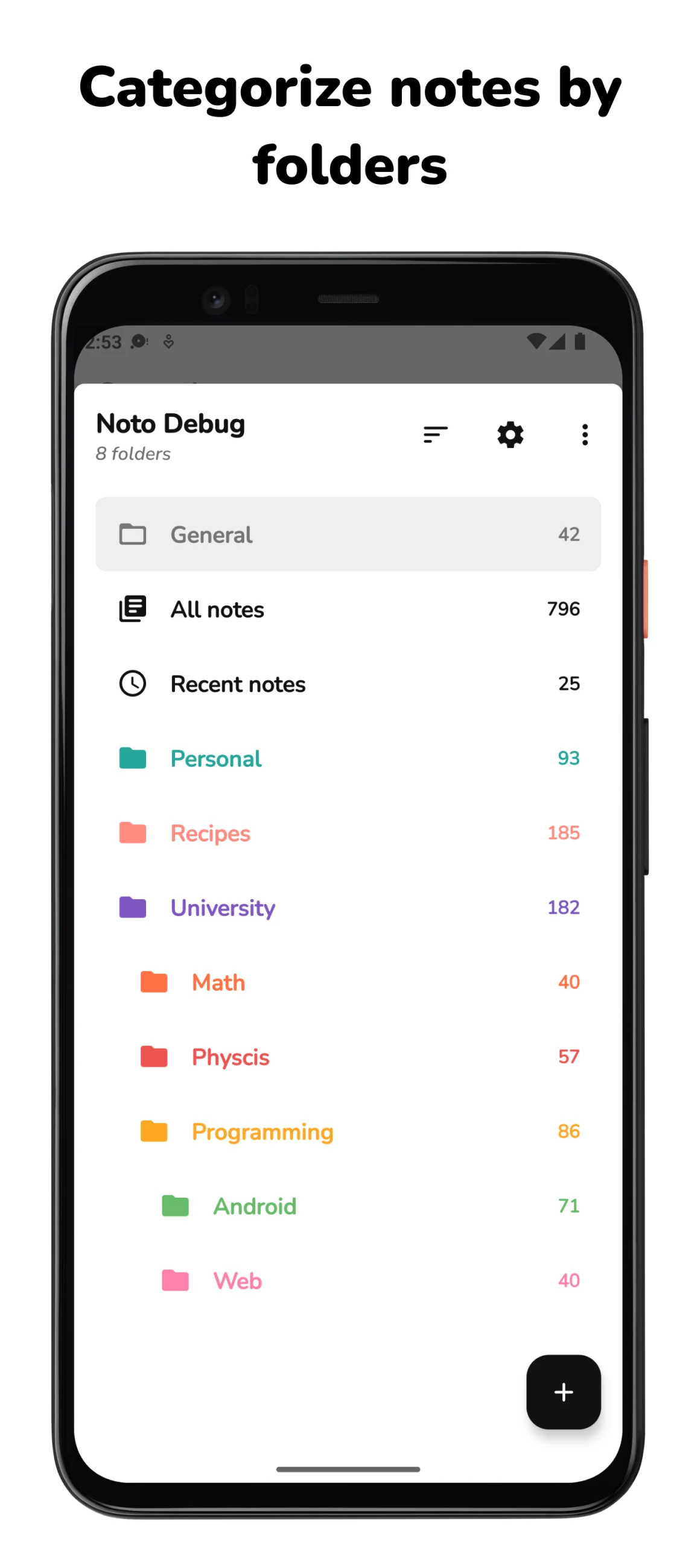
Noto is an Android note app that stores notes and folders locally on the device. Separate subjects into named, colored folders, then use labels within a folder to find related notes. Pin frequently used notes and folders so they remain easy to reach.
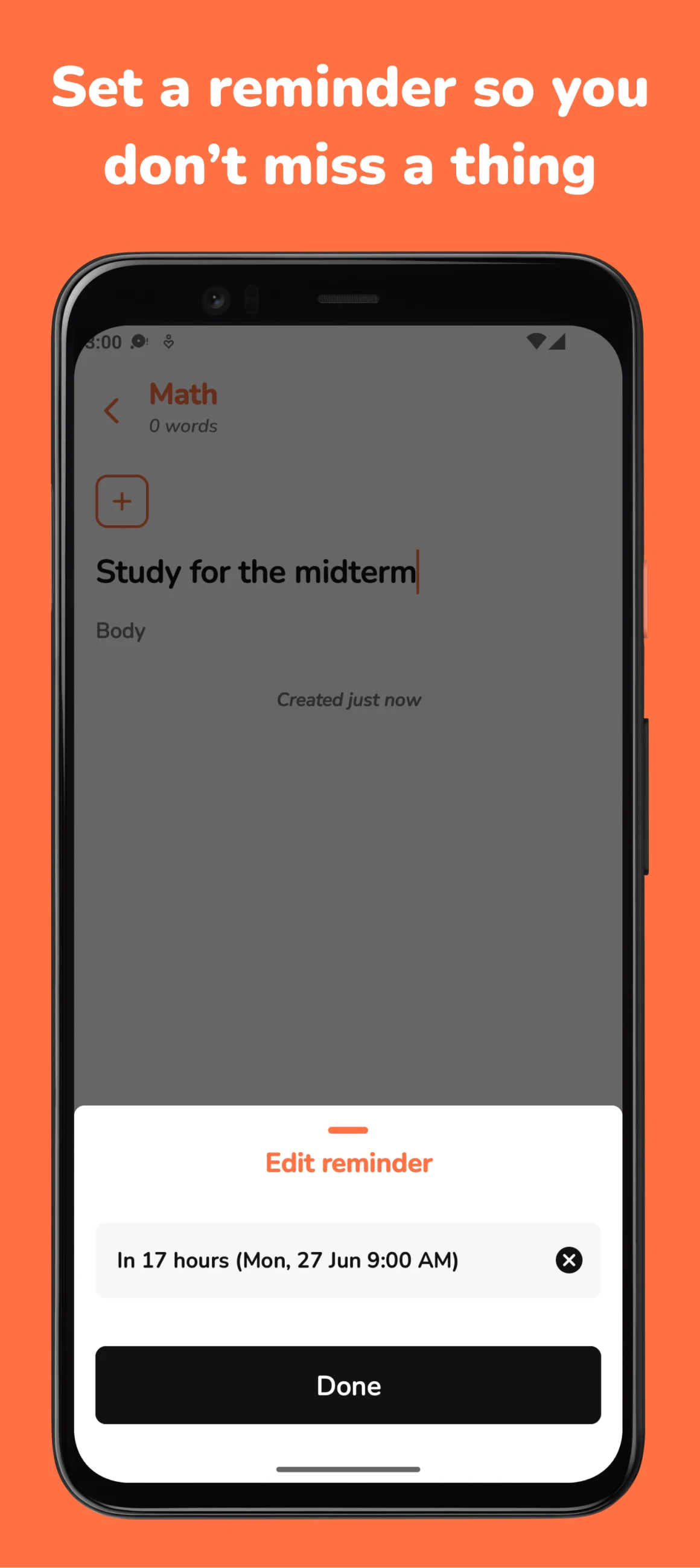
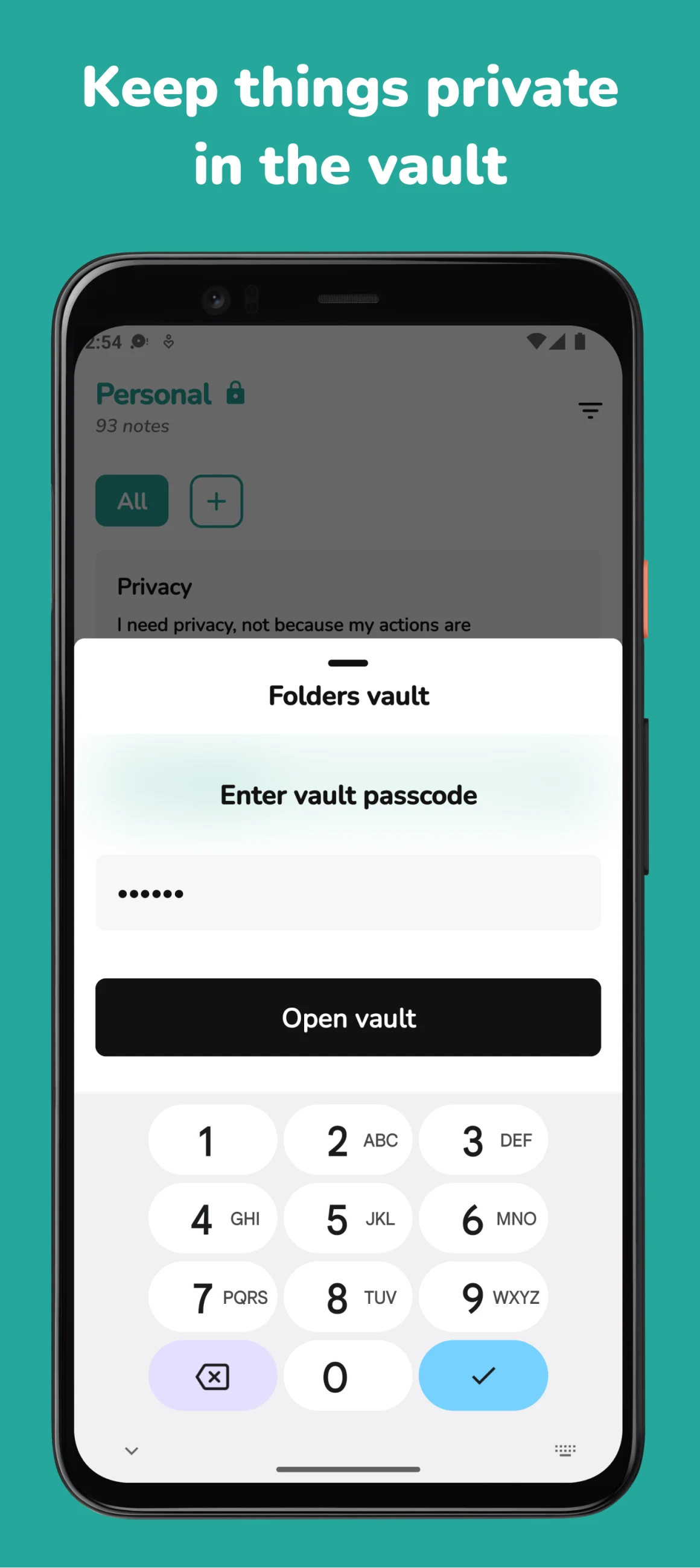
For material you want to keep private, Noto provides a folder vault with passcode and supported biometric unlocking. It also offers note reminders and an editing history with undo and redo. These tools suit personal lists, study notes, and short written records that you want to organize on one phone.
The publisher says Noto is free and has no ads. Its local-storage approach means you should plan how to protect your notes when changing or resetting a phone. Check the publisher's current backup and transfer instructions before removing an installation.
What you can do
- Colored note folders
- Folder-specific labels
- Pinned notes and folders
- Folder vault
- Note reminders
Free features and limits
The publisher describes local device storage; plan note backup before changing or resetting a phone.
Alternatives to Noto

Fossify Notes
Save notes and checklists, then place useful notes in Android home-screen widgets.
By Fossify

Notally
Keep short notes and lists with labels, reminders and export options on Android.
By Om Godse

NotallyX
Create Android notes and nested lists with formatting, labels and reminders.
By Crustack
Image credits
App icon
Noto app icon
Noto by Ali Albaali and contributors. Project files under Apache-2.0. App-icon gradients use Collection of Gradients by Geoffrey Crofte (https://geoffreycrofte.com/), licensed CC BY 4.0 (https://creativecommons.org/licenses/by/4.0/); source collection https://www.figma.com/community/file/830405806109119447/. The publisher's icon combines the gradient with Noto artwork; WapTRICK has not altered it.
Screenshot 1
Note folders and their colors
Screenshot 2
Set a reminder for a note
Screenshot 3
Unlock a folder vault