Bridge Build
Connect the islands with single or double bridges so every island count matches.
The game opens here and keeps you on WapTRICK.
How to play Bridge Build
Touch controls: Tap any island button, then tap a second one; islands are round buttons at least 48 pixels across even on a 320 pixel wide screen, the water between them never needs to be hit, and the plan scales to fit without sideways scrolling.
Keyboard controls: Arrow keys and W A S D move the island cursor, Enter picks an island and then links it to the next one picked, Backspace removes the bridges from the picked island, N clears every bridge, Enter or Space starts a run from the title or the end screen, P or Escape pauses, R restarts, M toggles sound.
Screen: This game works best in any orientation.
About Bridge Build
Bridge Build is a plan of islands on water. Each island prints a number, and that number is exactly how many bridge ends it will accept: an island marked 4 wants four bridges, whether that means four single bridges or two doubles. A bridge may run along a row or a column, may not be longer than two grid steps, may not pass over another island, and may never cross another bridge.
The last rule is what turns the plan into a puzzle. Bridges that cross are never allowed even when every count would be satisfied, and the finished plan has to leave every island in one connected network rather than several separate clusters. Six plans make a run, each with one more island than the last.
You might also like

Truth Tangle
Work out which villagers tell the truth and which always lie.
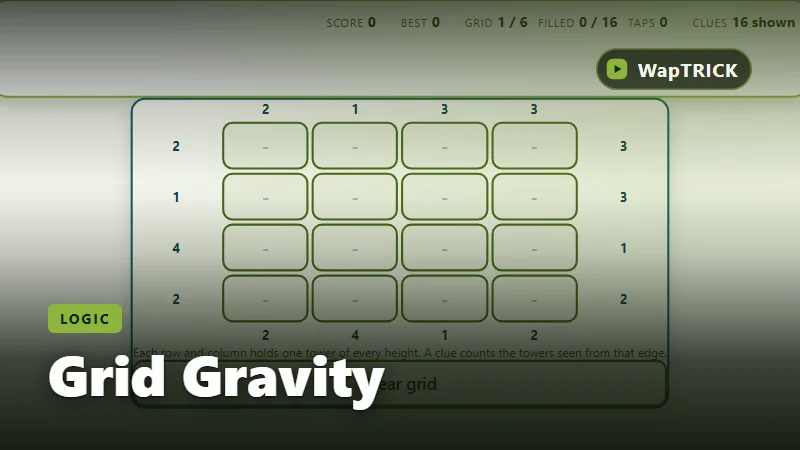
Grid Gravity
Place towers of different heights so every sightline clue is satisfied.
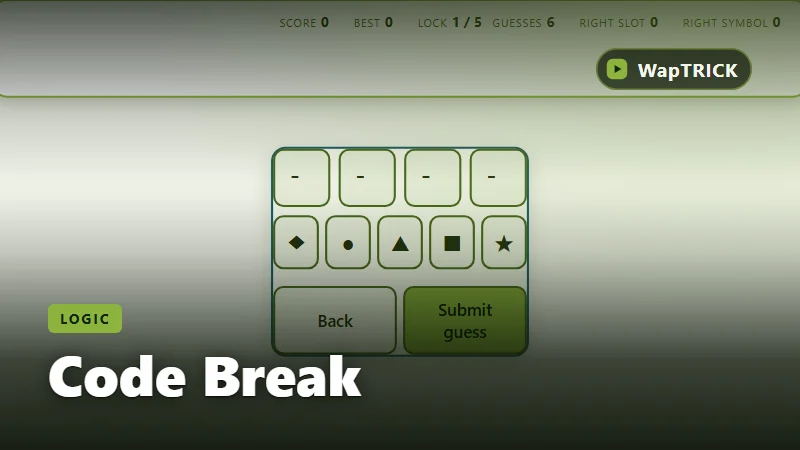
Code Break
Narrow down the four symbol code from the feedback after each guess.
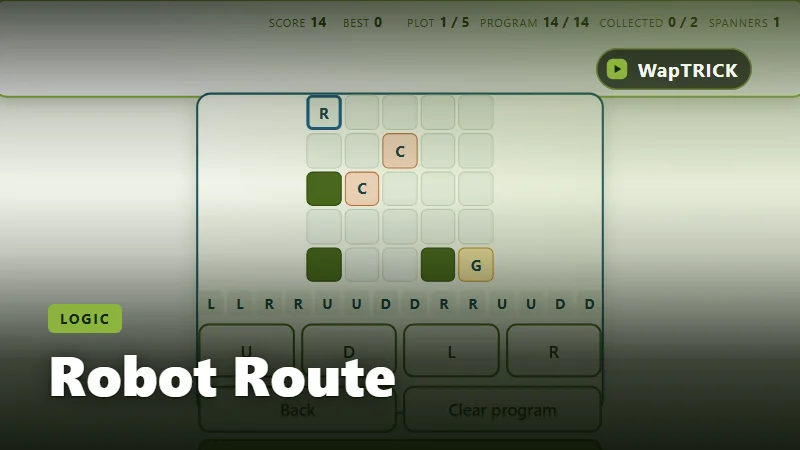
Robot Route
Write a short list of moves, run it, and guide the robot to the harvest tile.