
Vespucci
Maps and travelSurvey places, edit street properties, and contribute OpenStreetMap data with Vespucci for Android.
By Marcus Wolschon
Get Vespucci
Store availability and purchase options can vary by country. Check the listing for your device.
Screenshots
Select a screenshot to enlarge it.
About Vespucci
Vespucci edits OpenStreetMap data on an Android phone. Use it while surveying an area to add places, update street details, or correct existing map objects. It supports nodes, ways, relations, tags, and editing presets for common features.
The property editor provides forms and suggestions for map details. Other tools include GPS tracks, OpenStreetMap notes, object searches, and checks for missing or inconsistent tags. Data can be downloaded in advance or loaded from supported files for offline work, then saved locally.
The app is free. An OpenStreetMap account and authorization are required to upload changes, and uploading needs an internet connection. Vespucci is an advanced mapping editor, so newcomers should read the publisher's editing guide before submitting changes to the shared map.
What you can do
- Edit map nodes, ways, relations and tags
- Preset forms and property suggestions
- GPS track support
- OpenStreetMap notes and data checks
- Download, load and save offline map data
Free features and limits
The editor is free. Data and relevant reference material need to be downloaded or supplied before offline work.
Alternatives to Vespucci

StreetComplete
Answer simple questions about nearby streets and places to improve OpenStreetMap with StreetComplete for Android.
By westnordost

Every Door
Check nearby shops, add building entrances and map small street features for OpenStreetMap with Every Door on Android or iPhone.
By Ilja Zverev
Image credits
App icon
Vespucci app icon
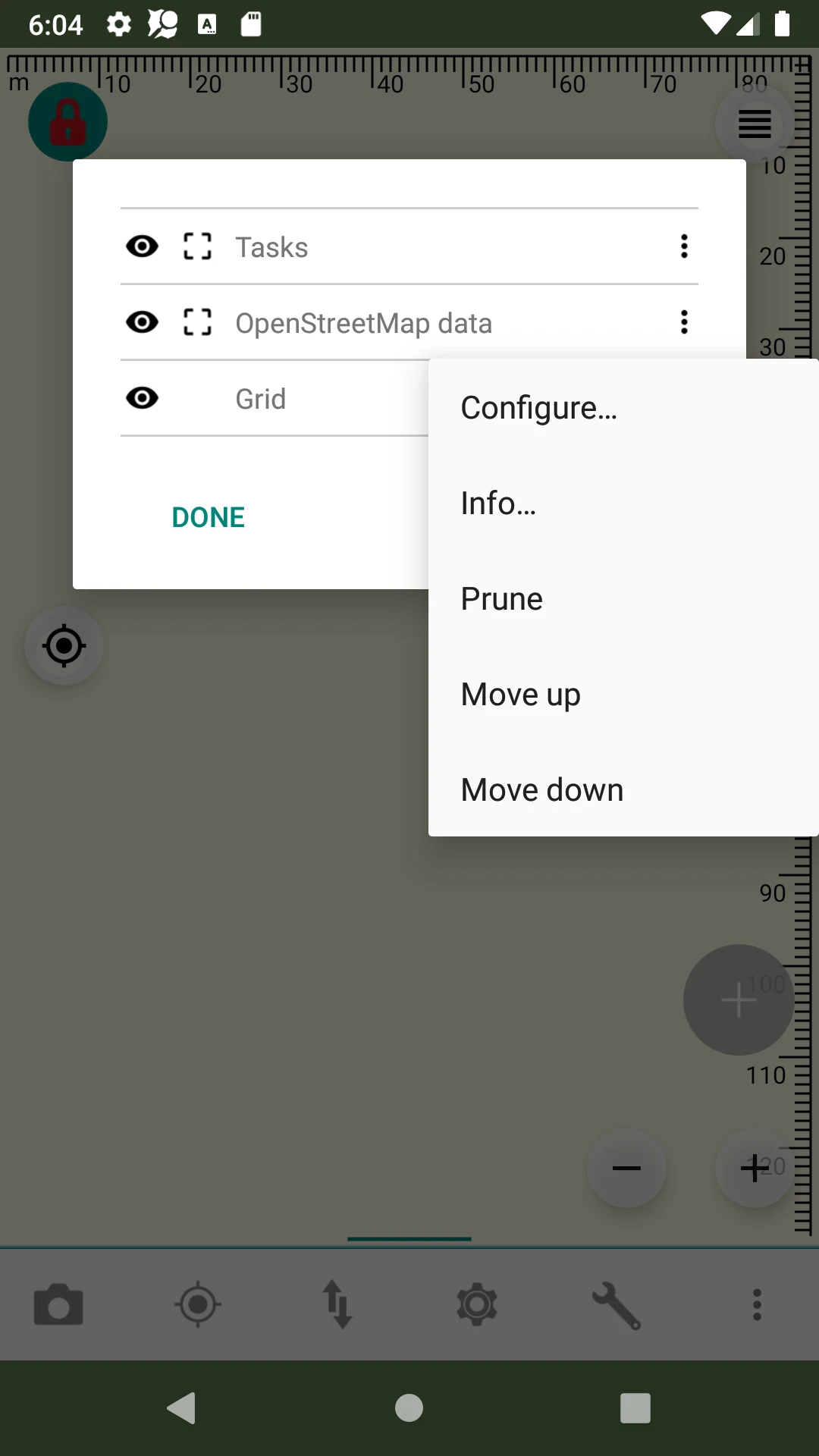
Screenshot 1
Earlier Android data-layer configuration
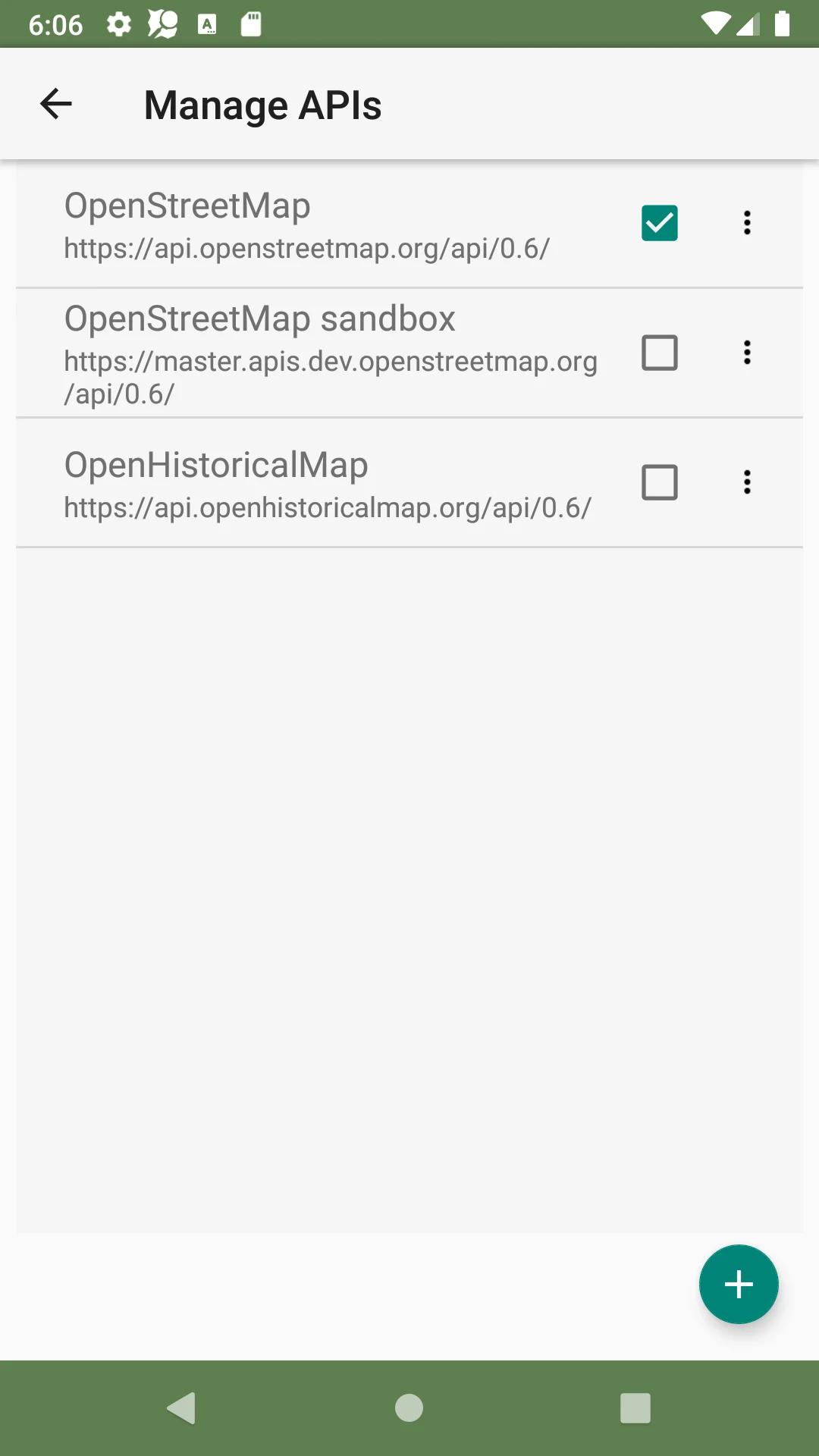
Screenshot 2
Earlier Android OpenStreetMap API selection
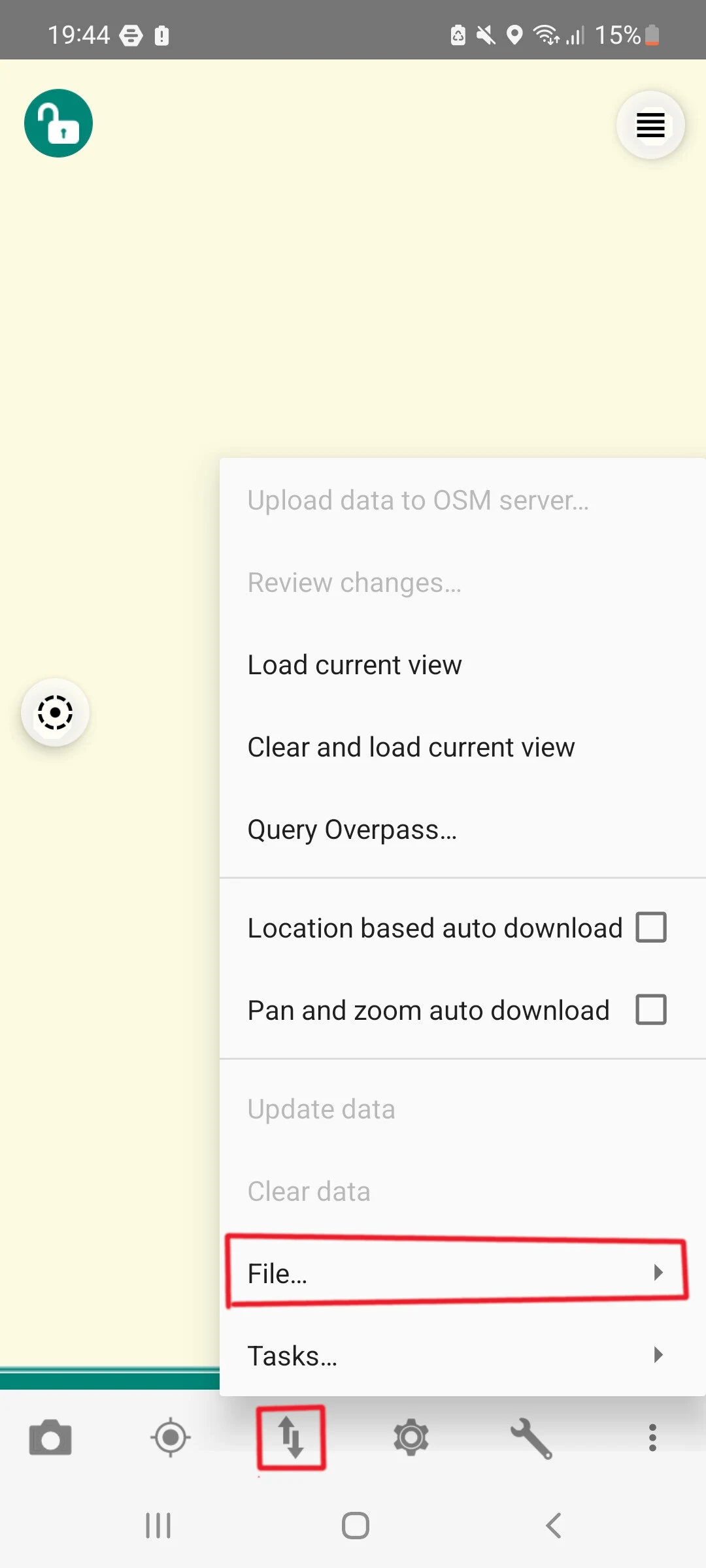
Screenshot 3
Publisher-annotated Android menu for loading saved map data
Vespucci publisher screenshot from the 2024 Offline Guide by Tomáš Hnyk; Apache-2.0. Full project credits and GPL-3.0/OFL component notices retained. Unchanged publisher annotations.