
LocalSend
Utilities and securitySend files to nearby devices over a local network without a cloud-storage account.
By Tien Nam Do
Get LocalSend
Store availability and purchase options can vary by country. Check the listing for your device.
Screenshots
Select a screenshot to enlarge it.
About LocalSend
LocalSend sends files and messages between nearby devices on a local network. It is useful when a photo, document or folder needs to move from a phone to another device without first uploading it to cloud storage. Each device needs LocalSend installed.
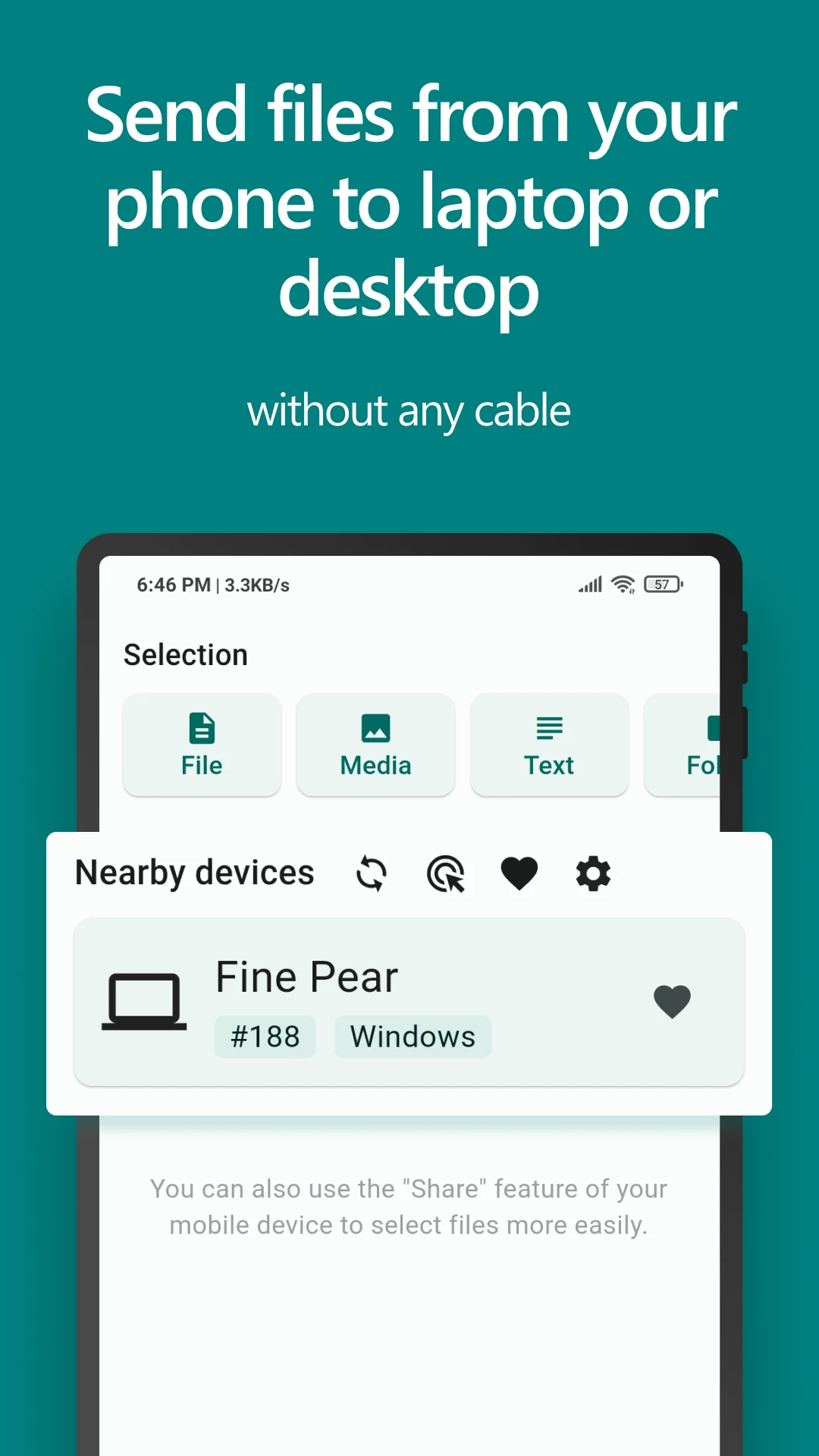
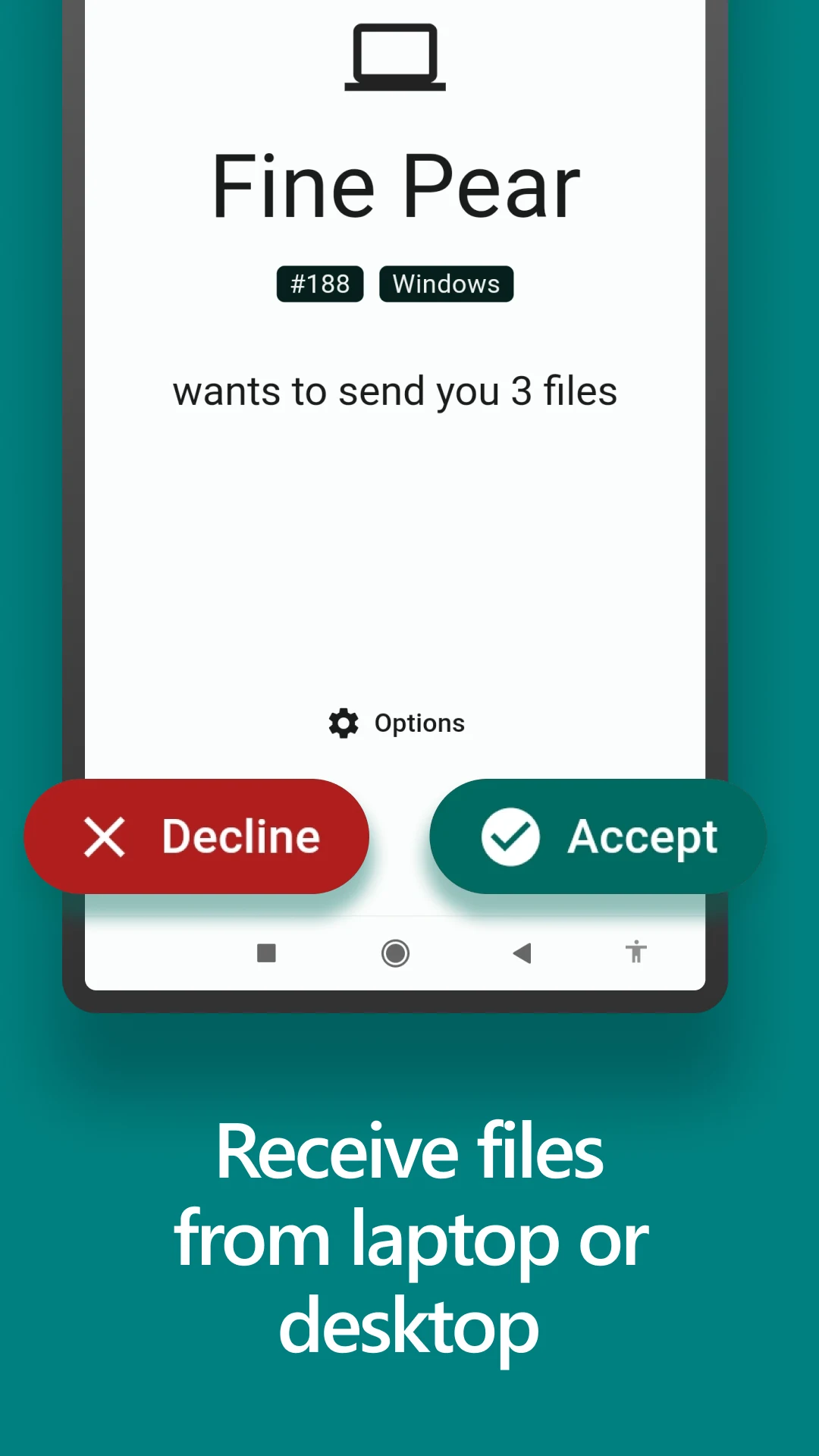
The sending screen lets you choose what to transfer and select a nearby recipient. The receiving device can accept or decline the transfer. Device names help identify the recipient, so check the name before sending a personal file.
LocalSend is free and open source. The publisher describes it as working without an internet connection or an external server. Both devices still need a local network connection that allows them to communicate with each other.
What you can do
- Local file transfers
- Nearby-device discovery
- Accept or decline incoming files
- Text sharing
Free features and limits
Both devices need LocalSend and a local network that allows device-to-device communication.
Alternatives to LocalSend

Image credits
App icon
LocalSend app icon
Screenshot 1
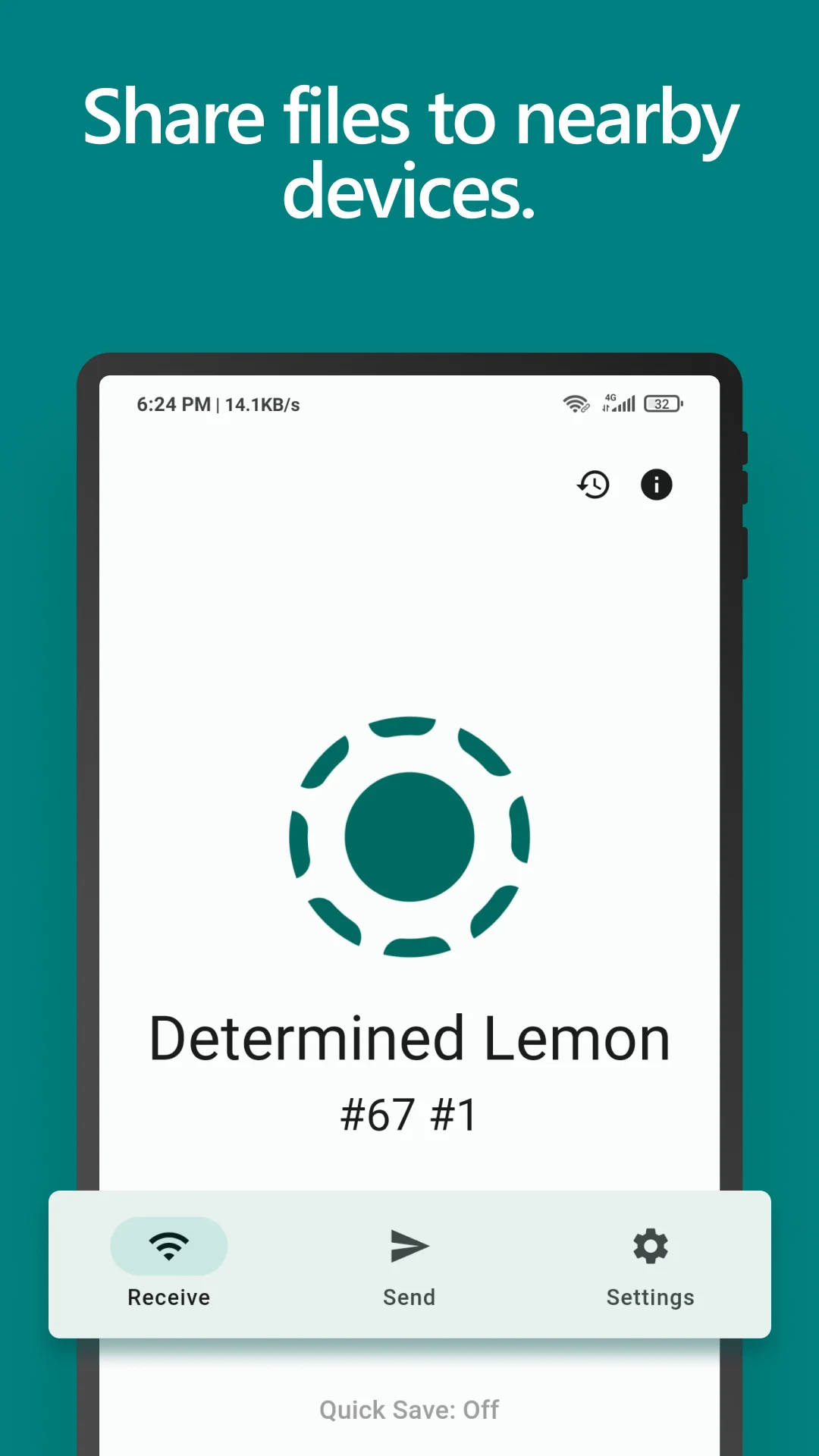
Receive screen and device name
Screenshot 2
Select files and a nearby recipient
Screenshot 3
Accept or decline incoming files