KDE Connect
Utilities and securityShare files and clipboard text between an Android phone and computer over Wi-Fi.
By KDE Community
Get KDE Connect
Store availability and purchase options can vary by country. Check the listing for your device.
Screenshots
Select a screenshot to enlarge it.
About KDE Connect
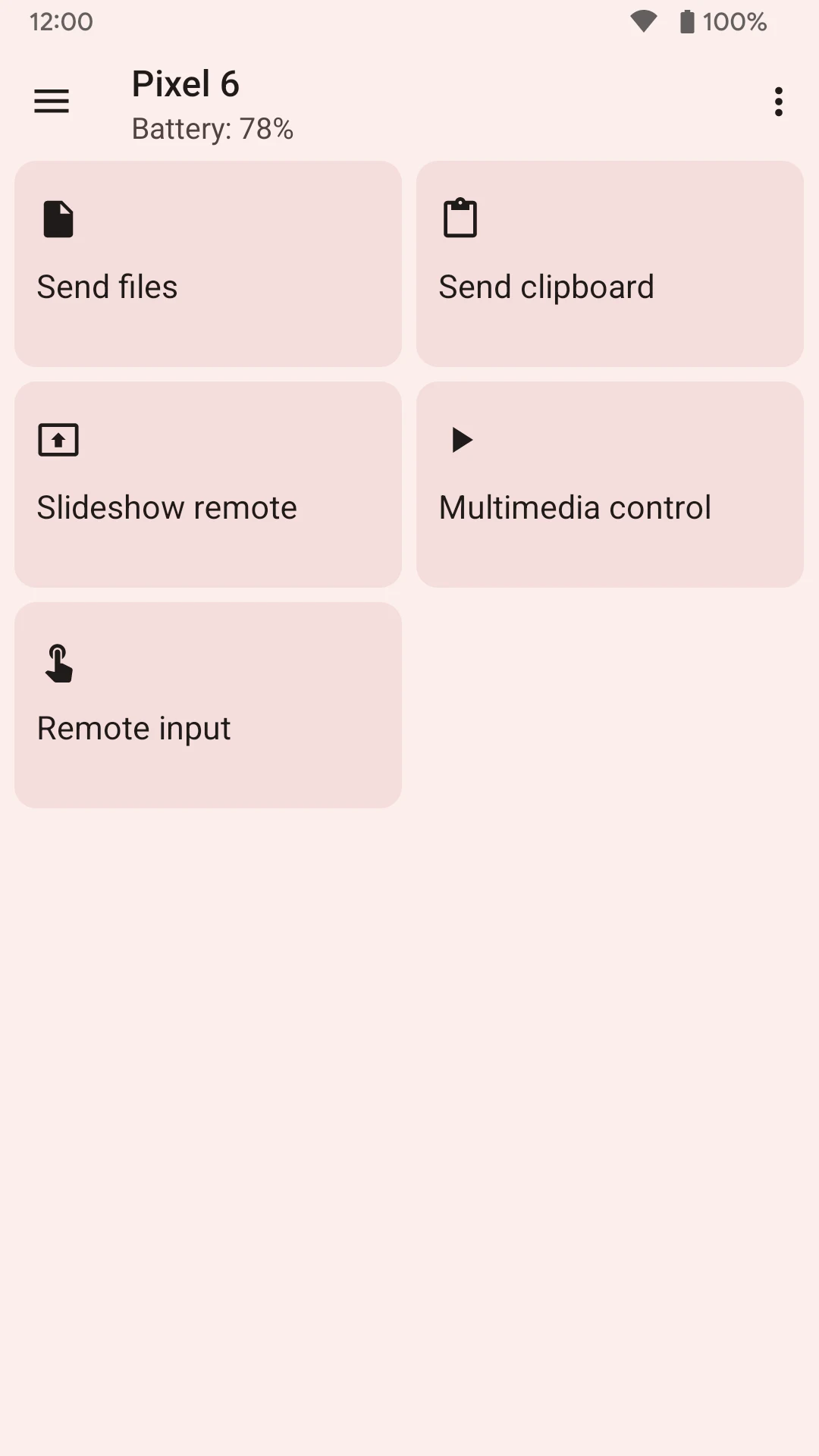
KDE Connect links an Android phone with a computer running KDE Connect. It uses the existing Wi-Fi network, so you can send a file or website address between devices without a USB cable. Shared clipboard support also helps when text copied on one device is needed on the other.
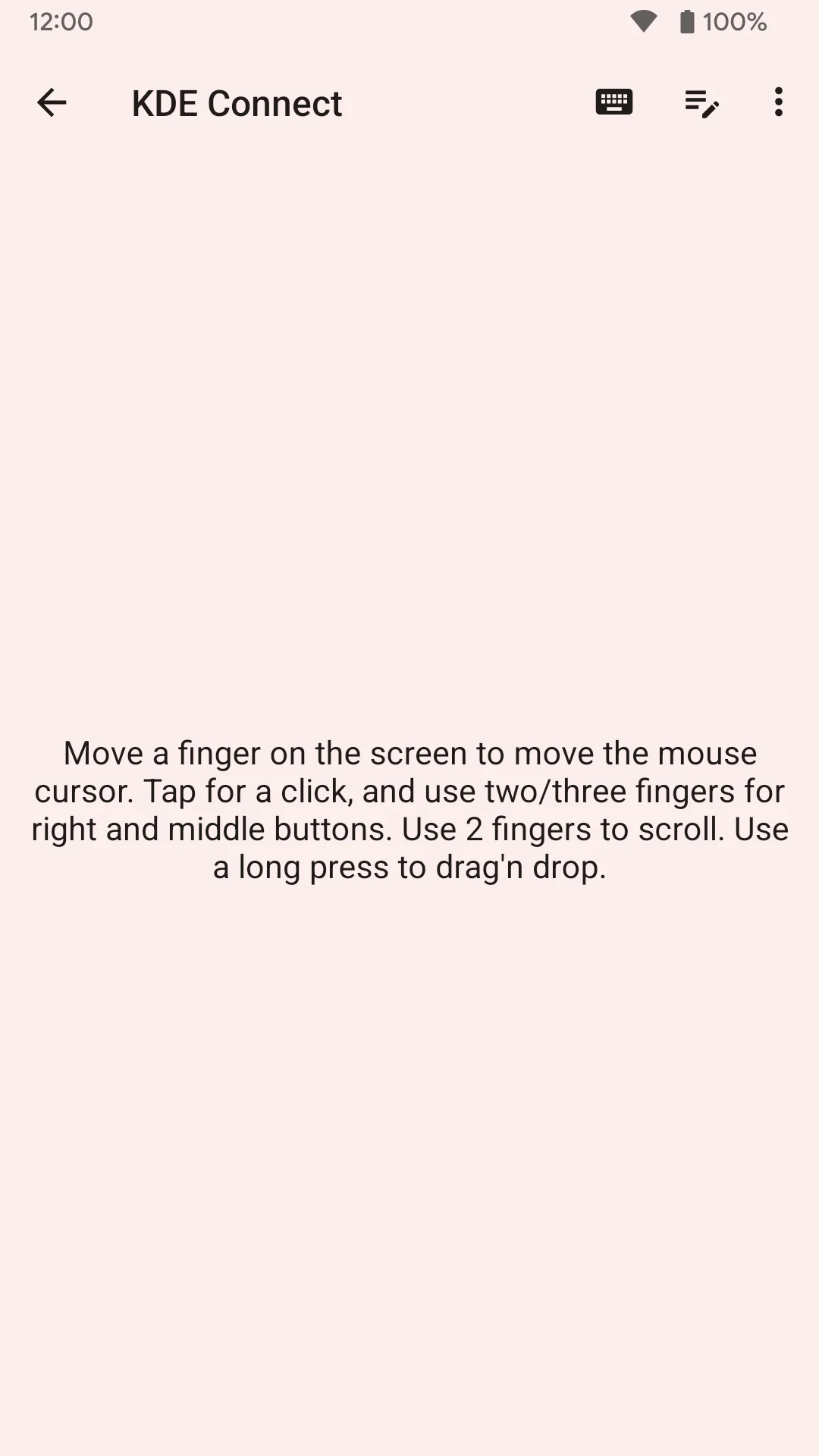
The Android app can show phone notifications on the computer and let you reply to supported messages. Its remote-input screen works as a touchpad and keyboard for the computer. Media controls can operate compatible desktop players. These features are useful when a phone and computer are part of the same daily work.
KDE Connect is available free on Google Play. Install the companion software on the computer and keep the two versions compatible. Features require the relevant Android permissions; notification access and remote input are separate capabilities you can choose to enable.
What you can do
- File and URL sharing
- Shared clipboard
- Notification synchronization
- Remote touchpad and keyboard
- Desktop media controls
Free features and limits
A compatible KDE Connect installation is needed on the other device; individual features require their Android permissions.
Alternatives to KDE Connect

Image credits
App icon
KDE Connect app icon
Screenshot 1
Actions for a connected computer
Screenshot 2
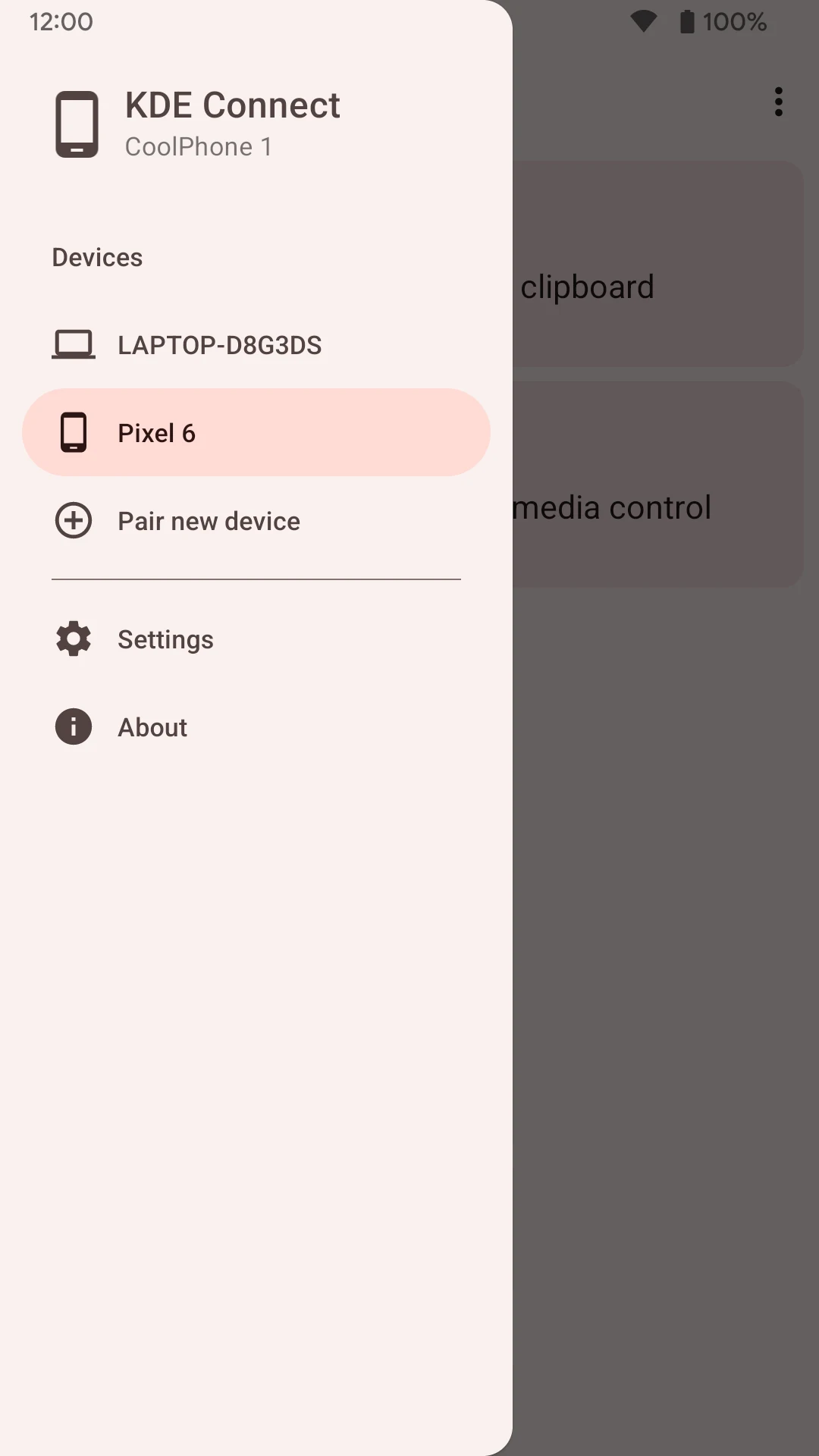
Device list and connection menu
Screenshot 3
Remote touchpad and keyboard controls