
Just (Video) Player
Audio, podcasts and readingPlay video files, select subtitles, and adjust playback speed with Just Player for Android.
By Marcel Dopita
Get Just (Video) Player
Store availability and purchase options can vary by country. Check the listing for your device.
Screenshots
Select a screenshot to enlarge it.
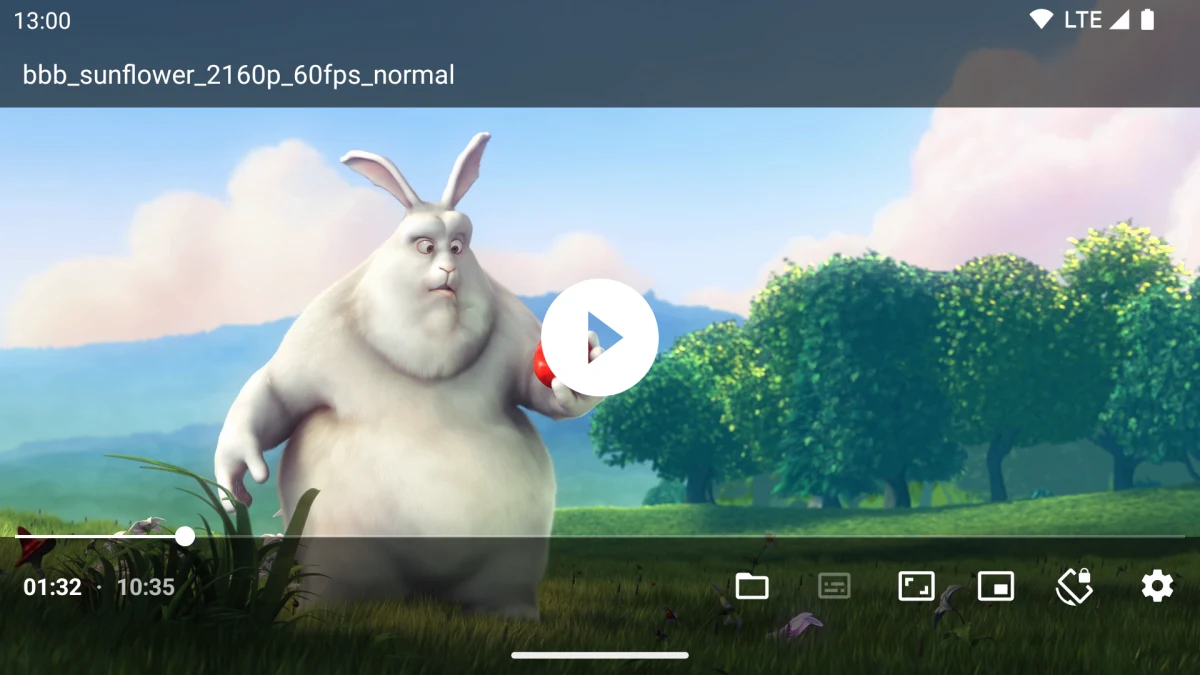
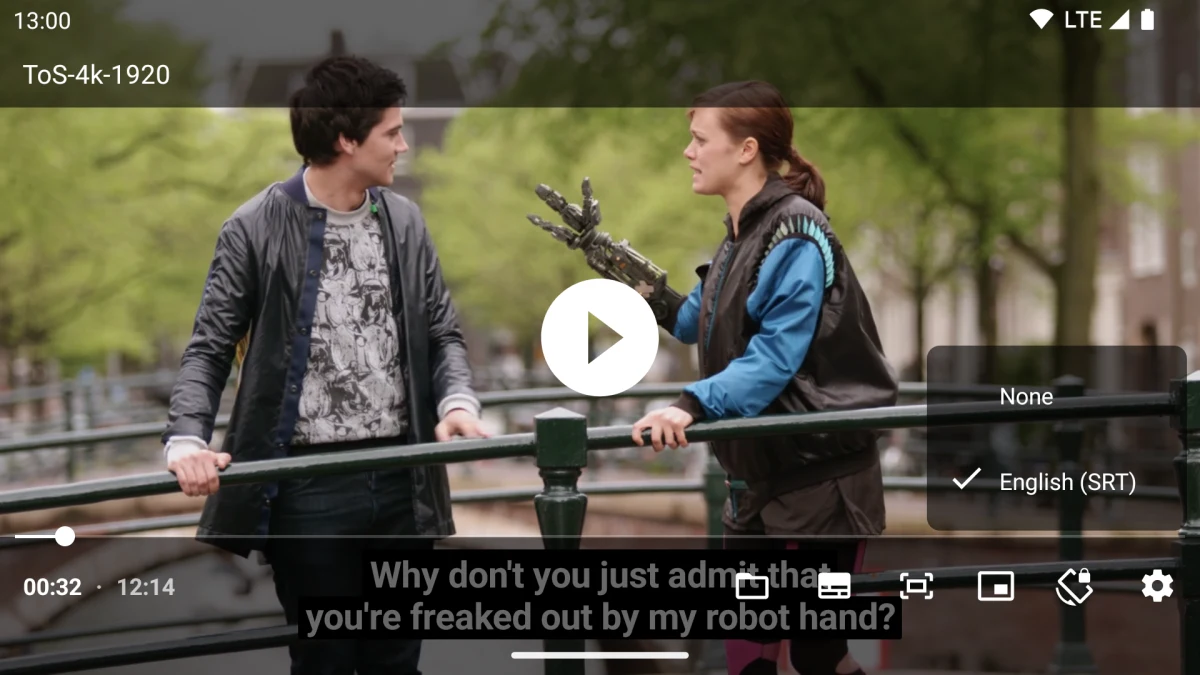
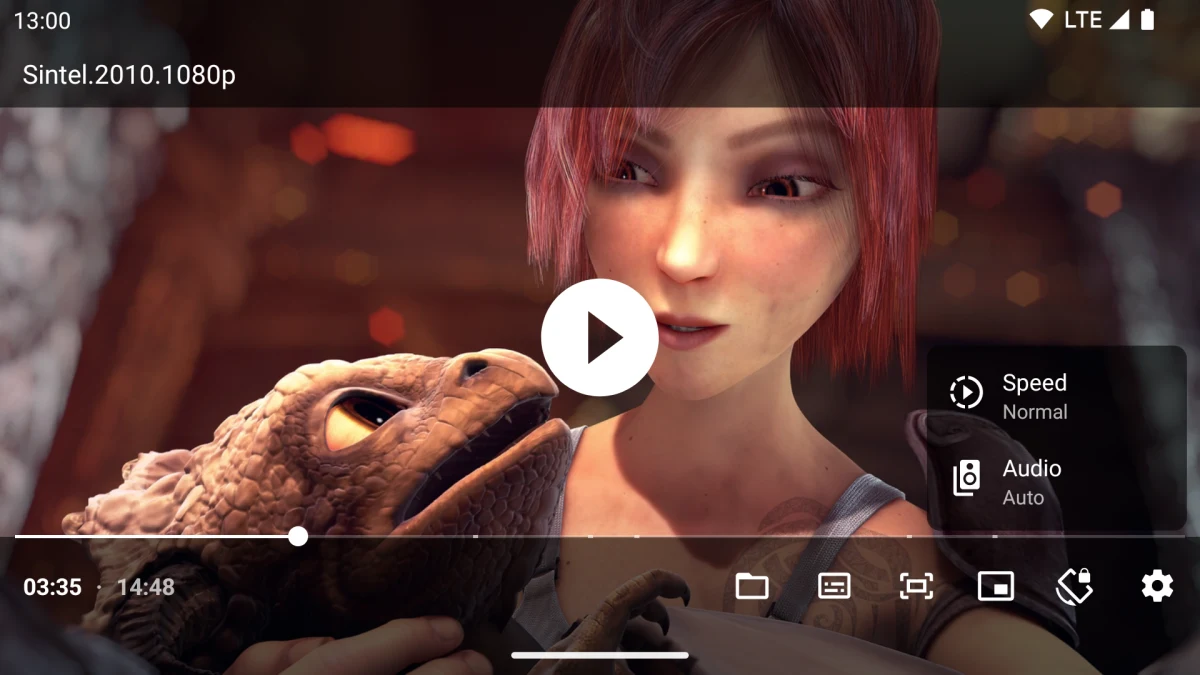
About Just (Video) Player
Just Player opens video files on an Android phone. Its compact player provides subtitle and audio-track selection, playback speed, seeking gestures, and a touch lock. It uses Android's file chooser to locate videos rather than building a separate media library.
Supported containers include MP4, MKV, MOV, and WebM. Picture-in-picture is available on Android 8 or later. HDR playback and some audio formats depend on the phone's hardware and system decoders.
The app is free, and the publisher states that it has no ads or tracking. You supply the video files. It can also handle compatible streaming links opened from another app, which require an internet connection.
What you can do
- Local video playback
- Subtitle and audio-track selection
- Playback speed
- Seeking gestures and touch lock
- Picture-in-picture on supported Android versions
Free features and limits
Video files are supplied by you. Format and HDR support depend on the device and its decoders.
Alternatives to Just (Video) Player

Image credits
App icon
Just (Video) Player app icon
Screenshot 1
Video playback and seeking controls
(c) copyright 2008, Blender Foundation / www.bigbuckbunny.org; film frame CC BY 3.0, https://creativecommons.org/licenses/by/3.0/
Screenshot 2
Choose a subtitle track
(CC) Blender Foundation | mango.blender.org; film frame CC BY 3.0, https://creativecommons.org/licenses/by/3.0/
Screenshot 3
Playback speed and audio controls
© copyright Blender Foundation | www.sintel.org; film frame CC BY 3.0, https://creativecommons.org/licenses/by/3.0/