
Fossify File Manager
Documents, scanning and filesBrowse Android files, switch between list and grid views and inspect storage use.
By Fossify
Get Fossify File Manager
Store availability and purchase options can vary by country. Check the listing for your device.
Screenshots
Select a screenshot to enlarge it.
About Fossify File Manager
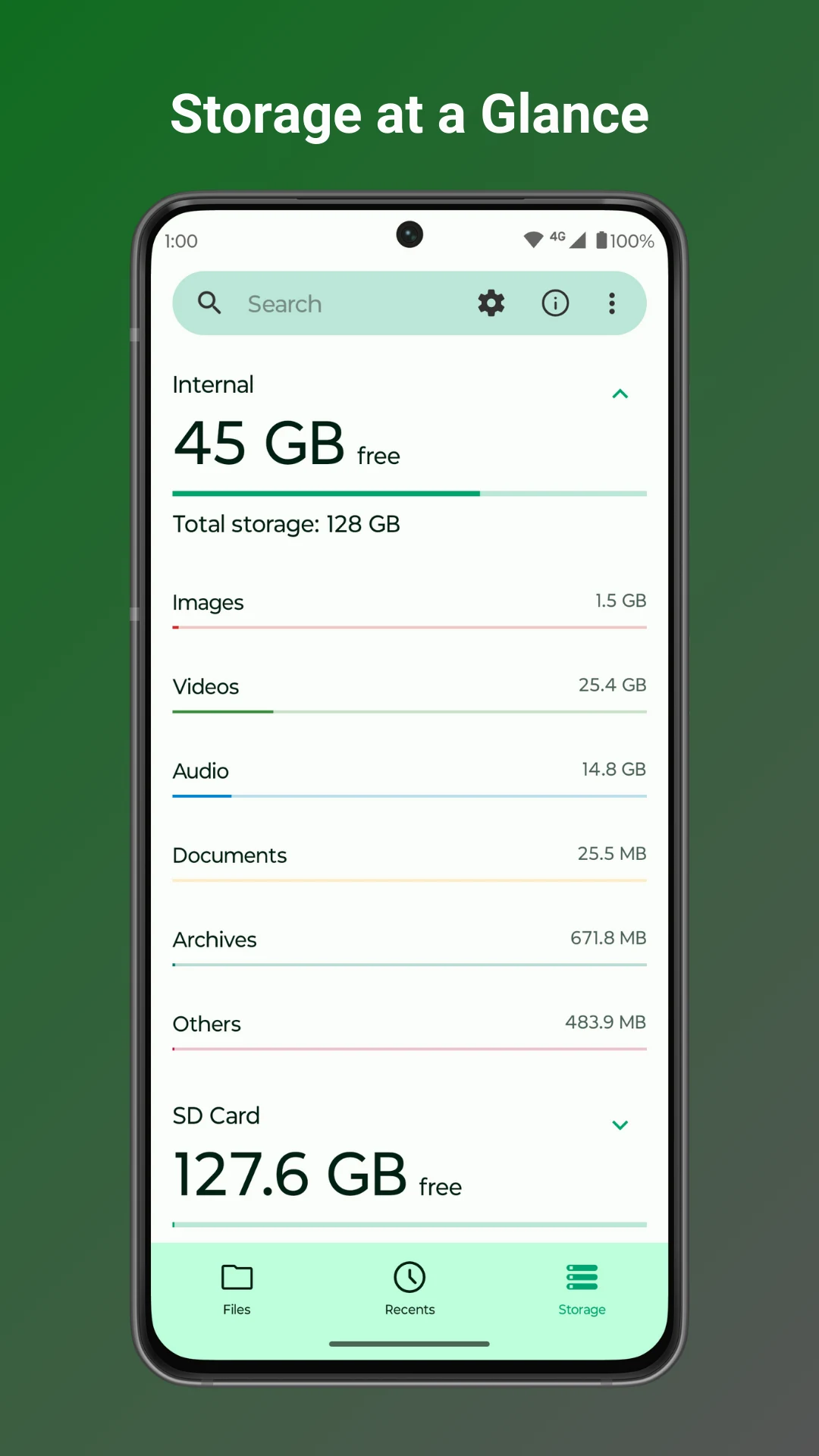
Fossify File Manager helps you browse files and folders on an Android phone. Folders have list and grid views, with file names and basic file information. A separate storage view groups used space into types such as images, videos and documents.
The app includes search and file-management actions for organizing a device's contents. A file manager is useful when downloads, documents and media have become difficult to find through separate apps. Android still controls which locations an app can access, so a file manager cannot promise access to every protected folder.
Fossify describes the app as free and without ads. Check a file's destination before moving it, and keep a separate backup of anything important.
What you can do
- File and folder browsing
- List and grid views
- Search
- Storage overview
Free features and limits
Access to files and folders depends on Android permissions and protected-storage rules.
Alternatives to Fossify File Manager


Image credits
App icon
Fossify File Manager app icon
Screenshot 1
Storage overview
Screenshot 2
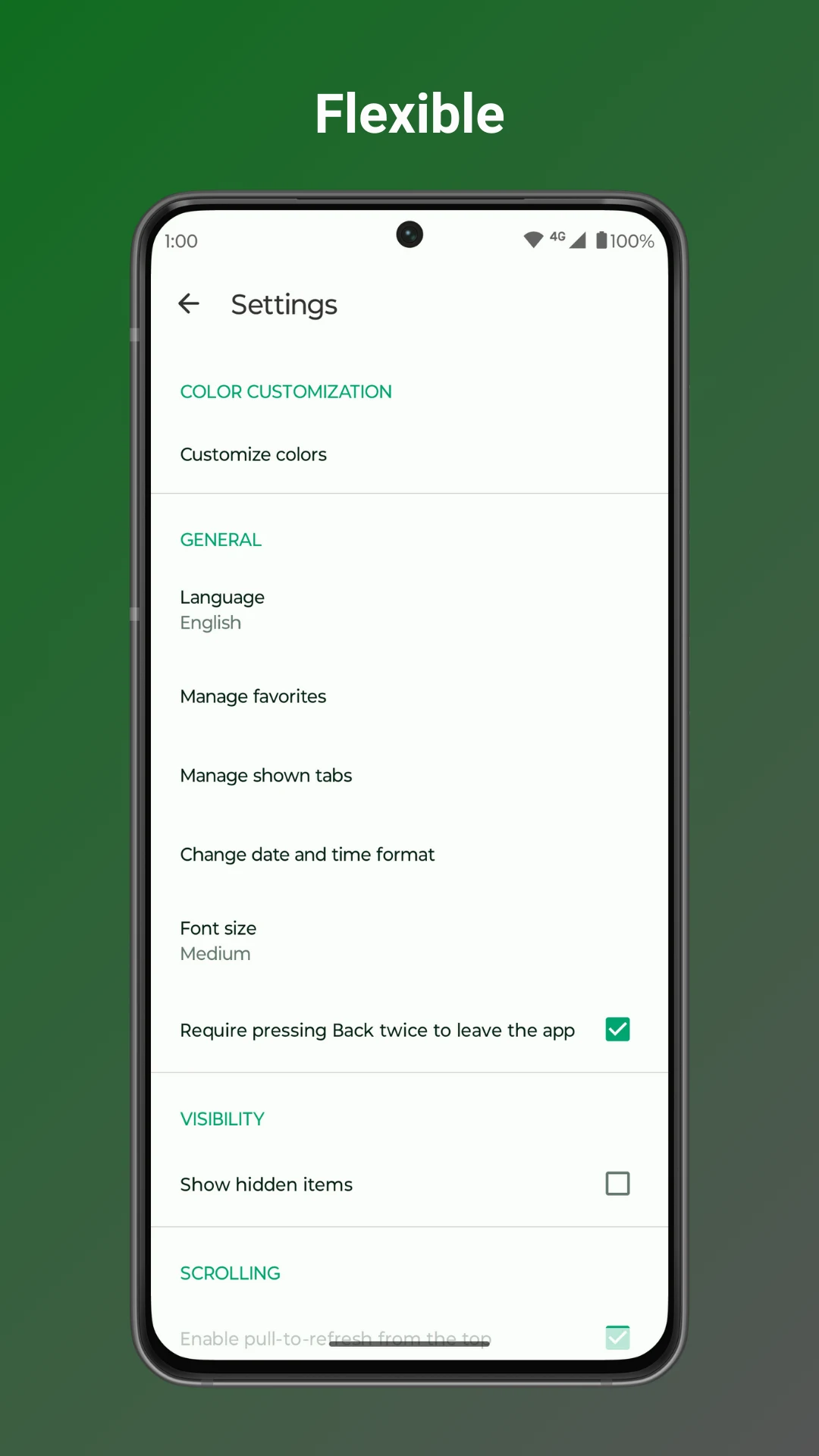
File-manager settings
Screenshot 3
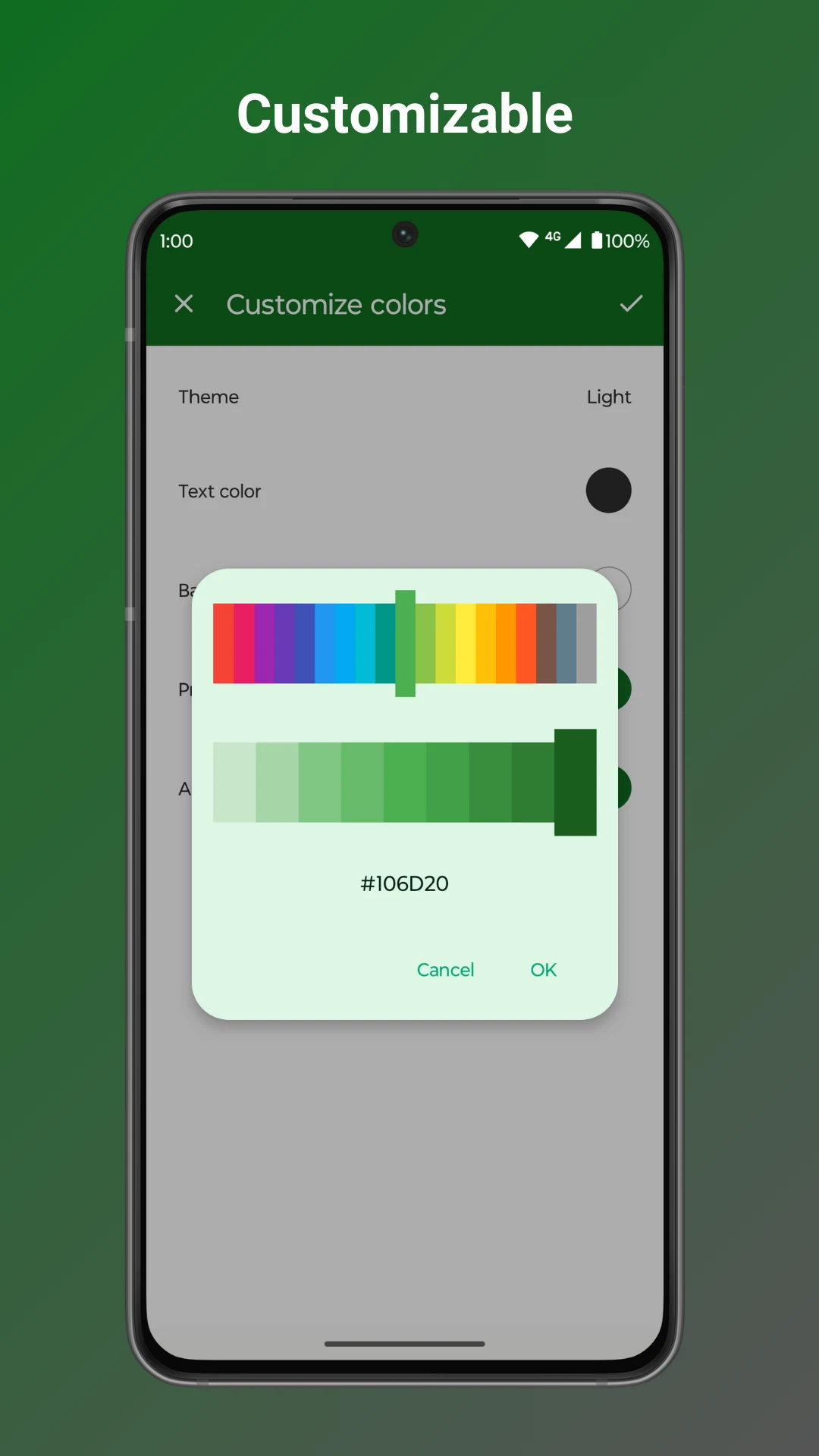
Customize interface colors