
Amaze File Manager
Documents, scanning and filesBrowse phone storage, organize files in tabs, and open archives or text documents with Amaze File Manager for Android.
By Team Amaze
Get Amaze File Manager
Store availability and purchase options can vary by country. Check the listing for your device.
Screenshots
Select a screenshot to enlarge it.
About Amaze File Manager
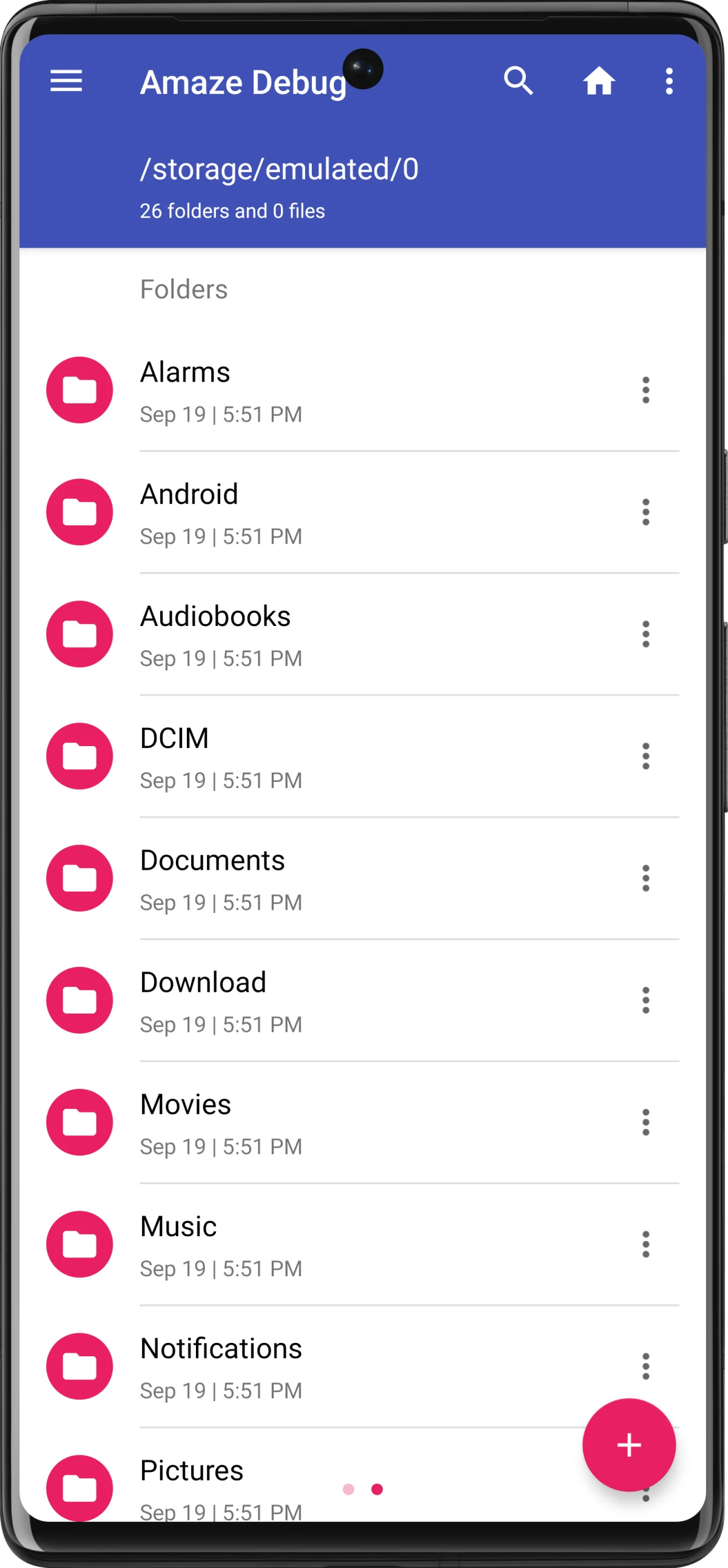
Amaze File Manager organizes files stored on an Android phone. Its folder browser provides copy, move, delete, search, compression, and extraction tools. Multiple tabs let you work between folders, while bookmarks and history help you return to frequently used locations.
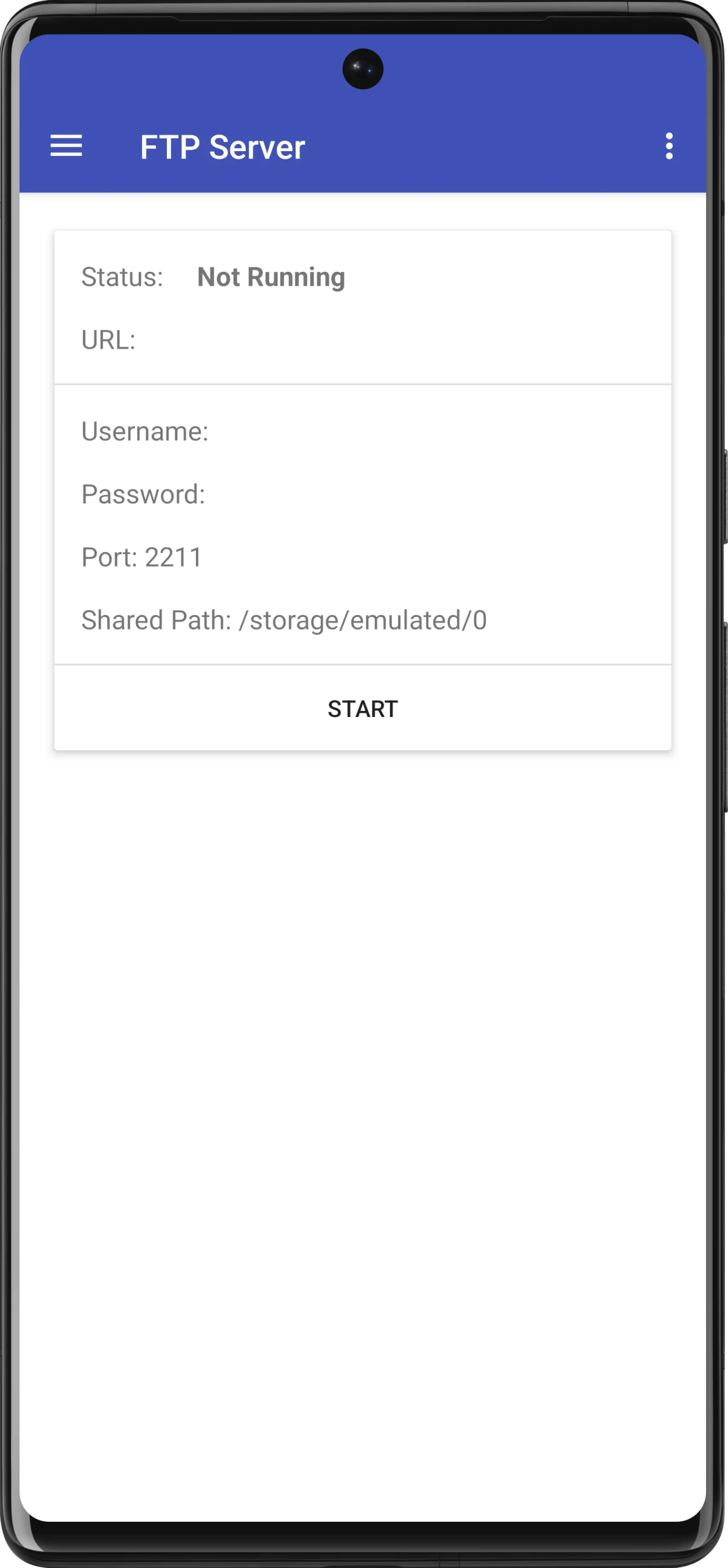
Built-in readers open text files, ZIP and RAR archives, and databases. The app also provides AES file encryption and supported network connections such as SFTP and SMB. Its FTP server can make selected phone files available over a local network.
The main app is free and has no ads. Donations do not unlock features. Cloud-storage services use a separate paid Amaze Cloud plugin, so they are not included in the free file manager. Network connections need the relevant server access and a connection.
What you can do
- Folder operations and multiple tabs
- File search, bookmarks and history
- ZIP and RAR archive reading
- Built-in text and database readers
- AES encryption and supported network connections
Free features and limits
The main app is free. Cloud-storage support requires the separate paid Amaze Cloud plugin; donations do not unlock features.
Alternatives to Amaze File Manager


Image credits
App icon
Amaze File Manager app icon
Screenshot 1
Publisher debug view of phone-storage folders
Screenshot 2
Configure the local FTP server
Screenshot 3
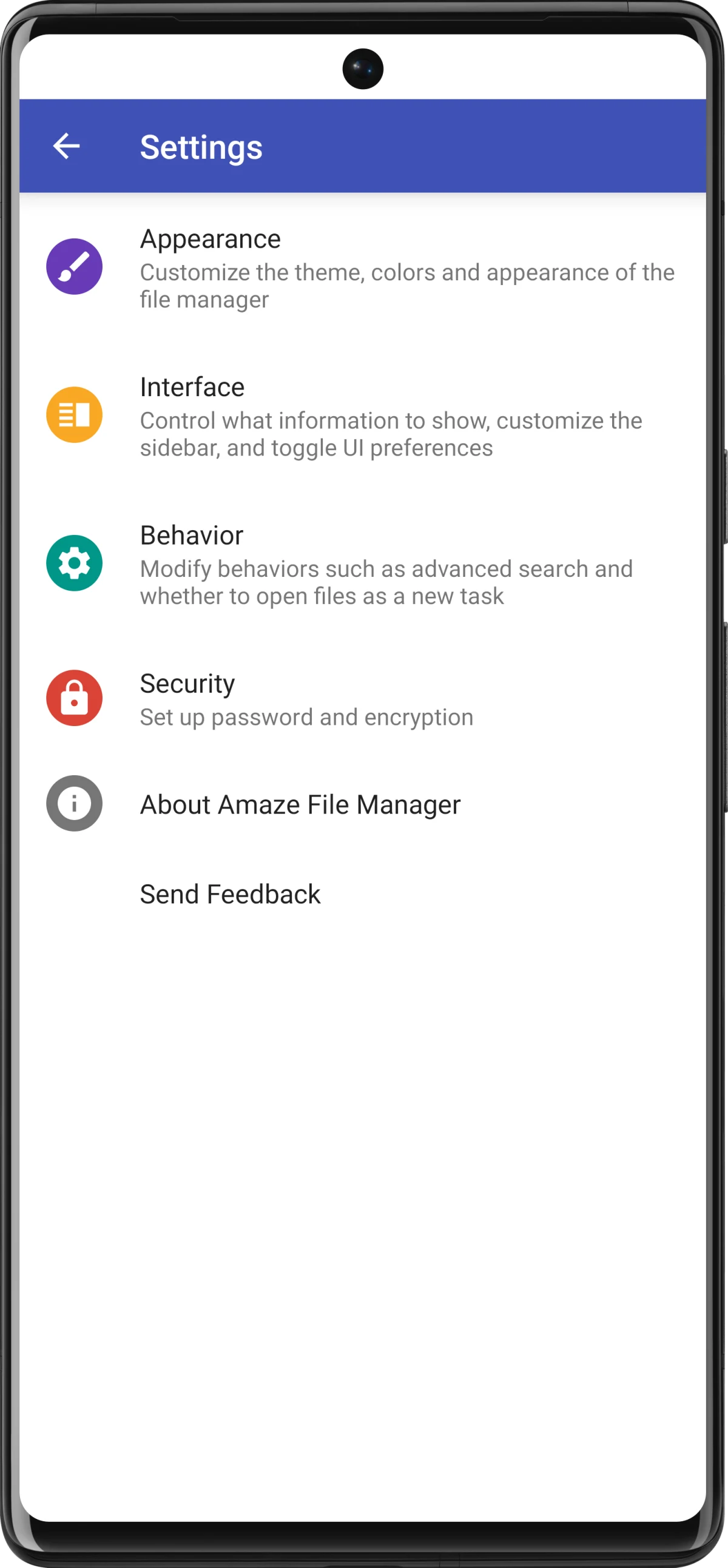
File-manager appearance and security settings