
AnkiDroid
Learning and languagesCreate or import flashcard decks, review them with spaced repetition, and track study progress with AnkiDroid on Android.
By AnkiDroid Open Source Team
Get AnkiDroid
Store availability and purchase options can vary by country. Check the listing for your device.
Screenshots
Select a screenshot to enlarge it.
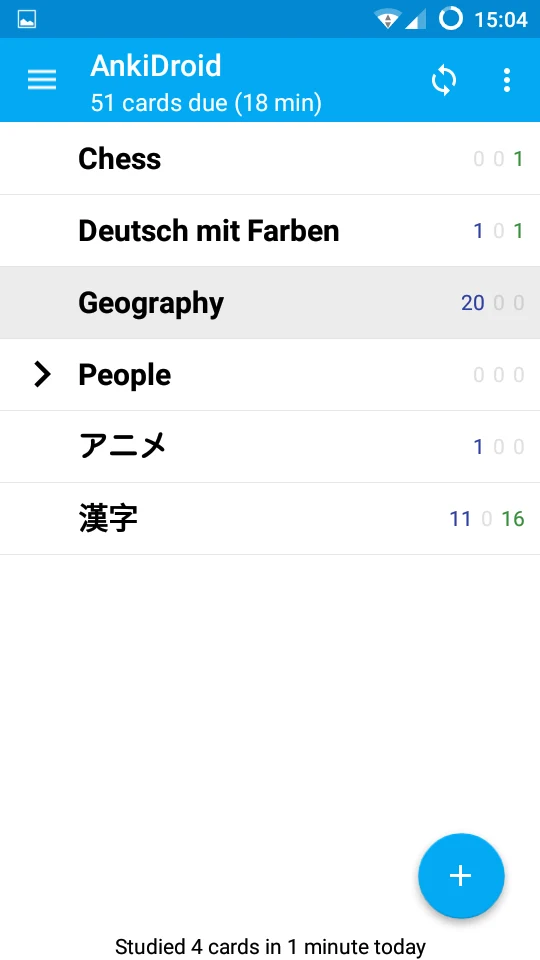
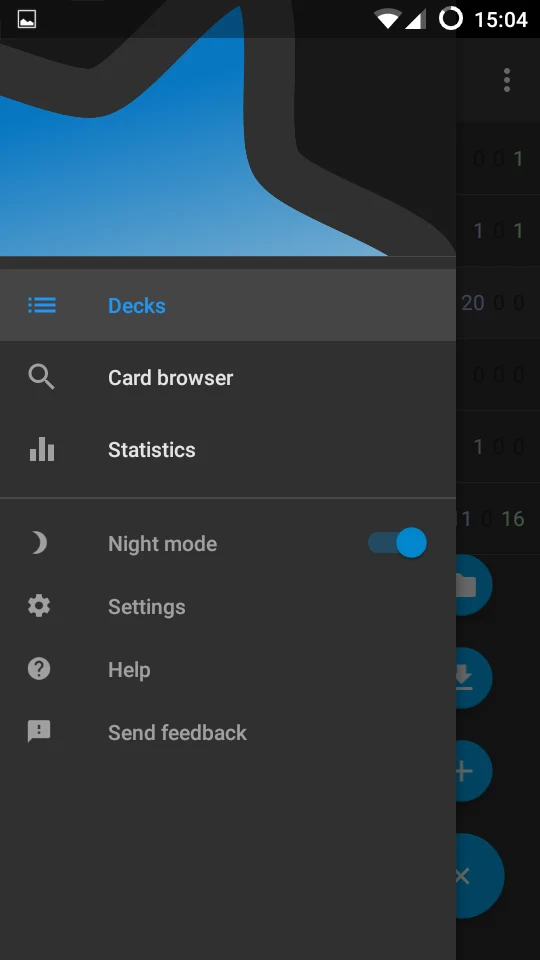
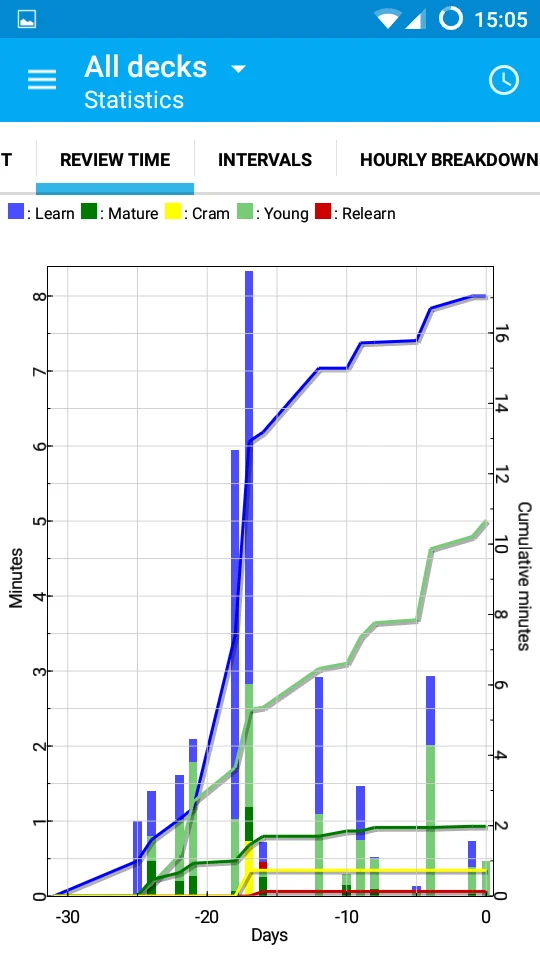
About AnkiDroid
AnkiDroid helps you review flashcards on an Android phone. Make your own decks for vocabulary, school subjects, or other material you want to remember. Cards can contain text, images, sounds, and mathematical notation. Existing Anki collections can also be imported.
The app schedules reviews using spaced repetition and keeps statistics about study activity. It includes a card editor and browser, optional typed answers, and text-to-speech integration. AnkiWeb synchronization is available when you want to share a collection with other compatible Anki installations.
AnkiDroid itself is free. Shared decks come from their creators, so check their content and terms before using them. This Android app is distinct from the publisher's separate iPhone products; this listing links only to the verified AnkiDroid Android store. AnkiWeb account requirements apply when using that synchronization service.
What you can do
- Spaced-repetition flashcards
- Card editing and import
- Images, audio, and mathematical notation
- Study statistics
- AnkiWeb synchronization
Free features and limits
Shared decks are provided by their creators. AnkiWeb synchronization uses its own account service.
Choosing between apps
Free Android Apps for Vocabulary Study and Reading
Combine flashcard review, offline dictionary lookup, and stored reference reading around the words you want to learn.
AnkiDroid vs QuickDic: Flashcard Review or Dictionary Lookup?
Compare a spaced-repetition flashcard app with an offline dictionary tool for vocabulary study on Android.
Image credits
App icon
AnkiDroid app icon
Screenshot 1
Flashcard deck list
Screenshot 2
Navigation and review tools
Screenshot 3
Study statistics and intervals