Color Patch
Fill each marked area with the colour its number asks for until the picture is whole.
The game opens here and keeps you on WapTRICK.
How to play Color Patch
Touch controls: Tap a colour key to choose it, then tap each area that shows the same number. A wrong colour costs nothing, so a stray tap is harmless.
Keyboard controls: Keys 1 to 4 choose a colour, the arrow keys or W A S D move the area cursor, Enter or Space fills the area under the cursor, P or Escape pauses, R restarts and M toggles sound.
Screen: This game works best in any orientation.
About Color Patch
Color Patch shows one picture at a time as a grid of sixteen numbered areas with a row of colour keys above it. Every area asks for the colour that matches its number, so the play is to choose a key and then fill the areas that ask for it.
Three pictures follow one another: a bloom, a leaf and a sunset. A wrong colour costs nothing, it only reports which number that area wants, so a run is about finishing the picture rather than about surviving.
You might also like
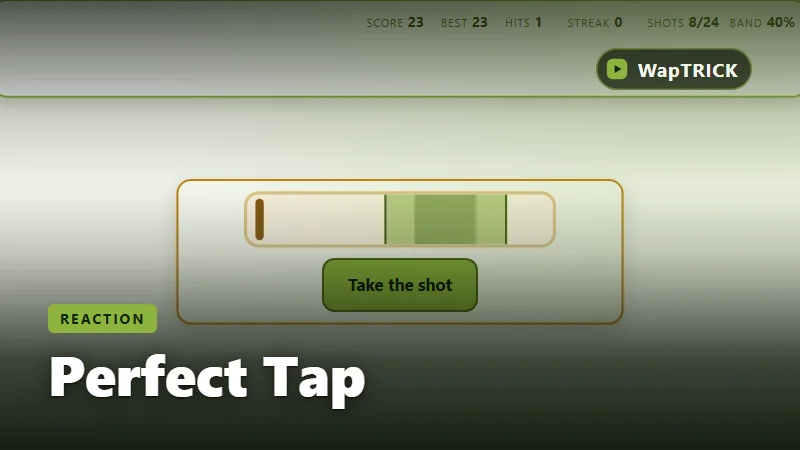
Perfect Tap
Tap when the marker crosses the bright band and stay perfectly on beat.
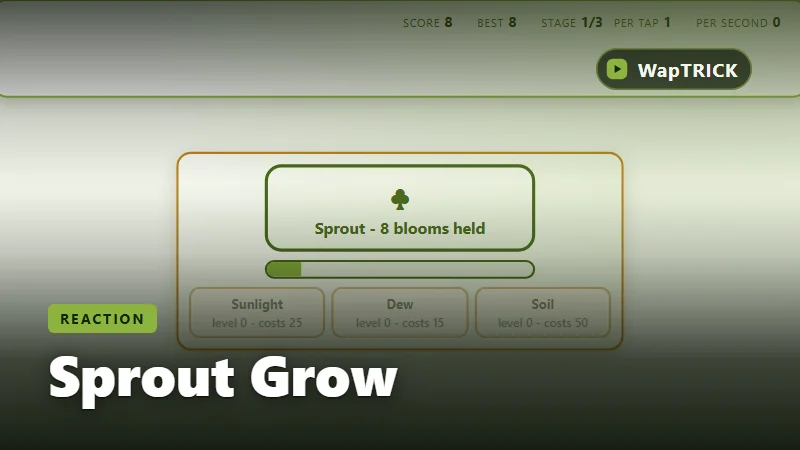
Sprout Grow
Tap to grow the sprout, then spend what you earn to grow while you are not tapping.
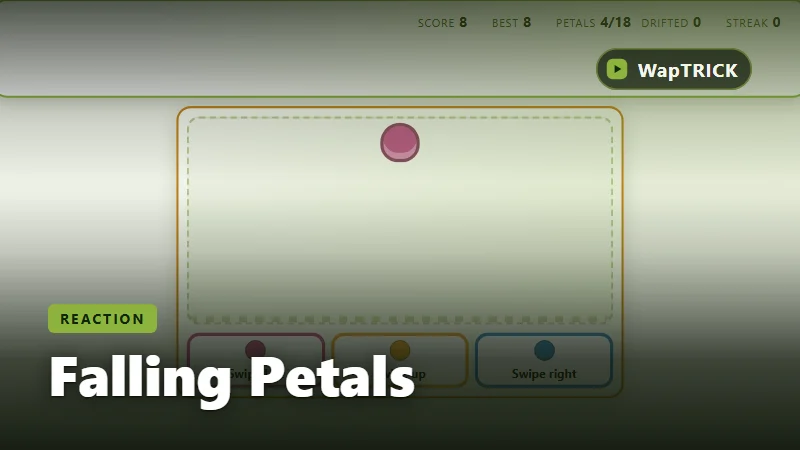
Falling Petals
Swipe each falling petal into the bed of its own colour before it lands.
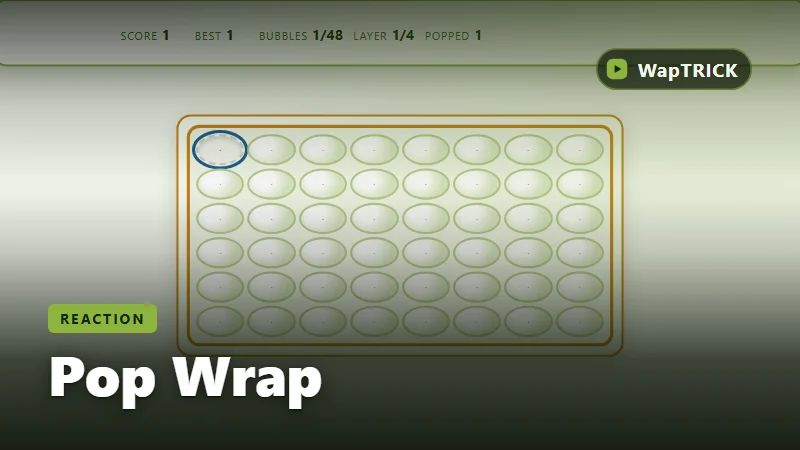
Pop Wrap
Pop the whole sheet of bubbles, one satisfying press at a time.