Bramble Maze
Find the exit through the bramble and reshape the hedges when a route is blocked.
The game opens here and keeps you on WapTRICK.
How to play Bramble Maze
Touch controls: Tap any tile to walk one step toward it, cutting a hedge when one blocks the way, and use the Plant hedge button to switch taps into planting. The maze tiles are at least 44 CSS pixels square, every button is at least 48 pixels tall, and the board scrolls if a level needs more room than the screen offers.
Keyboard controls: Arrow keys or W A S D walk one tile, or cut the hedge when one blocks the way. Enter or Space plants a hedge instead of walking, P or Escape pauses, R restarts and M toggles sound.
Screen: This game works best in any orientation.
About Bramble Maze
Bramble Maze is a walk through a hedge maze whose walls can be changed. Your marker starts in the middle of a thick square of bramble and the starred tile in the corner is the way out. Tap an open gap beside your marker, or use the arrow keys, to walk one tile at a time through the maze that the hedges leave open.
When a hedge stands in the way you can cut it, which spends one cut from the maze budget, or plant a fresh one on open ground. The bramble insists on balance: the exit gate stays barred until the number of planted hedges equals the number of cuts, so a shortcut always has to be paid for. Five mazes follow, each a little larger, and a run that never cuts pays a clean route bonus.
You might also like

Number tiles
Slide matching tiles together and work your way to 2048.
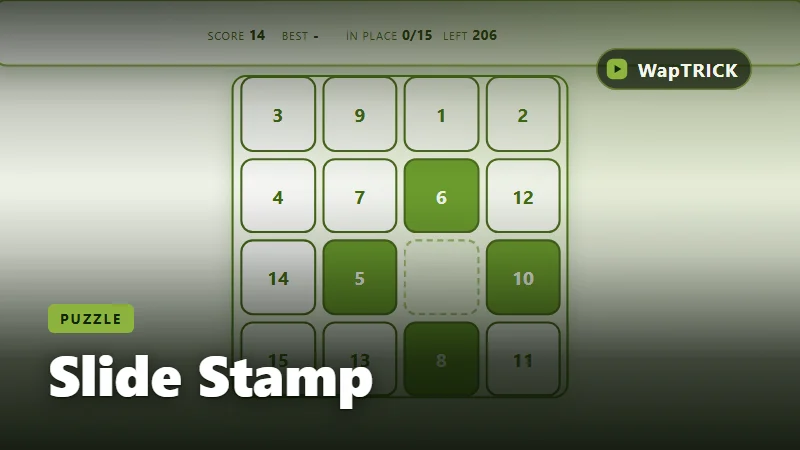
Slide Stamp
Slide numbered tiles back into order and finish the badge in as few moves as you can.
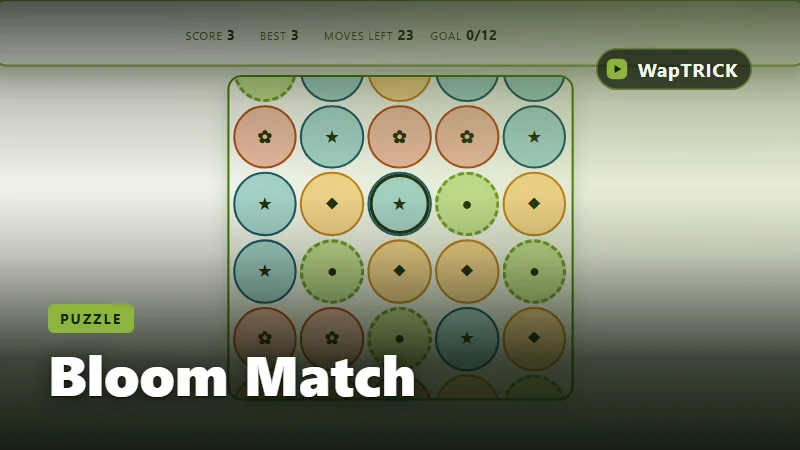
Bloom Match
Swap neighbouring blooms to line up three and reach the board goal before moves run out.
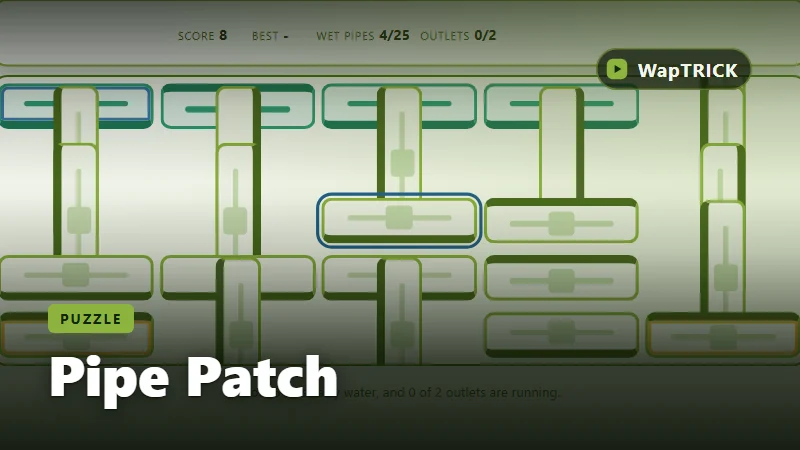
Pipe Patch
Rotate each pipe until water flows from the spring to every outlet on the plot.