
Webview Kiosk
BrowsersOpen a website full screen on Android with navigation controls, bookmarks, local files and configurable URL filters.
By nktnet
Get Webview Kiosk
Store availability and purchase options can vary by country. Check the listing for your device.
Screenshots
Select a screenshot to enlarge it.
About Webview Kiosk
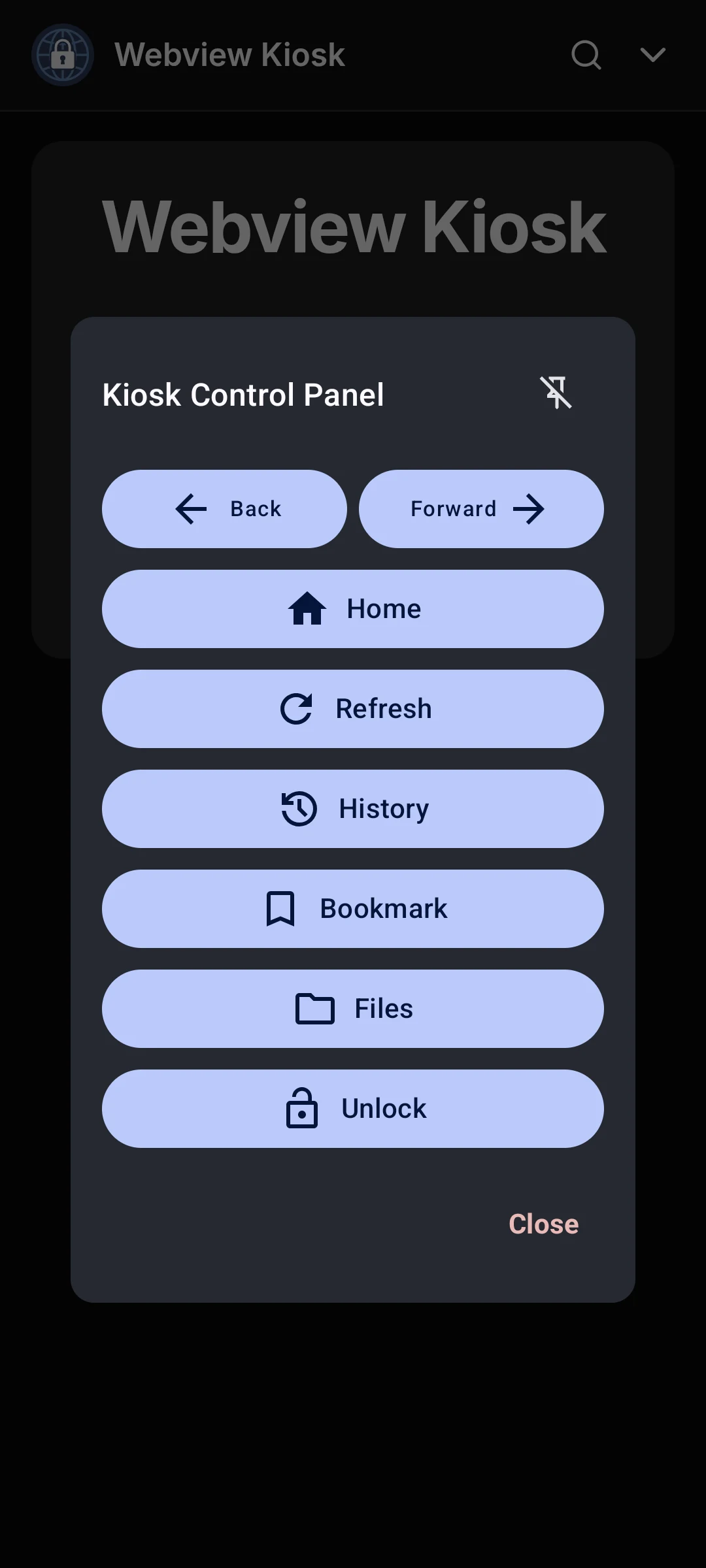
Webview Kiosk is an Android browser for a chosen website, reader or dashboard. It uses Android WebView and keeps the page in a full-screen window. Its control panel provides Back, Forward, Home, Refresh, History, Bookmark and Files buttons. You can set URL filters, change how pages load and choose which device permissions a website may use.
The app is free and can be configured directly on the phone. It also opens local HTML, PDF, image and media files. Optional screen pinning and protected settings support restricted browsing or a device used for one task. Advanced remote-management features, such as MQTT, require their own additional services. These options are separate from opening and navigating a website in the app. Websites may still require an internet connection and their own sign-in.
What you can do
- Full-screen web browsing
- Navigation and history controls
- Bookmarks and local files
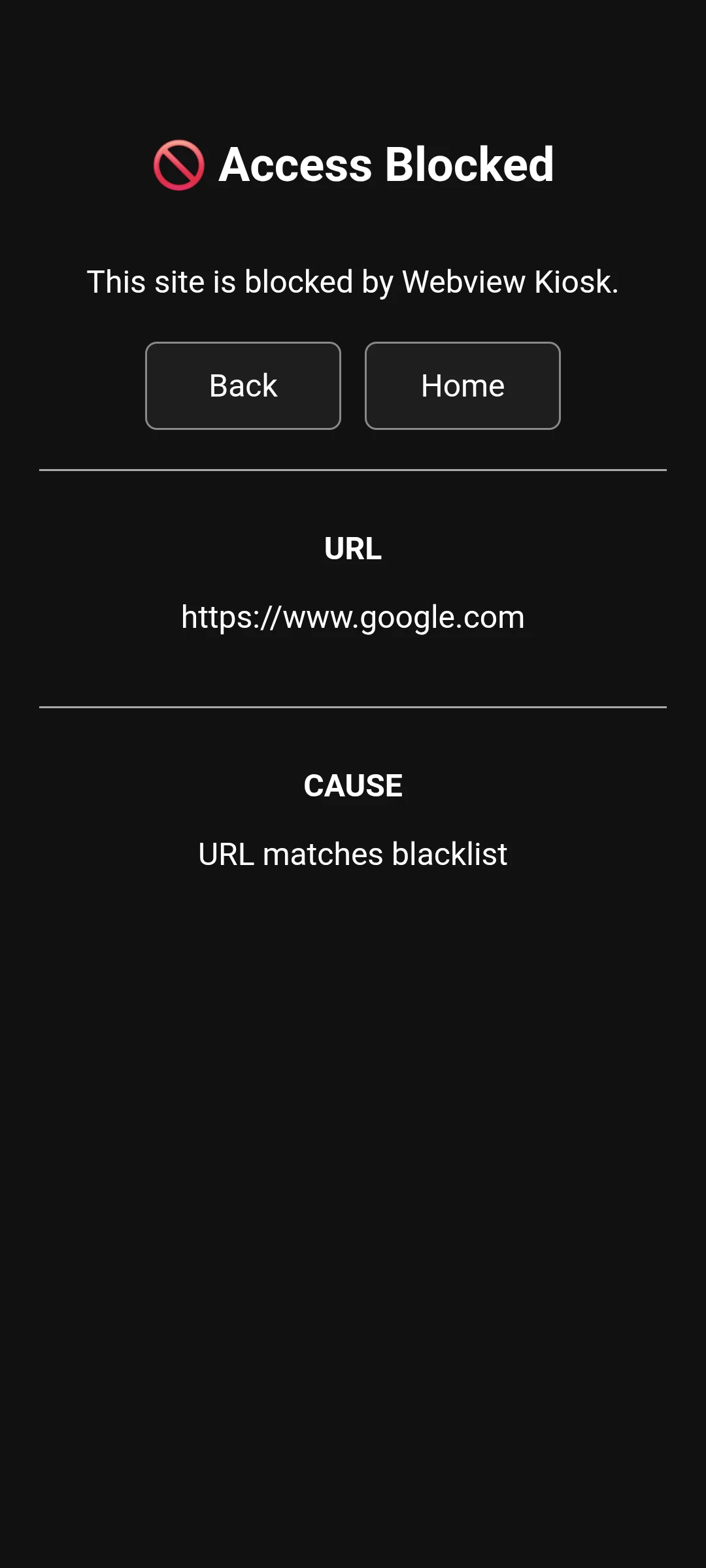
- Configurable URL filters
- Website permission settings
- Settings import and export
Free features and limits
Remote management through MQTT or UnifiedPush requires additional services or applications. Website access depends on the configured URL filters and the site itself.
Image credits
App icon
Webview Kiosk by nktnet. AGPL-3.0-or-later. Complete publisher phone images unchanged; display copies may be resized or re-encoded. Full licence and pinned originals are available. Independent description; no endorsement.
Screenshot 1
Webview Kiosk Android phone control panel with navigation, history, bookmarks and files
Webview Kiosk by nktnet. AGPL-3.0-or-later. Complete publisher phone images unchanged; display copies may be resized or re-encoded. Full licence and pinned originals are available. Independent description; no endorsement.
Screenshot 2
Webview Kiosk Android phone URL-filter result with Back and Home controls
Webview Kiosk by nktnet. AGPL-3.0-or-later. Complete publisher phone images unchanged; display copies may be resized or re-encoded. Full licence and pinned originals are available. Independent description; no endorsement.
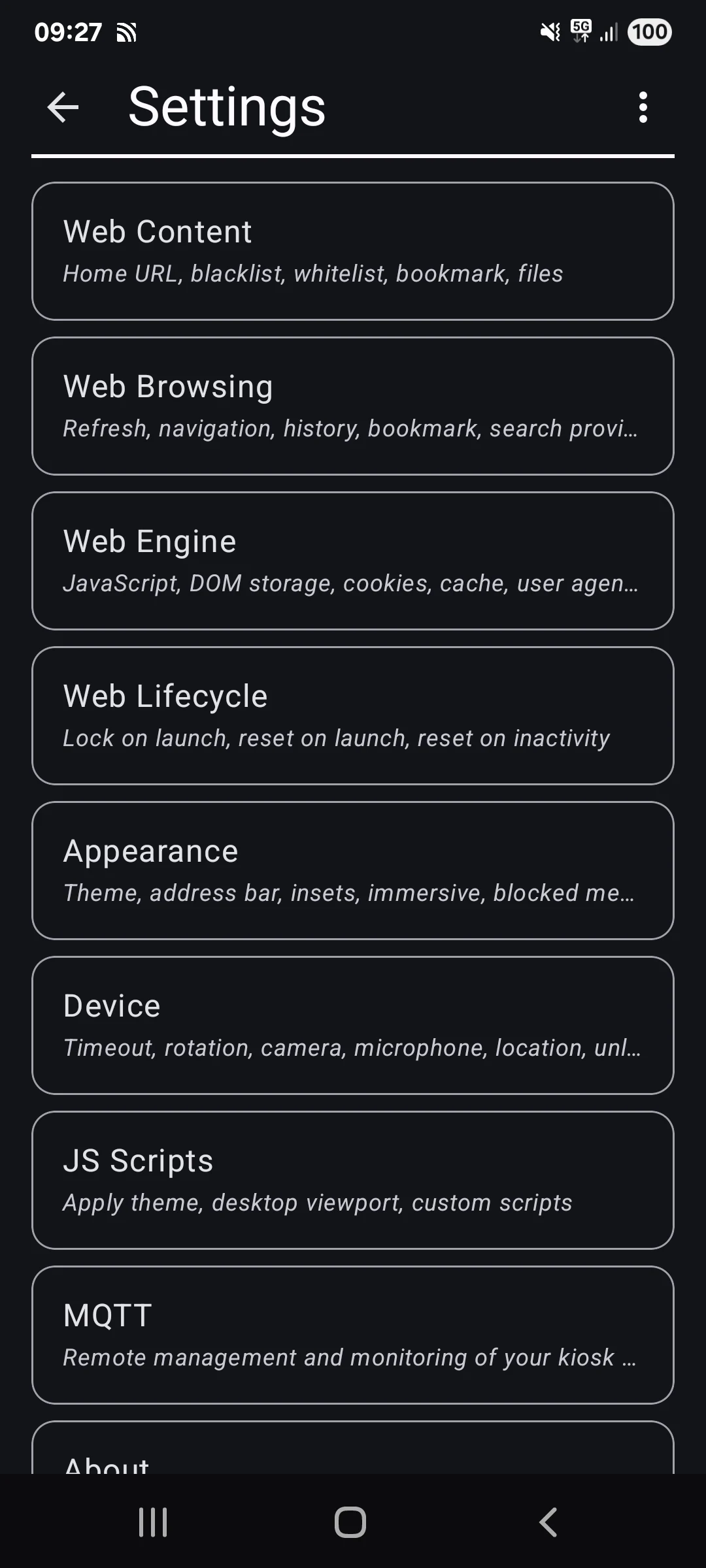
Screenshot 3
Webview Kiosk Android phone settings for web content, browsing, appearance and device options
Webview Kiosk by nktnet. AGPL-3.0-or-later. Complete publisher phone images unchanged; display copies may be resized or re-encoded. Full licence and pinned originals are available. Independent description; no endorsement.