
Voice Audiobook Player
Audio, podcasts and readingListen to your local audiobook files, resume saved positions, and set bookmarks or sleep timers with Voice for Android.
By Paul Woitaschek
Get Voice Audiobook Player
Store availability and purchase options can vary by country. Check the listing for your device.
Screenshots
Select a screenshot to enlarge it.
About Voice Audiobook Player
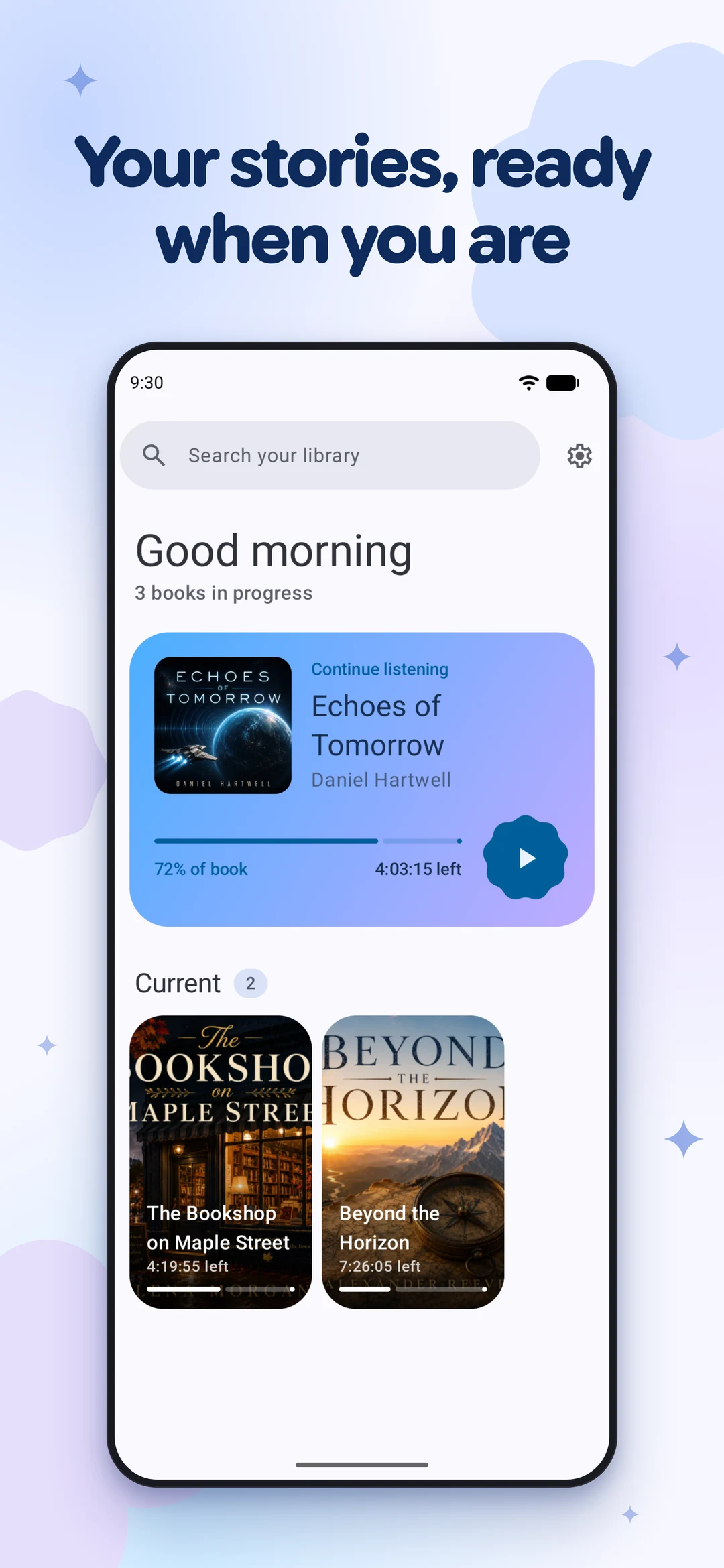
Voice organizes audiobook files already stored on an Android phone. Add a folder to build your library, then resume a book from the position where playback stopped. Supported formats include M4B, MP3, M4A, OGG, and OPUS.
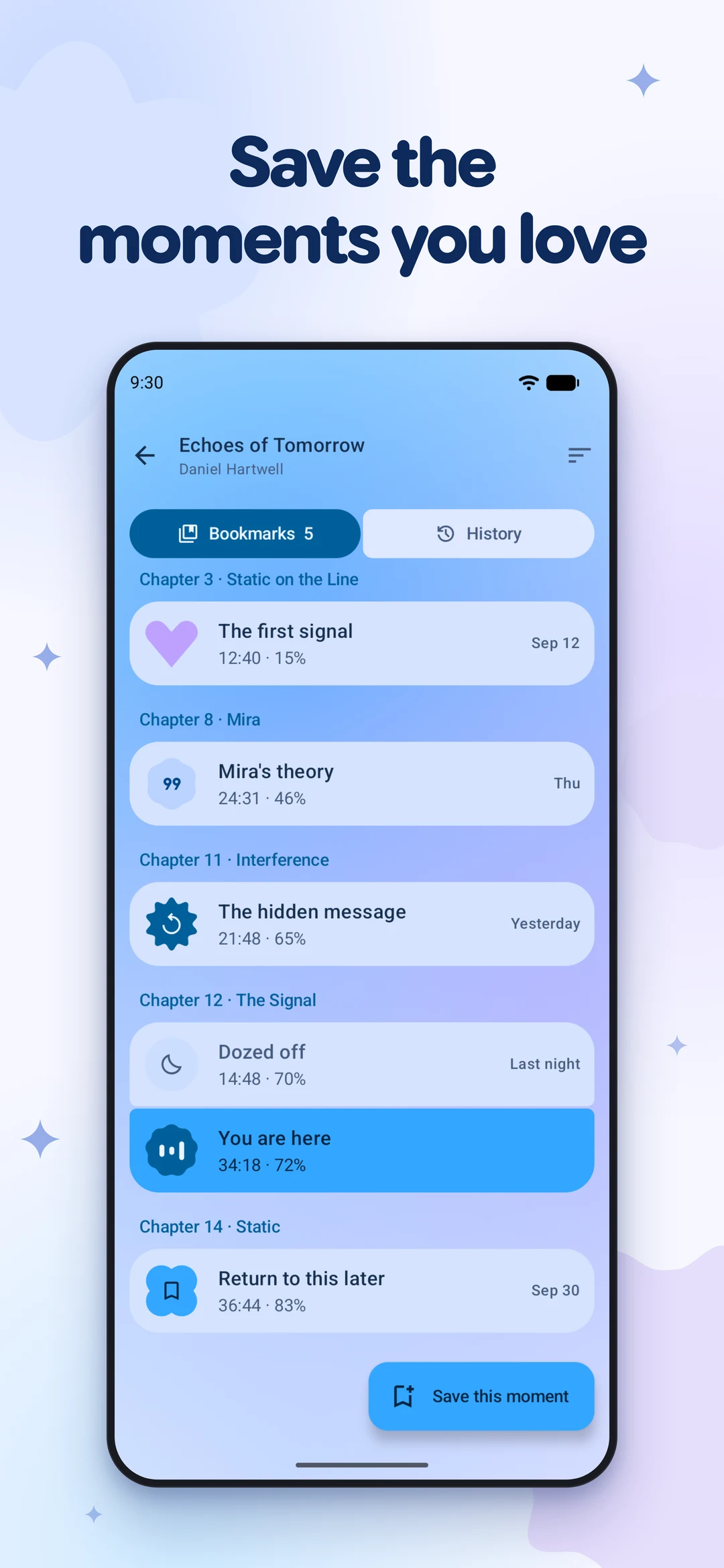
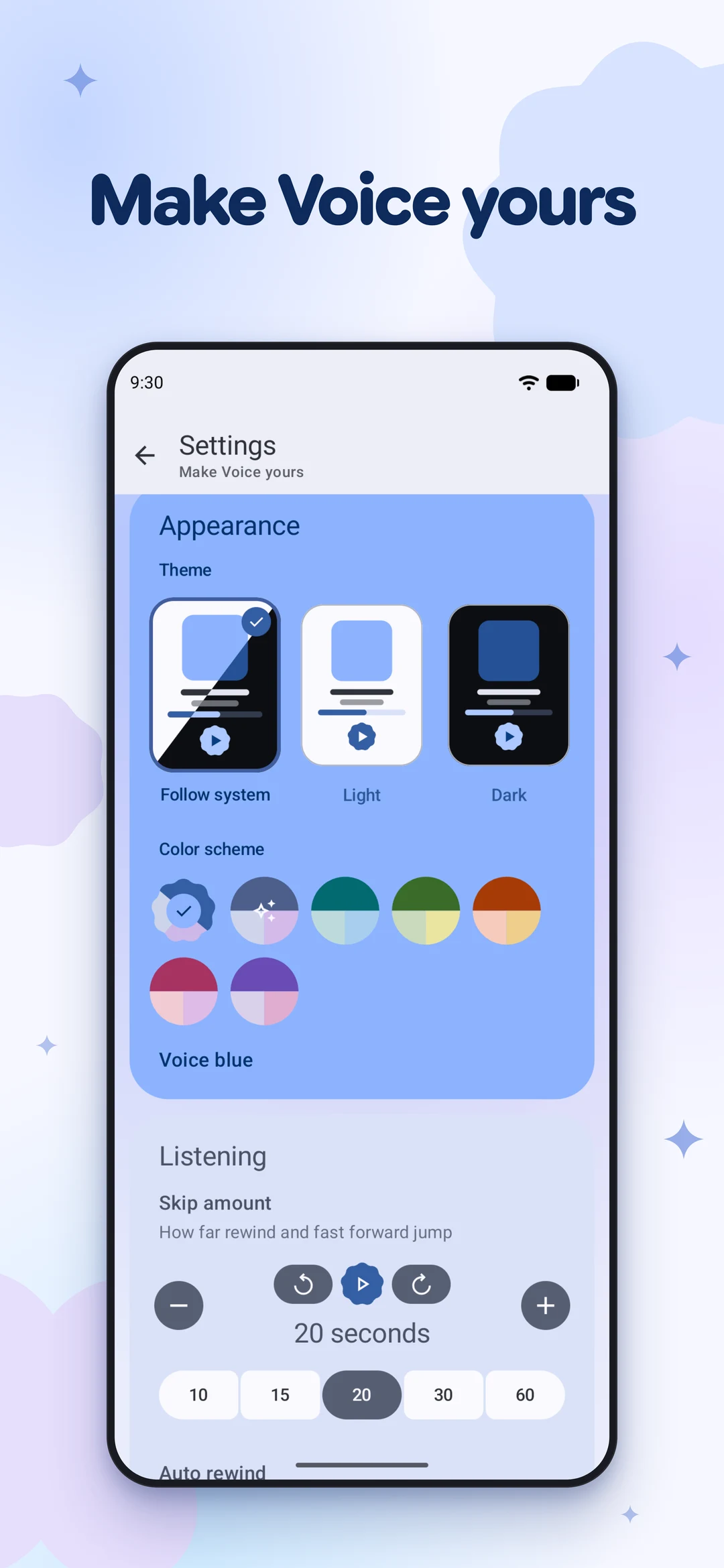
Chapter navigation, bookmarks, playback speed, silence skipping, and a sleep timer provide controls for longer recordings. The app can rewind after a pause, and Android Auto support allows access through a compatible car display.
Voice is free. The publisher states that it has no ads, account requirement, or forced cloud synchronization. It plays your own files; obtaining audiobook recordings is a separate step.
What you can do
- Local audiobook library
- Saved playback position
- Chapter navigation and bookmarks
- Playback speed and silence skipping
- Sleep timer
- Android Auto support
Free features and limits
Audiobook files are supplied by you; the app does not provide a catalogue of recordings.
Image credits
App icon
Voice Audiobook Player app icon
Screenshot 1
Local audiobook library
Screenshot 2
Bookmarked playback positions
Screenshot 3
Appearance and playback settings