TimeR Machine
Health and fitnessBuild repeating work-and-rest timers with custom sounds, spoken reminders, and multiple stages in TimeR Machine for Android.
By Dewey Reed
Get TimeR Machine
Store availability and purchase options can vary by country. Check the listing for your device.
Screenshots
Select a screenshot to enlarge it.
About TimeR Machine
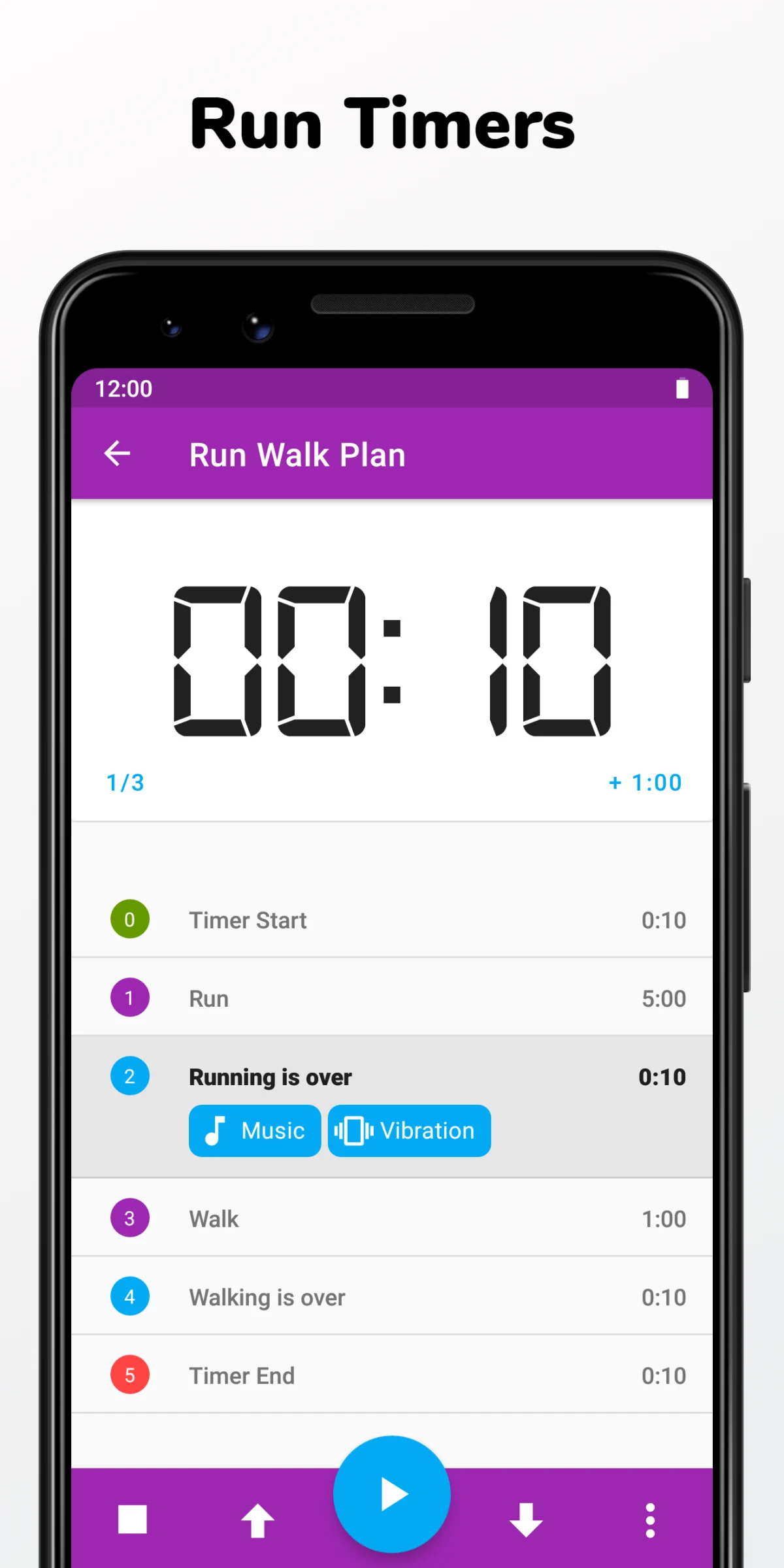
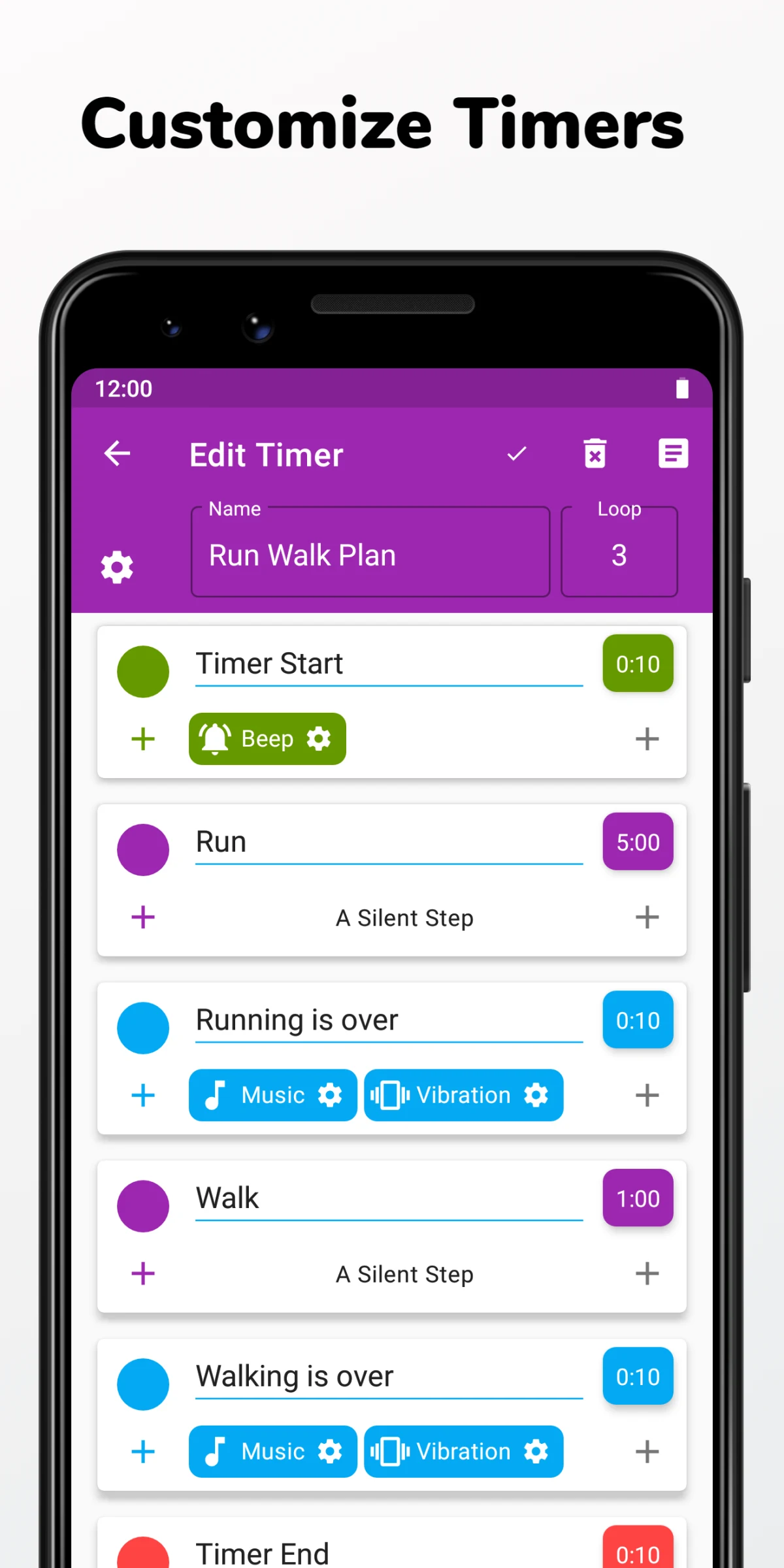
TimeR Machine, listed on Google Play as Interval Timer Machine, runs interval timers on Android. Set up a run-and-walk session, gym routine, or another sequence of timed activities. Name each stage, choose its duration, and repeat the sequence as needed.
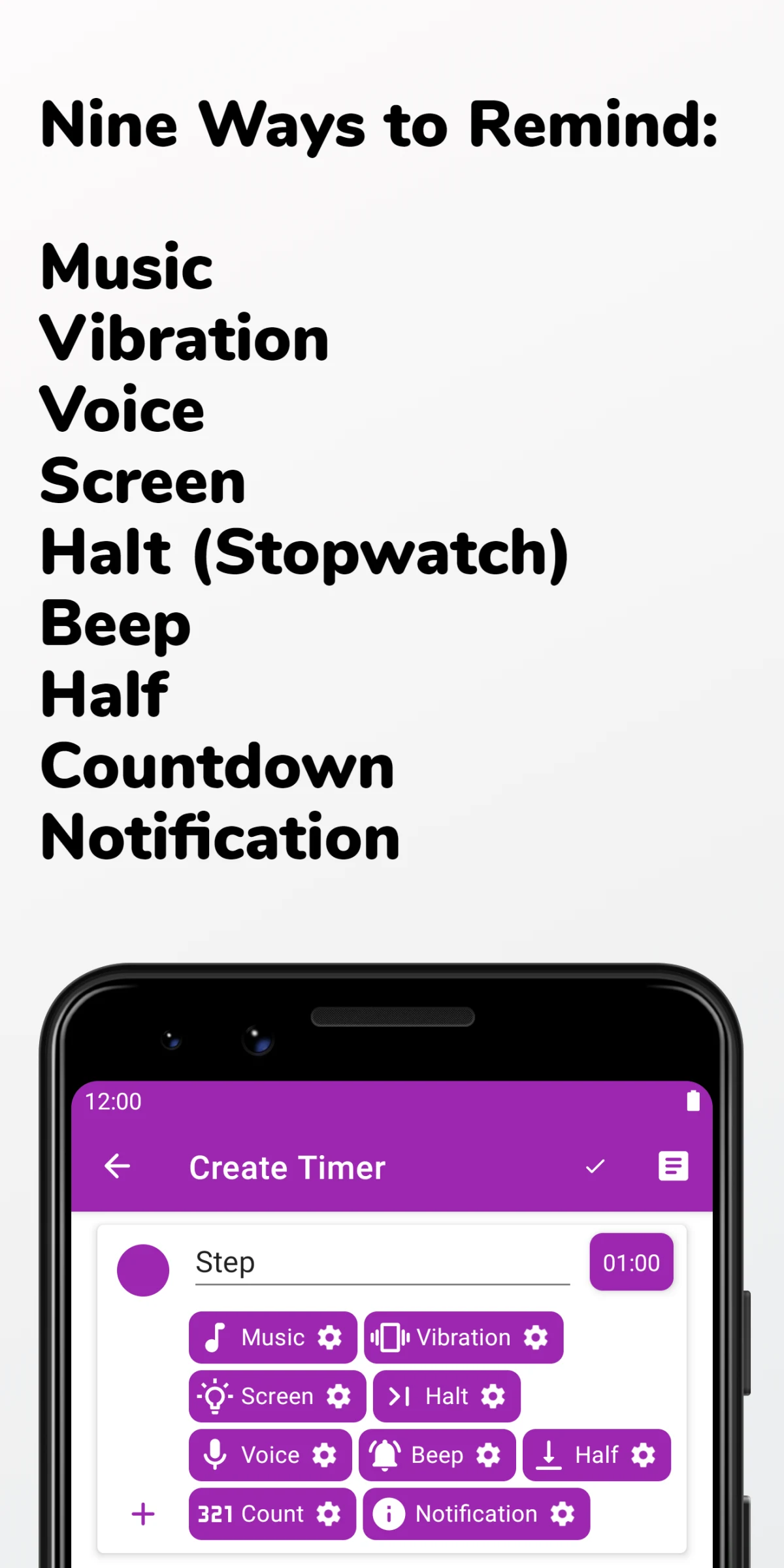
Reminders can use music, speech, vibration, or notifications. You can add warm-up and cool-down stages, group stages into sub-timers, and adjust the time while a timer is running. Background operation and a progress notification keep the current stage available outside the main screen.
The publisher documents creating any number of timers for free. The Google Play version also lists in-app purchases.
What you can do
- Multi-stage interval timers
- Repeating sequences
- Sound and spoken reminders
- Warm-up and cool-down stages
- Background timer notification
Free features and limits
The publisher documents unlimited timer creation for free. The Google Play version also lists optional in-app purchases.
Alternatives to TimeR Machine

Image credits
App icon
TimeR Machine app icon
Screenshot 1
Run a work-and-rest sequence
Screenshot 2
Edit timer stages and reminders
Screenshot 3
Choose reminder types