
Thunderbird
Messaging and meetingsManage several email accounts, use a unified inbox, search messages, and choose synchronization settings with Thunderbird for Android.
By Mozilla Thunderbird
Get Thunderbird
Store availability and purchase options can vary by country. Check the listing for your device.
Screenshots
Select a screenshot to enlarge it.

About Thunderbird
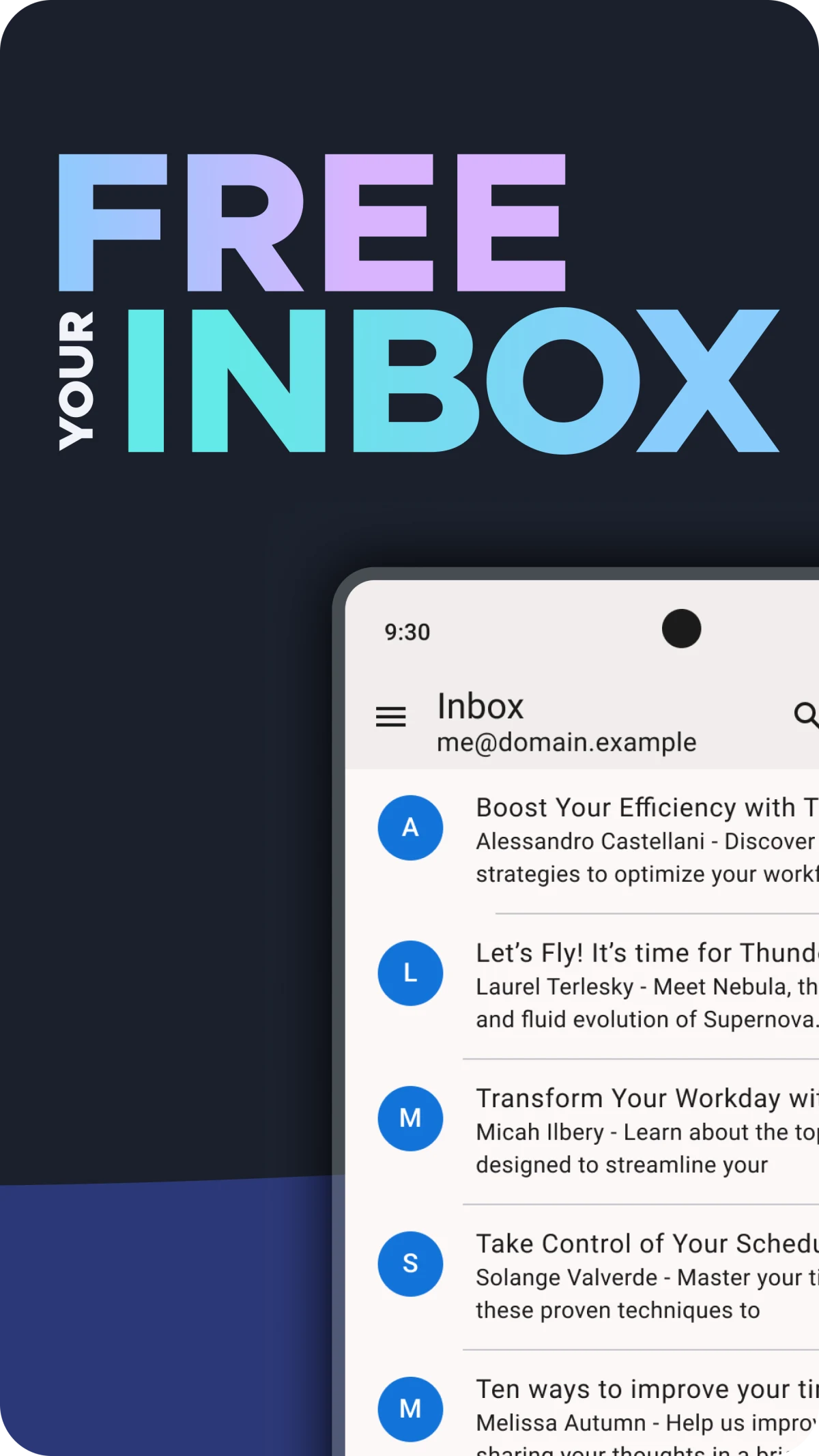
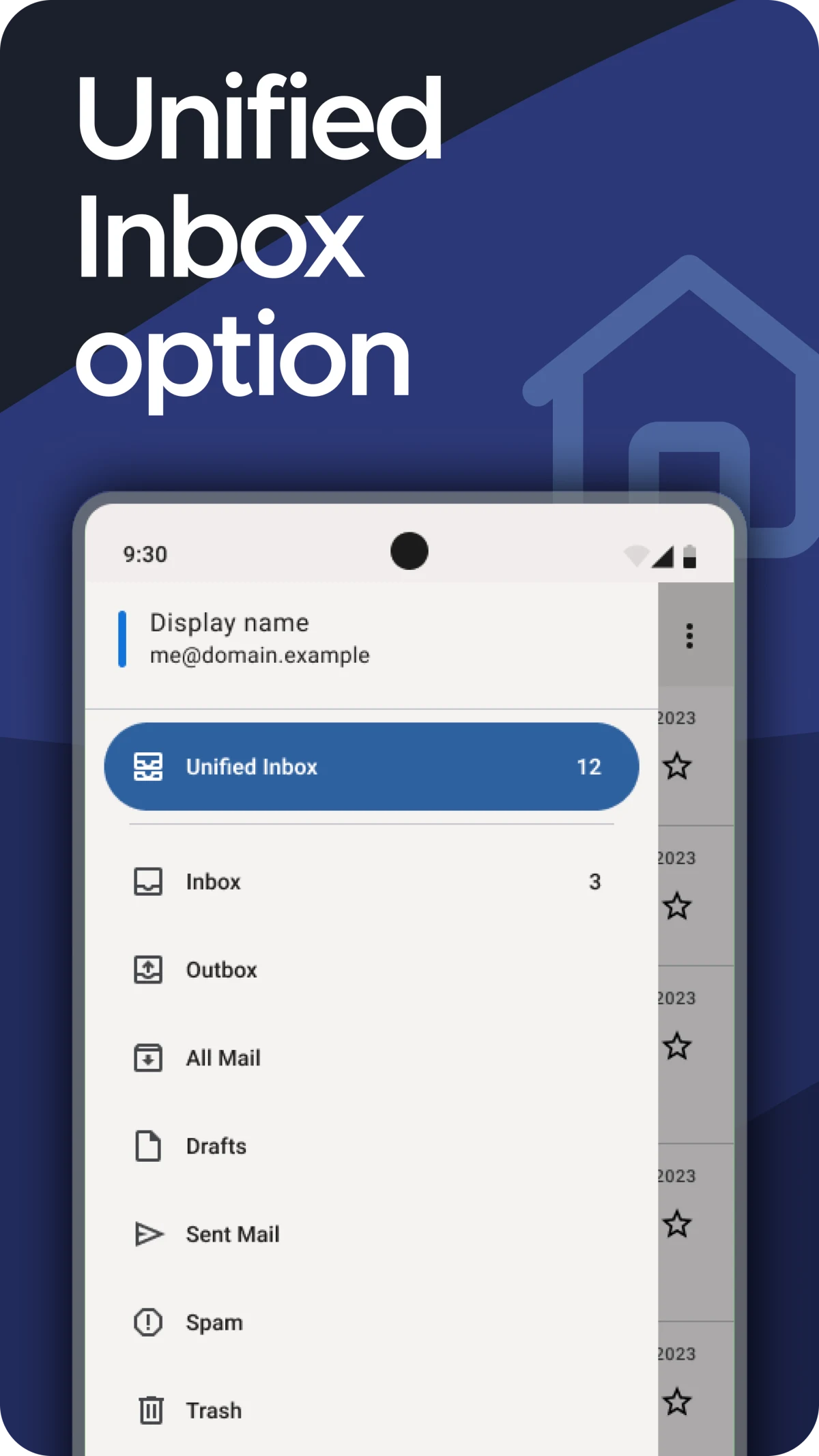
Thunderbird for Android connects to your existing email providers. Add several supported accounts and use an optional unified inbox to see their messages together. You can still work with the folders for an individual account when that is more useful.
The app provides local and server-side message search, with synchronization choices that include instant, interval-based, or on-demand checking. OpenPGP email features use the separate OpenKeychain app. Provider protocols and account settings determine which connections are supported.
Thunderbird is free and supported by user contributions. The publisher says it does not place ads in email. It is an email client rather than a new email service, so bring the accounts you want to read and send through. Check the publisher's setup instructions for the current requirements of your provider.
What you can do
- Multiple email accounts
- Optional unified inbox
- Local and server search
- Synchronization controls
Alternatives to Thunderbird

Image credits
App icon
Thunderbird app icon
Screenshot 1
Email inbox with sample messages
Screenshot 2
Accounts in a combined email workflow
Screenshot 3
Folder navigation and unified inbox controls