
Tasks.org
Notes and productivityOrganize tasks with nested subtasks, reminders, repeating schedules, and optional synchronization in Tasks.org for Android.
By Tasks.org, LLC
Get Tasks.org
Store availability and purchase options can vary by country. Check the listing for your device.
Screenshots
Select a screenshot to enlarge it.
About Tasks.org
Tasks.org keeps task lists and nested subtasks on an Android phone. Break a larger job into smaller steps, assign reminders, and use repeating schedules for things you do regularly. Tags, filters, and list organization help you find the tasks that matter at the moment.
The app supports a local offline workflow and connections to several synchronization services. Choose a service according to the devices and accounts you already use; a service connection may have its own requirements.
Tasks.org has a useful free option and no ads. Some in-app features require a subscription on Google Play, and its hosted Tasks.org Cloud service requires a separate eligible subscription or sponsorship. The publisher explains those choices on its subscription page. Check the current offer when choosing features beyond ordinary task management.
What you can do
- Task lists and nested subtasks
- Recurring tasks
- Reminders
- Optional synchronization
Free features and limits
Some in-app features require a Google Play subscription. Tasks.org Cloud requires an eligible subscription or sponsorship.
Image credits
App icon
Tasks.org app icon
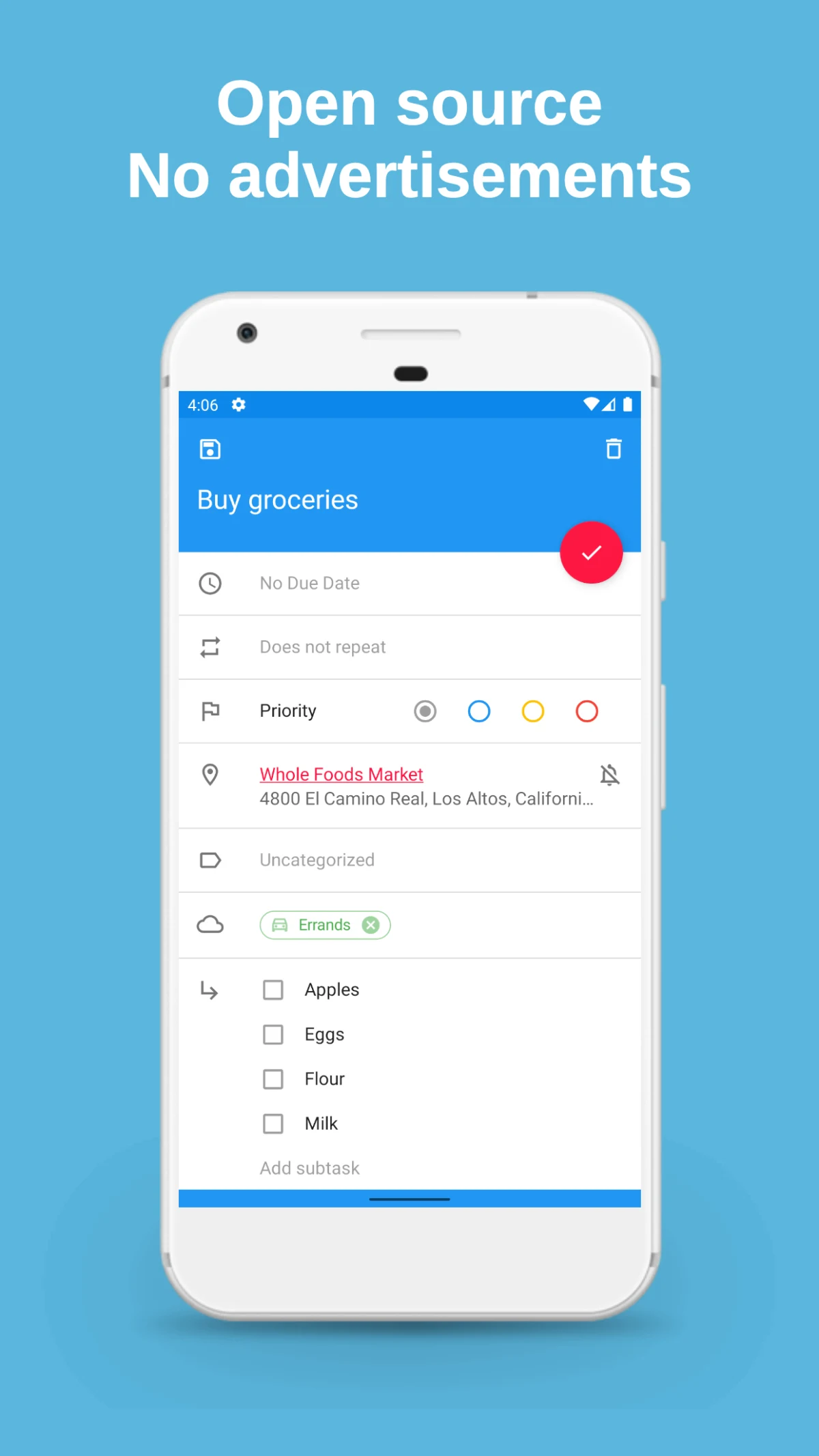
Screenshot 1
Task details and nested shopping items
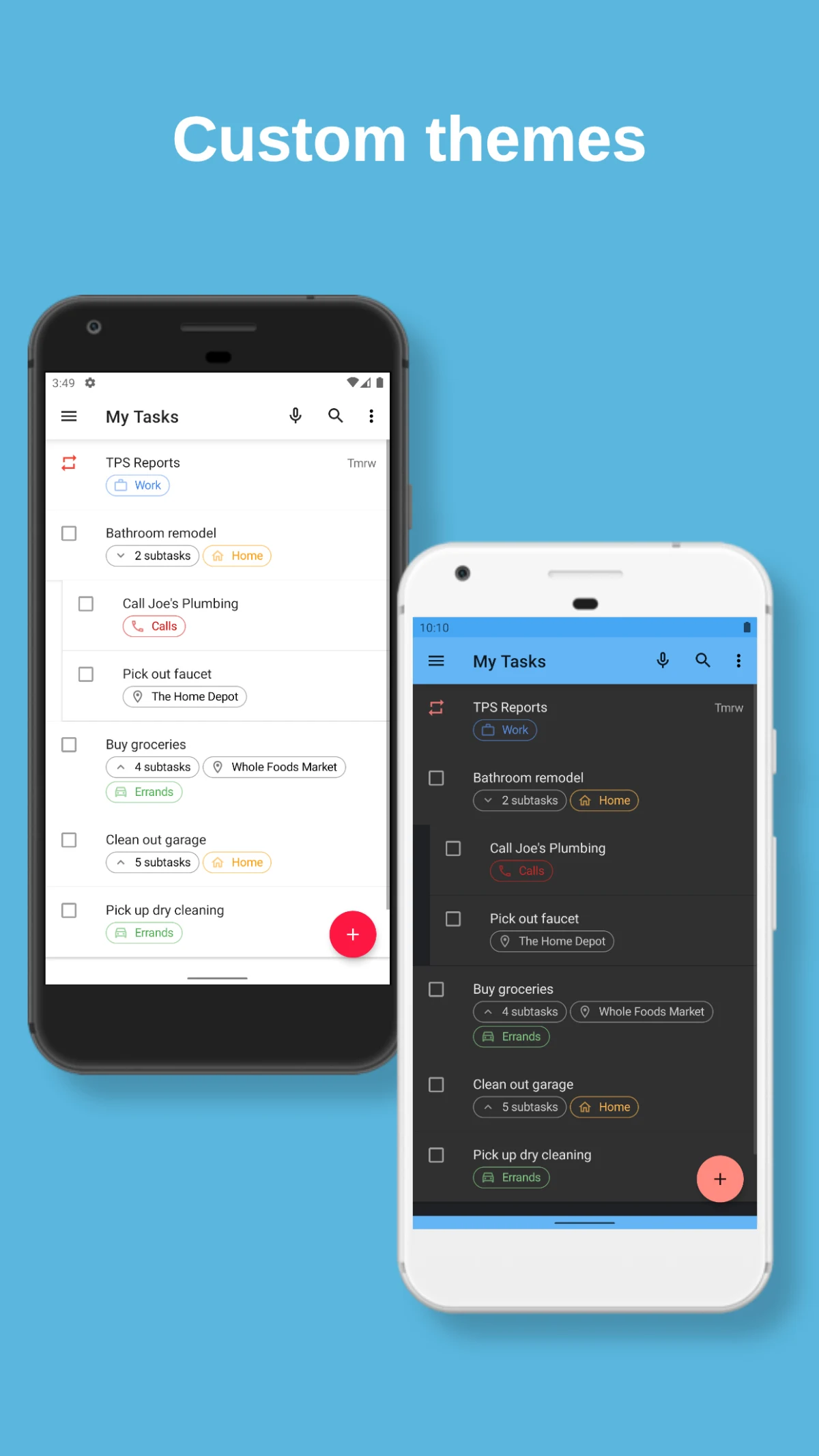
Screenshot 2
Task lists with light and dark themes
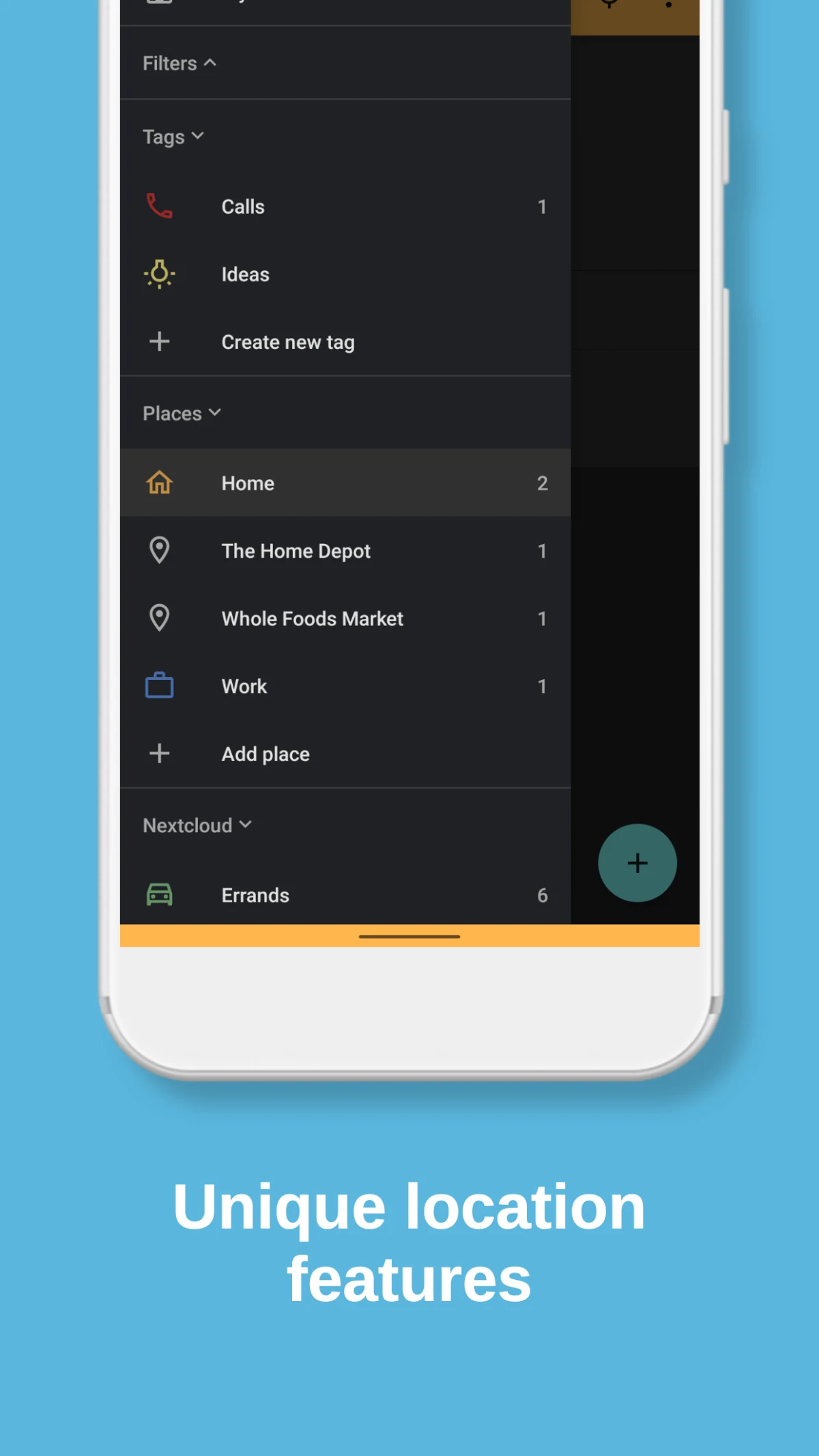
Screenshot 3
Tags and saved places