
Saber
Documents, scanning and filesWrite handwritten pages, annotate imported material, and organize PDF notes with Saber for Android and iPhone.
By Adil Hanney
Get Saber
Store availability and purchase options can vary by country. Check the listing for your device.
Screenshots
Select a screenshot to enlarge it.
About Saber
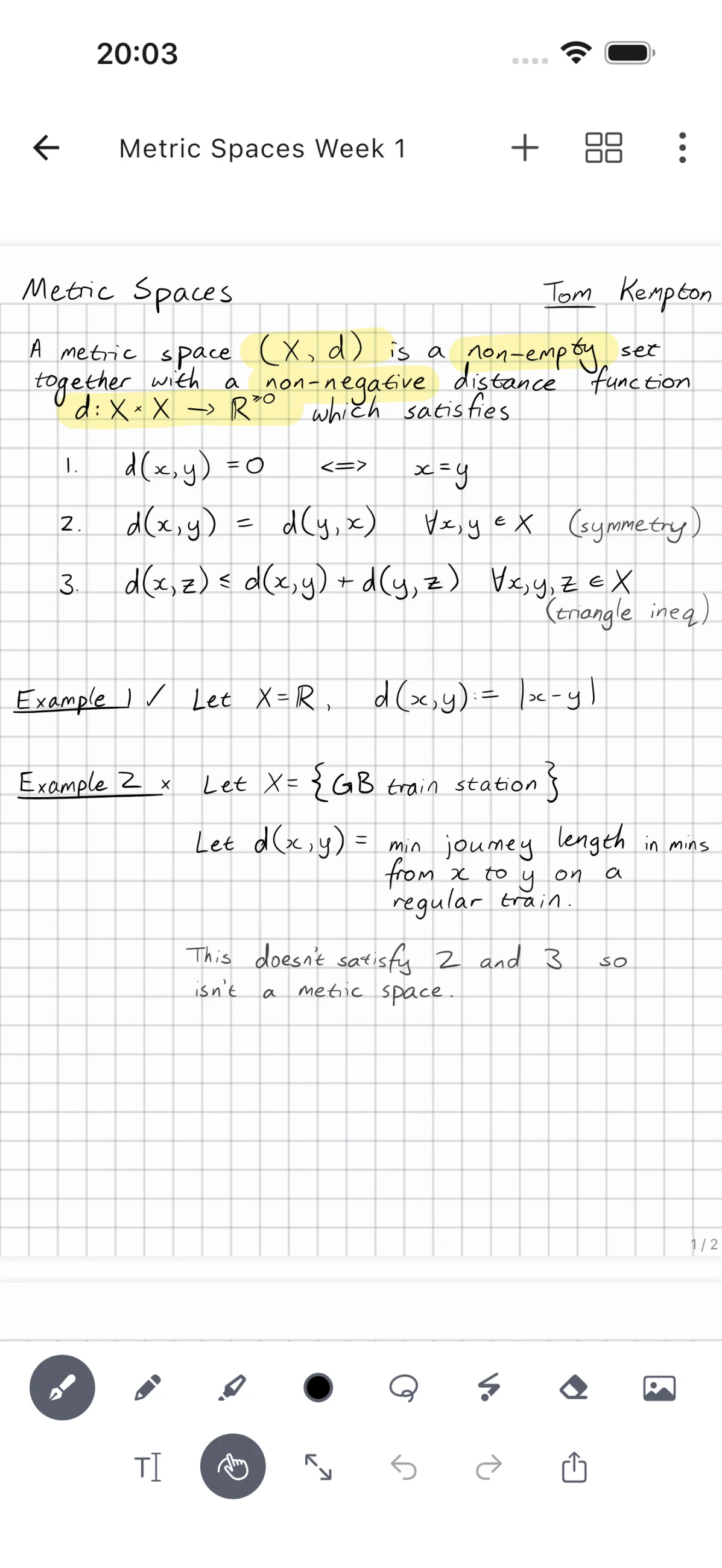
Saber provides a handwriting workspace for Android and iPhone. Write or highlight on a page, work with images and PDFs, and organize pages in nested folders. Recent notes remain accessible from the home screen.
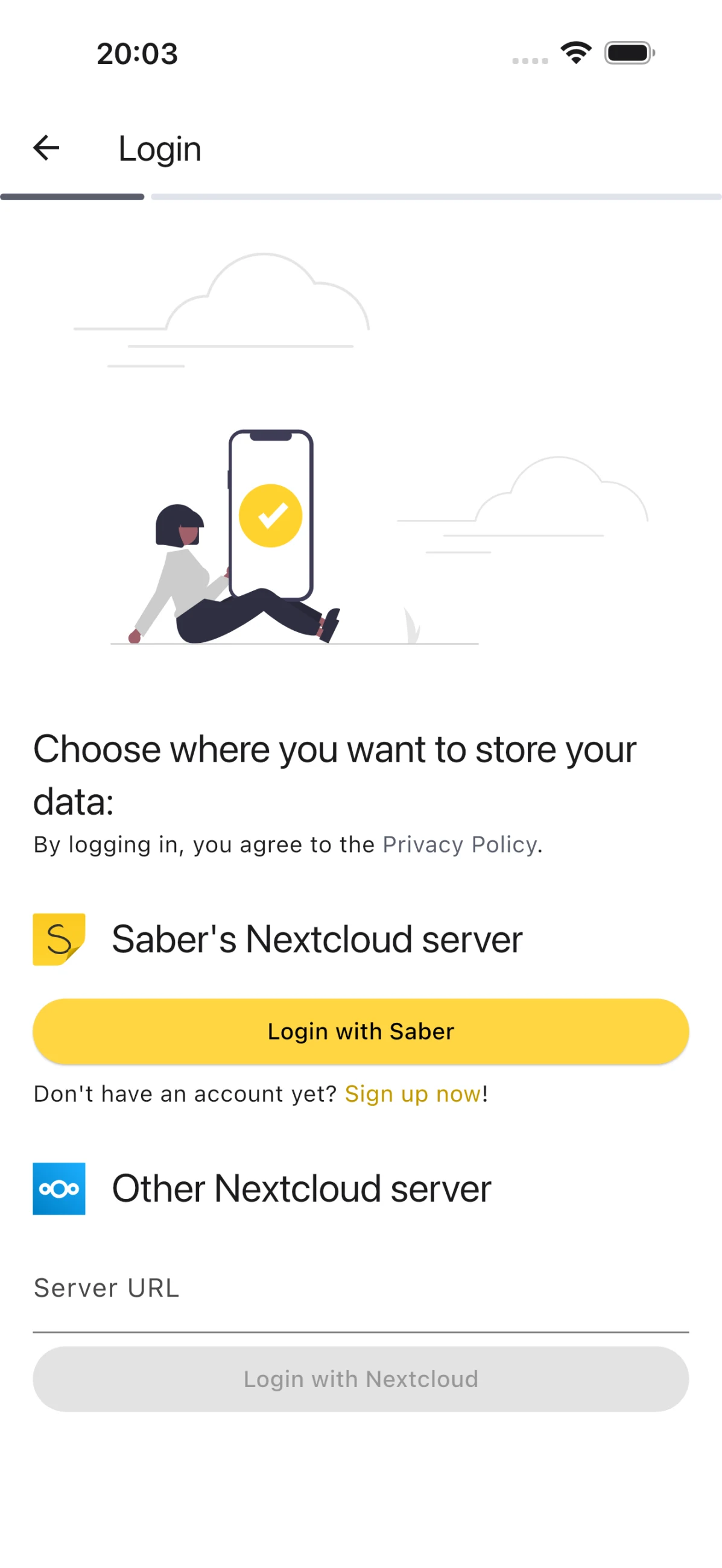
Its dark mode can invert notes, images, and PDFs, allowing light ink on a dark page. Synchronization can use the official Saber server, another Nextcloud provider, or a self-hosted server. The app uses a separate encryption password for synchronized notes.
The app is free to use. The publisher's official server provides 5 GB of storage on its free plan, with larger storage plans available through sponsorship. The current publisher privacy policy states that Saber is ad-free.
What you can do
- Handwritten notes and highlighting
- Images and PDFs
- Nested folders
- Dark-mode page inversion
- Optional Nextcloud synchronization
Free features and limits
The app is free. The official synchronization server's free plan includes 5 GB; larger storage plans use paid sponsorship.
Image credits
App icon
Saber app icon
Screenshot 1
Handwritten mathematical notes
Screenshot 2
Choose a synchronization server
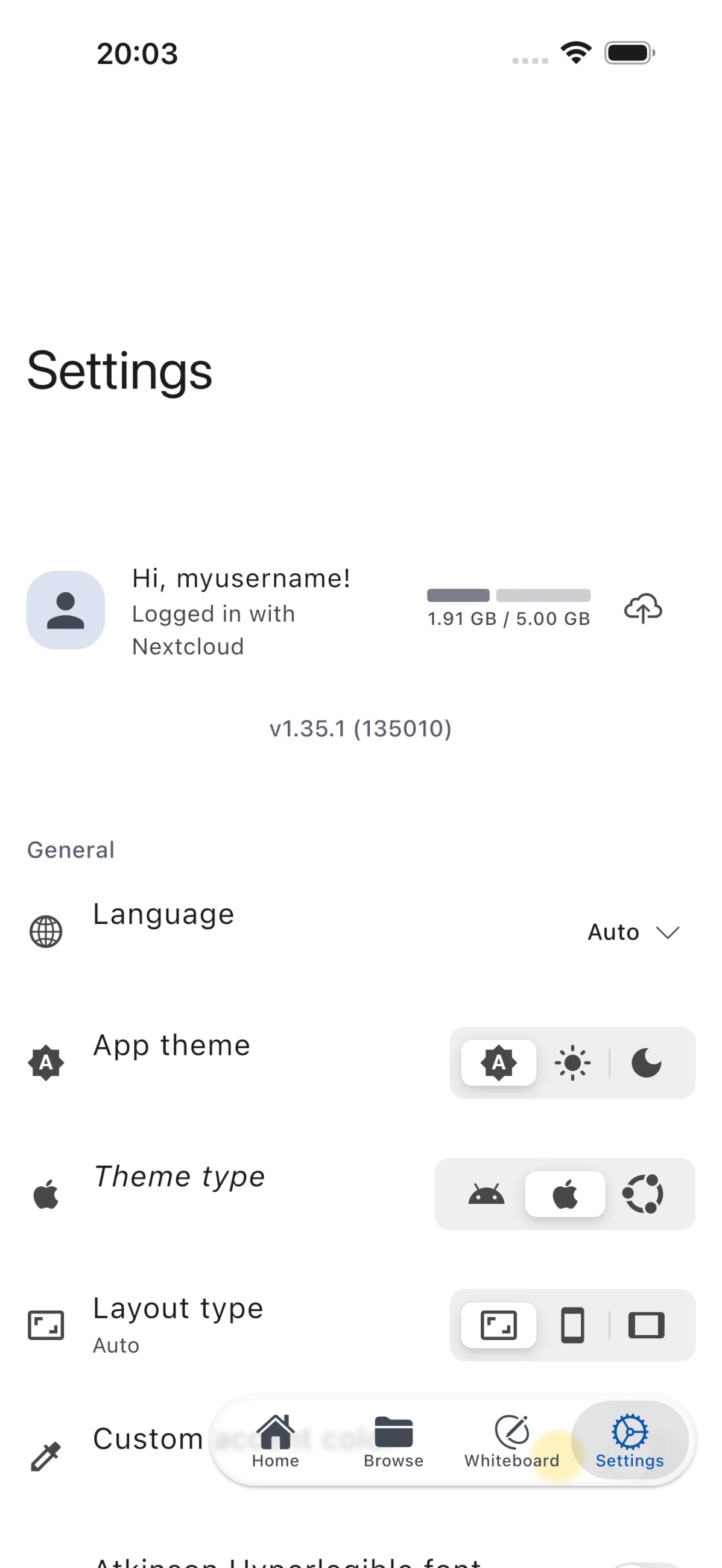
Screenshot 3
Application settings