
openScale light
Health and fitnessKeep weight and body-measurement records, view trends, and connect supported Bluetooth scales with openScale for Android.
By olie.xdeveloper
Get openScale light
Store availability and purchase options can vary by country. Check the listing for your device.
Screenshots
Select a screenshot to enlarge it.
About openScale light
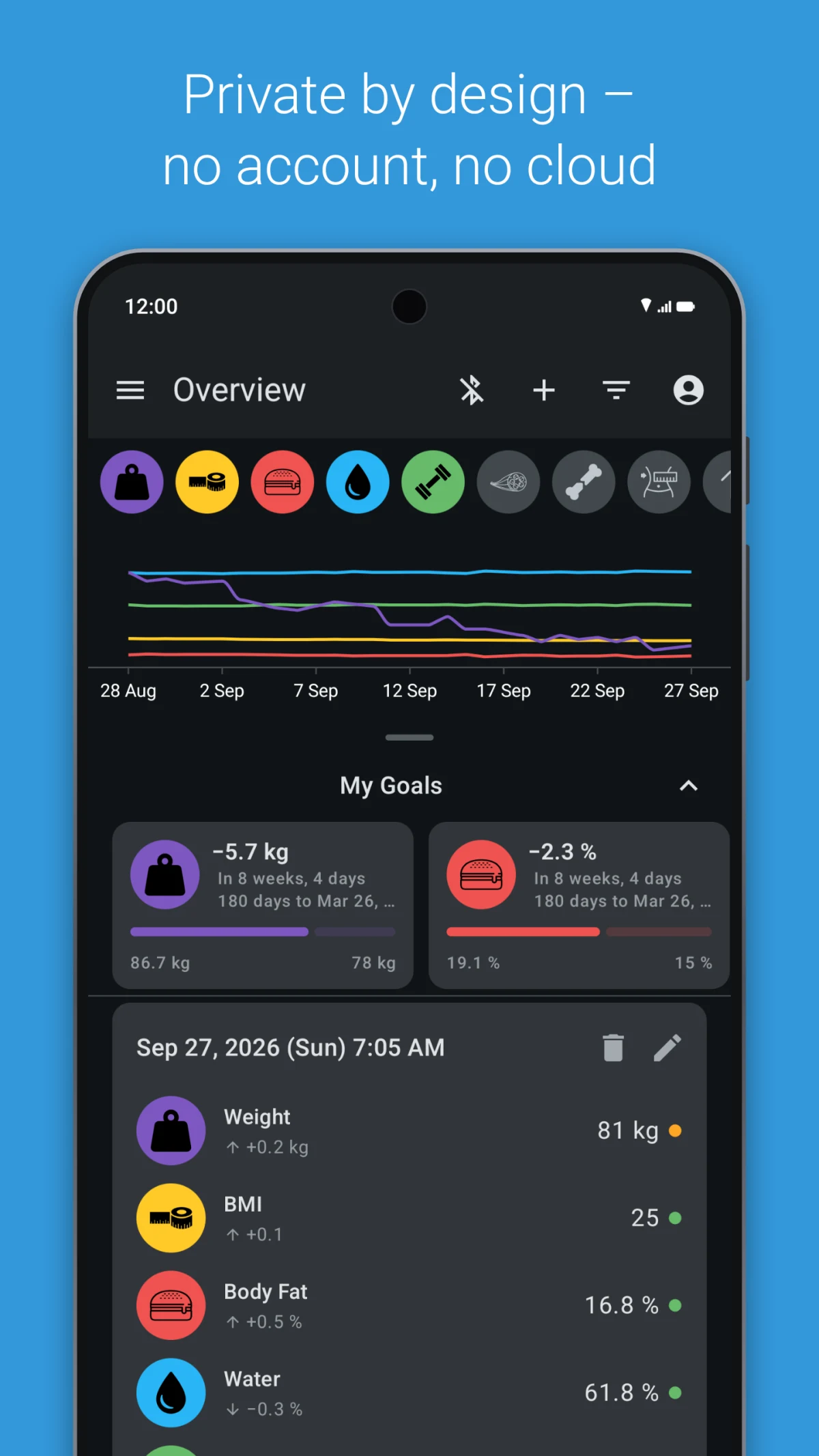
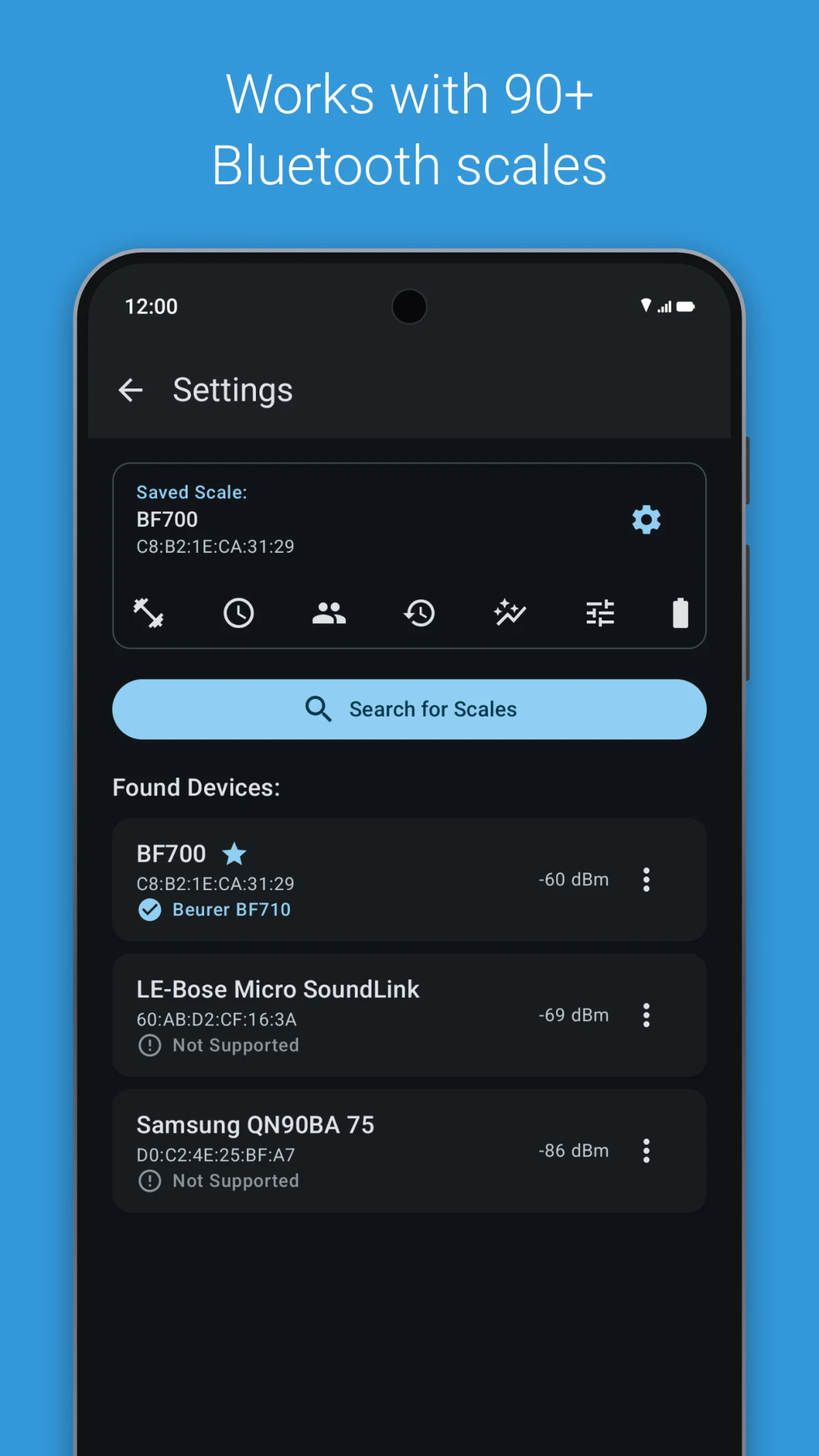
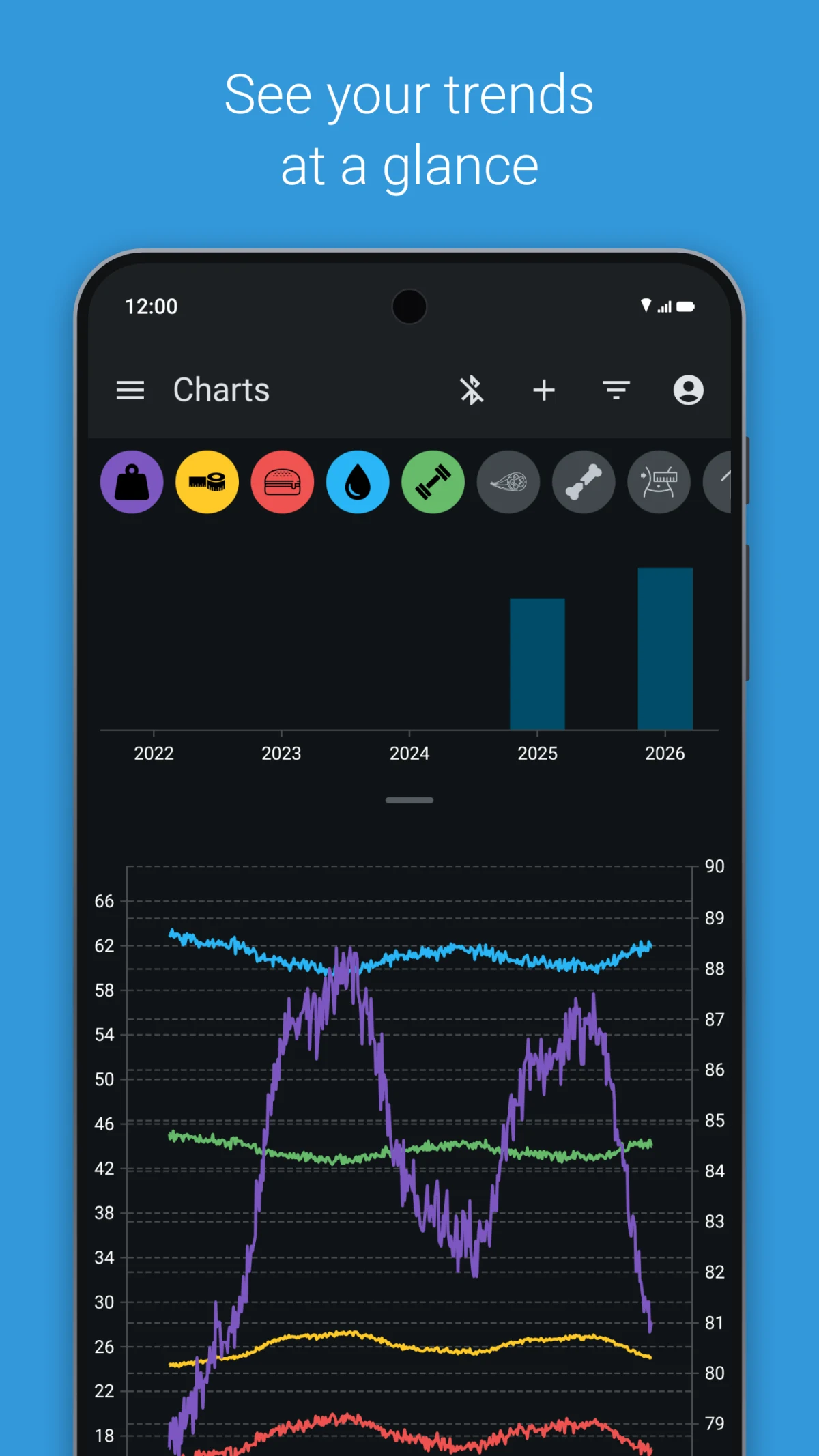
openScale keeps a history of weight and other body measurements on an Android phone. Enter readings by hand, or connect a Bluetooth scale from the publisher's supported model list. Its charts help you review recorded values over time, and you can choose which measurements the app displays.
The app supports measurements such as weight, body fat, body water, and muscle values when those readings are available. A scale's Bluetooth brand name alone does not confirm compatibility, so check its exact model before relying on automatic transfers. Manual entry remains available for other scales.
The current official Google Play listing is free. The publisher states that no account is required and that the app has no ads. A location permission may be needed to discover a Bluetooth scale.
What you can do
- Manual body-measurement entry
- History and trend charts
- Supported Bluetooth-scale connections
- Selectable measurement fields
Free features and limits
Automatic transfers work only with supported scale models. Manual entry is available for other scales.
Image credits
App icon
openScale light app icon
Screenshot 1
Measurement overview and goals
Screenshot 2
Bluetooth-scale discovery settings
Screenshot 3
Body-measurement trend charts