Nextcloud Talk
Messaging and meetingsMake voice and video calls, join group conversations, and exchange messages through your Nextcloud server with Nextcloud Talk.
By Nextcloud
Get Nextcloud Talk
Store availability and purchase options can vary by country. Check the listing for your device.
Screenshots
Select a screenshot to enlarge it.
About Nextcloud Talk
Nextcloud Talk connects an Android phone or iPhone to conversations on a Nextcloud server. Use it for individual or group messages, audio calls, video meetings, and shared screens. Conversations and calls use the server chosen by you or your organization.
The mobile app is free, but it needs a working Nextcloud Talk server. A self-hosted setup requires a server and administration; a hosted service may have its own charges or account rules. The app is useful when your team, family, or community already uses Nextcloud.
The publisher provides native apps for Android and iPhone. Message delivery and live calls depend on a connection to the server.
What you can do
- Individual and group chat
- Voice and video calls
- Web meetings
- Screen sharing
Free features and limits
The app is free. It requires a Nextcloud Talk server; hosting and server administration may cost money.
Image credits
App icon
Nextcloud Talk app icon
Screenshot 1
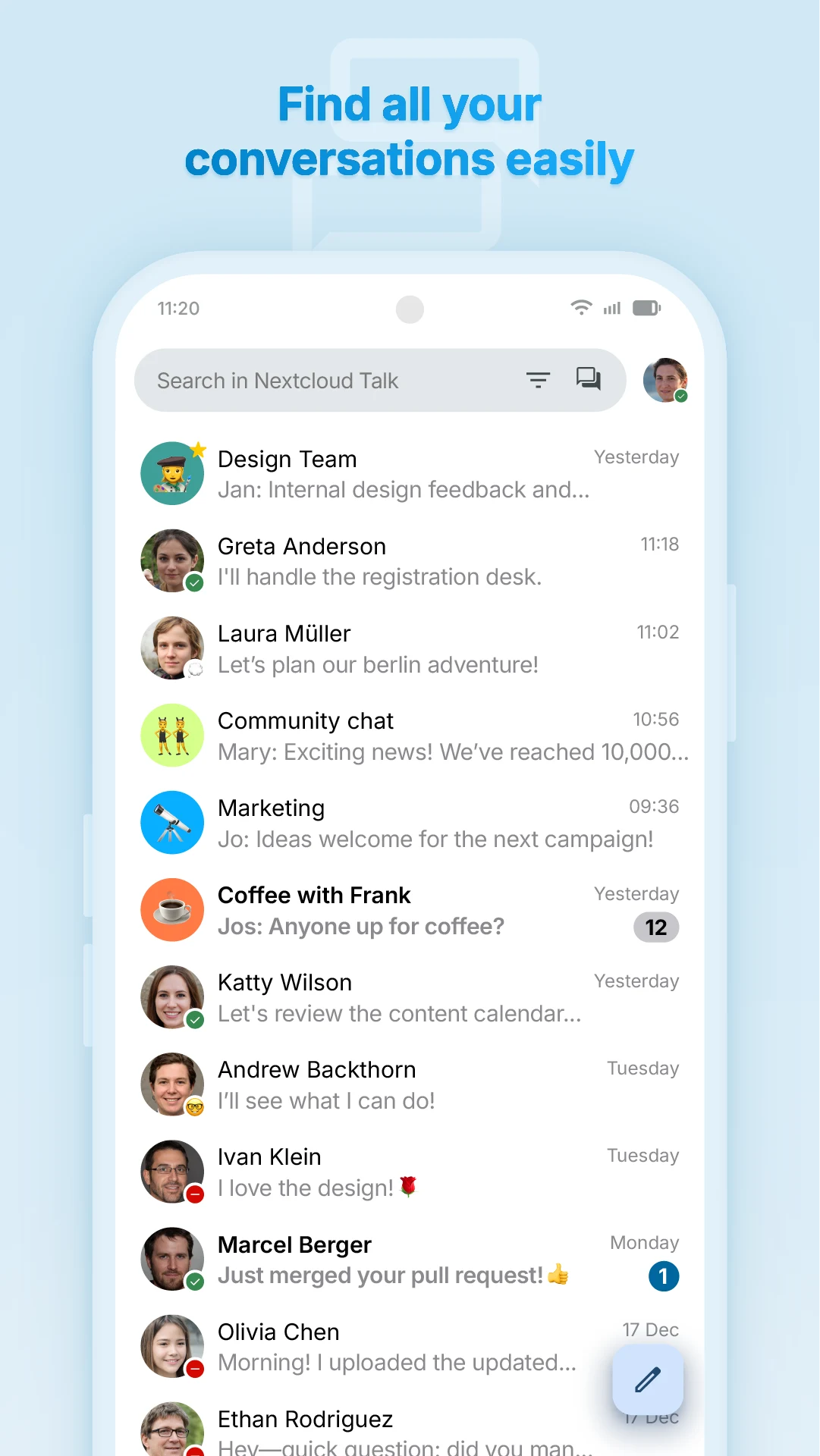
Conversation list
Screenshot 2
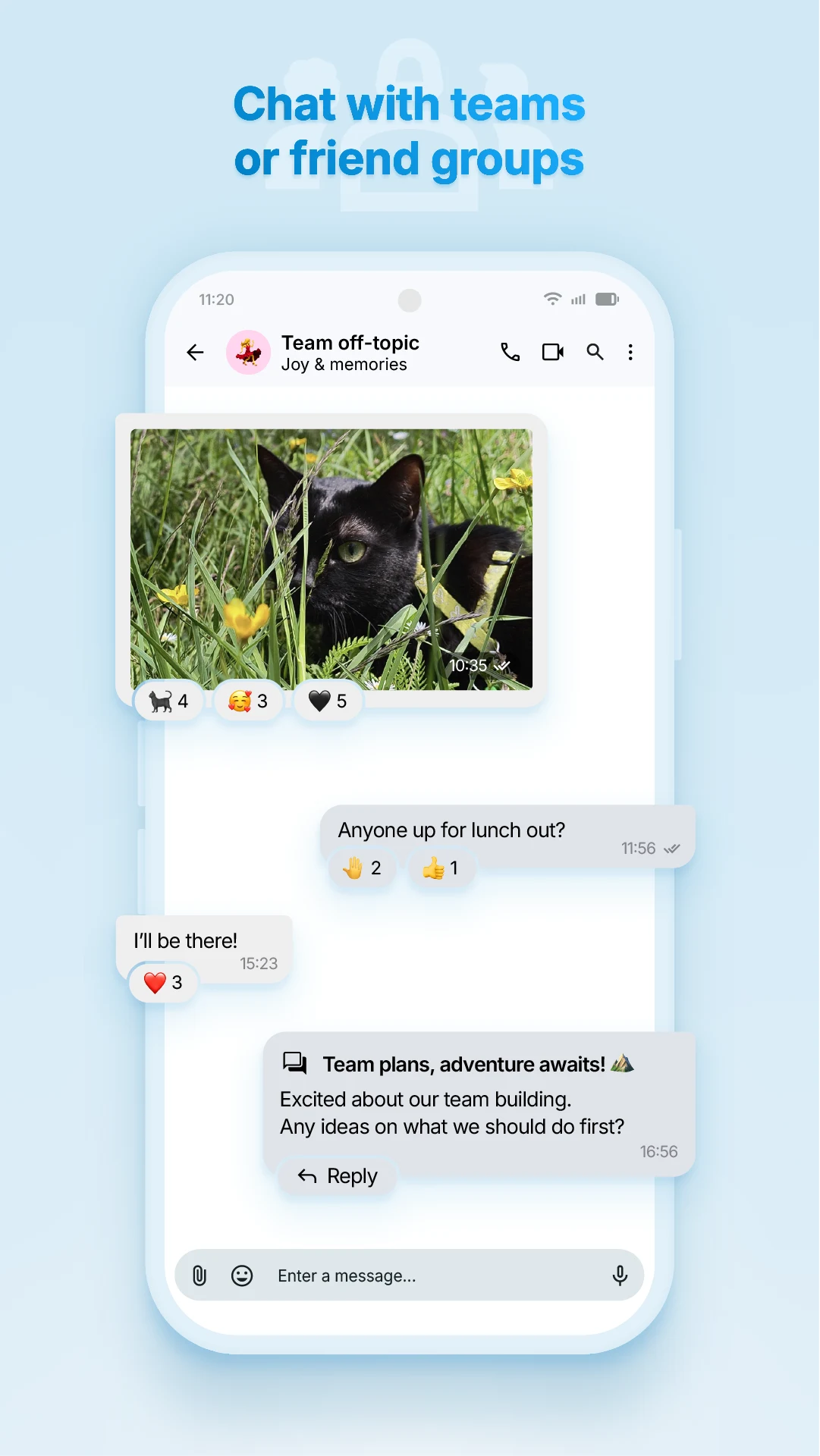
Group chat and shared message
Screenshot 3
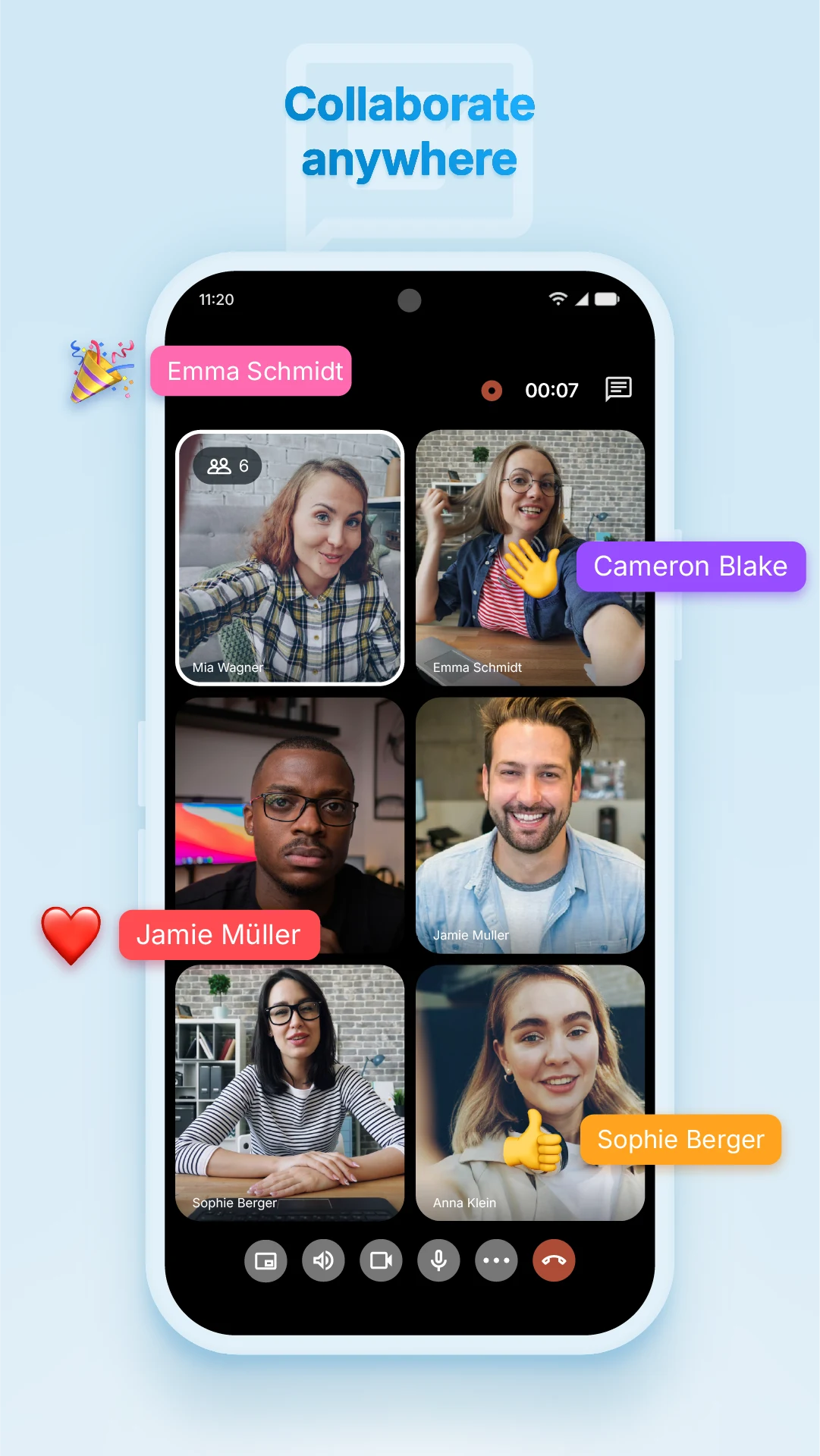
Group video call