
Nextcloud Files
Documents, scanning and filesAccess cloud files, upload phone photos, and keep selected documents offline with Nextcloud Files for Android and iPhone.
By Nextcloud
Get Nextcloud Files
Store availability and purchase options can vary by country. Check the listing for your device.
Screenshots
Select a screenshot to enlarge it.
About Nextcloud Files
Nextcloud Files connects a phone to a Nextcloud server. Browse stored files, upload photos and videos, and share files or folders from your account. The Android app supports more than one account and can automatically upload selected phone photos.
Choose files to keep available offline when you need access without a connection. Sharing and synchronization use the server, so their availability depends on its configuration and your account permissions.
The native mobile app is free. You need an account on a Nextcloud server, which you can host yourself or obtain from a provider. Hosting and storage providers may charge for their services.
What you can do
- Nextcloud file browsing
- File and folder sharing
- Photo and video uploads
- Selected offline files
- Multiple accounts on Android
Free features and limits
The mobile app is free. A Nextcloud server is required; hosting and storage providers may charge separately.
Image credits
App icon
Nextcloud Files app icon
Nextcloud mark © Nextcloud GmbH. Independent editorial commentary; WapTRICK is not affiliated with or endorsed by Nextcloud.
Screenshot 1
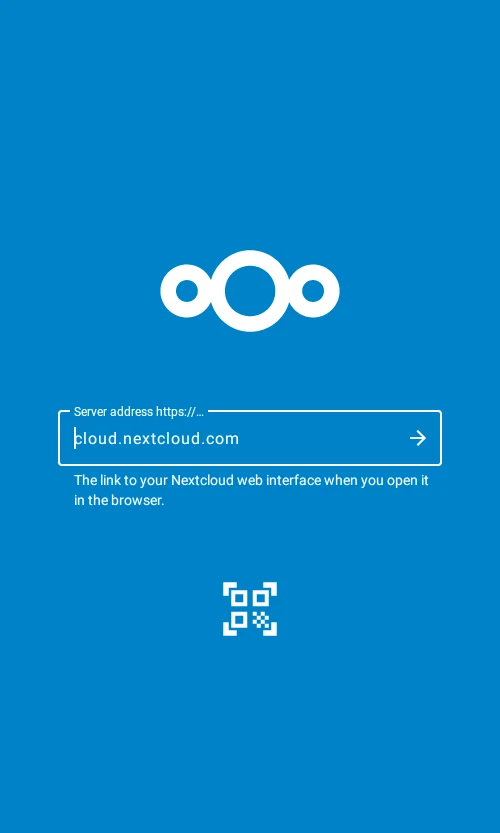
Connect to a Nextcloud server
Screenshot 2
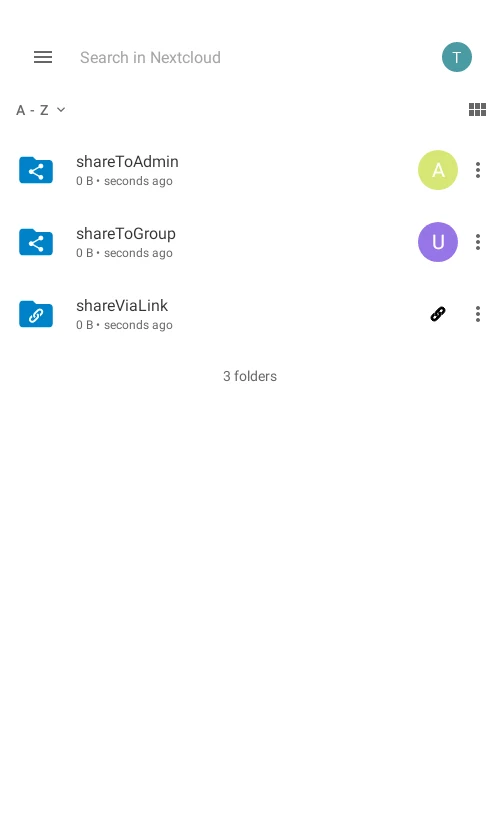
Shared folders and link sharing
Screenshot 3
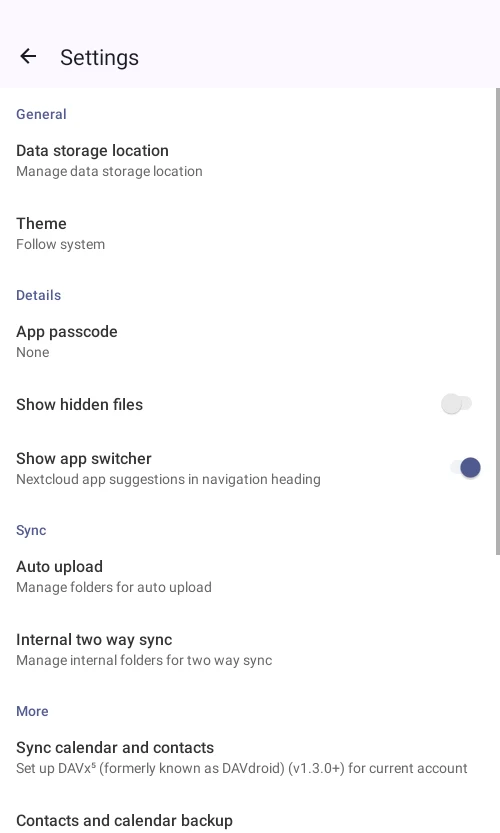
File storage and synchronization settings