
MJ PDF
Documents, scanning and filesRead PDFs, highlight text, fill forms, and organize document folders with MJ PDF for Android.
By mudlej
Get MJ PDF
Store availability and purchase options can vary by country. Check the listing for your device.
Screenshots
Select a screenshot to enlarge it.
About MJ PDF
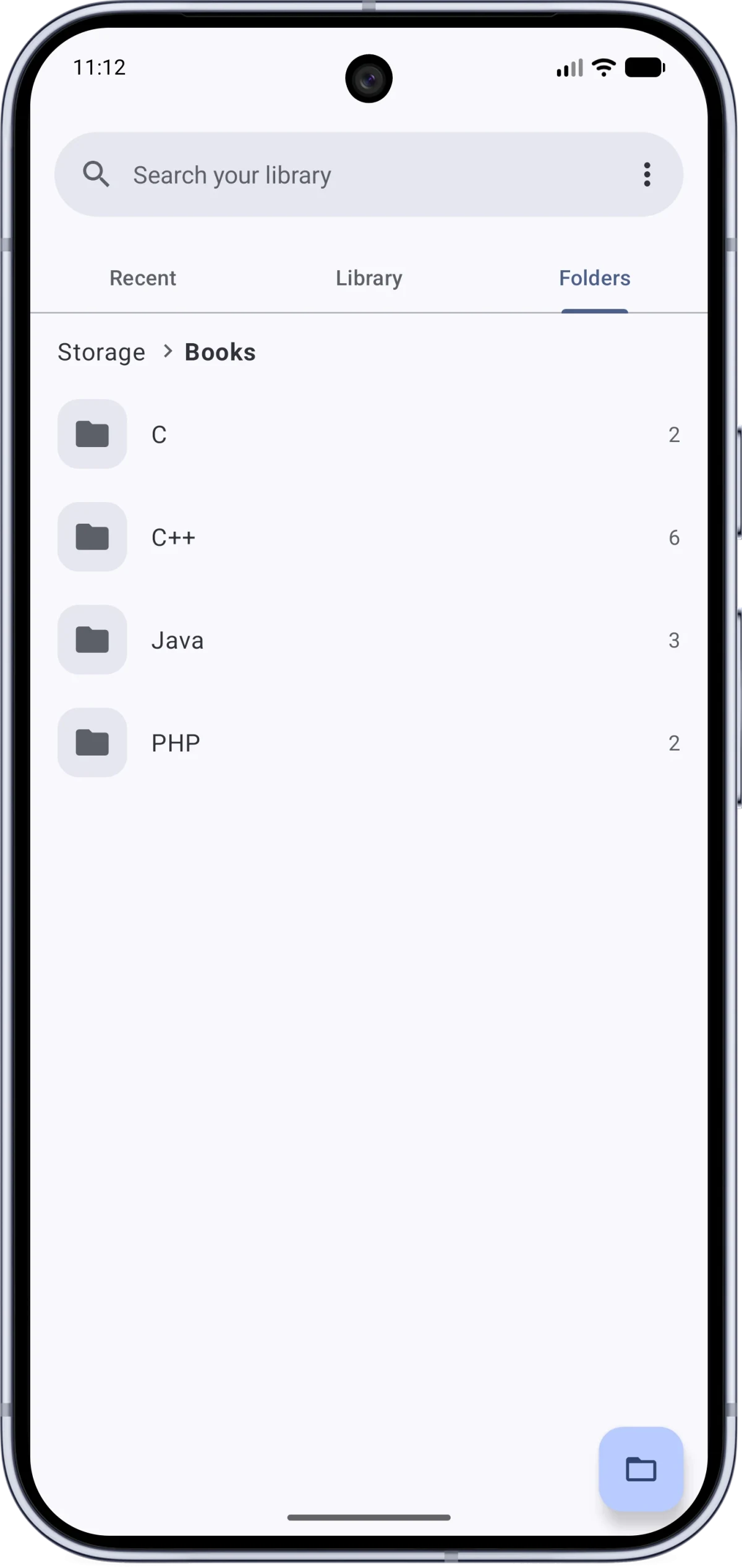
MJ PDF opens PDF documents stored on an Android phone. Its recent-files, library, and folder views help you find a document and return to your reading position. Search, bookmarks, a table of contents, and navigation history provide ways to move through longer files.
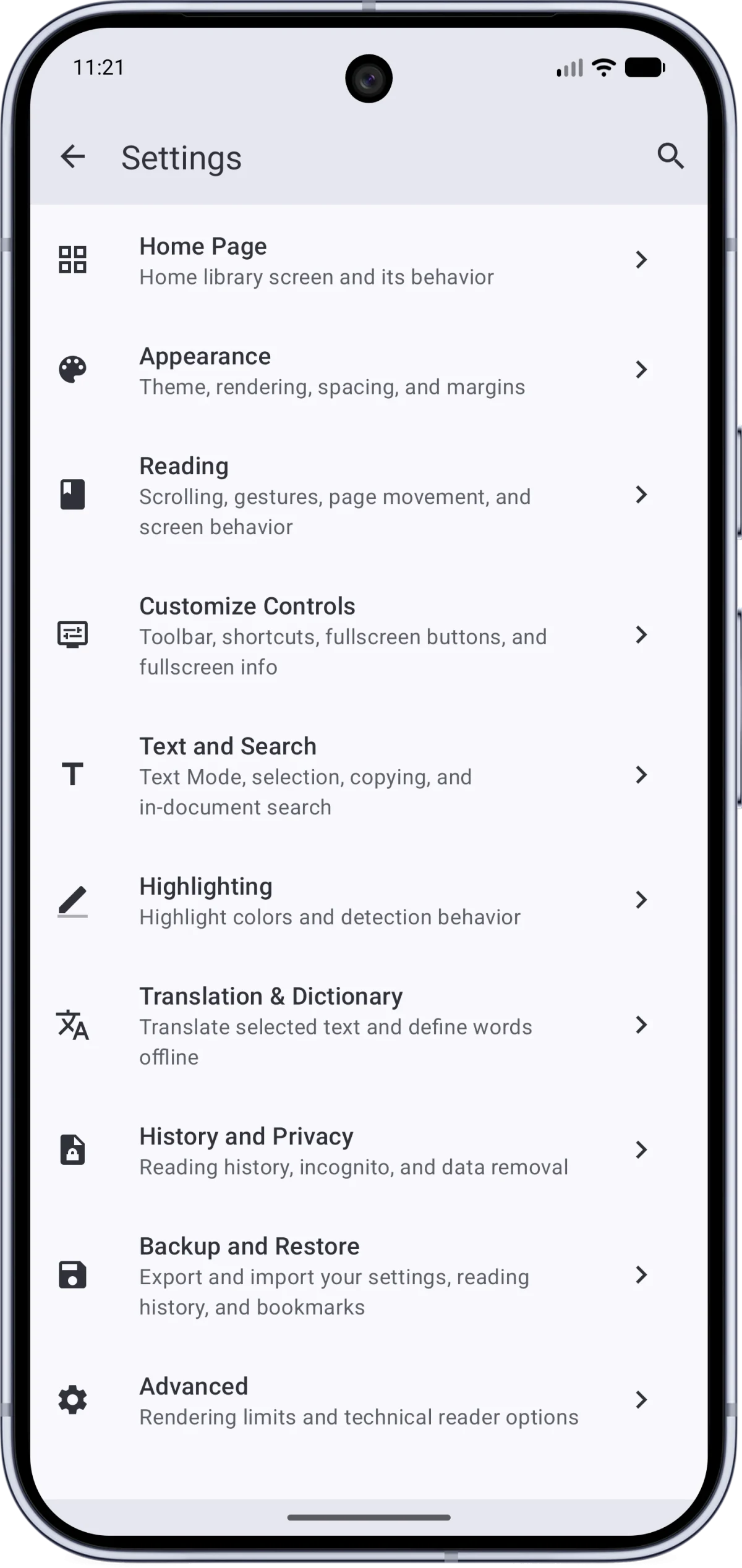
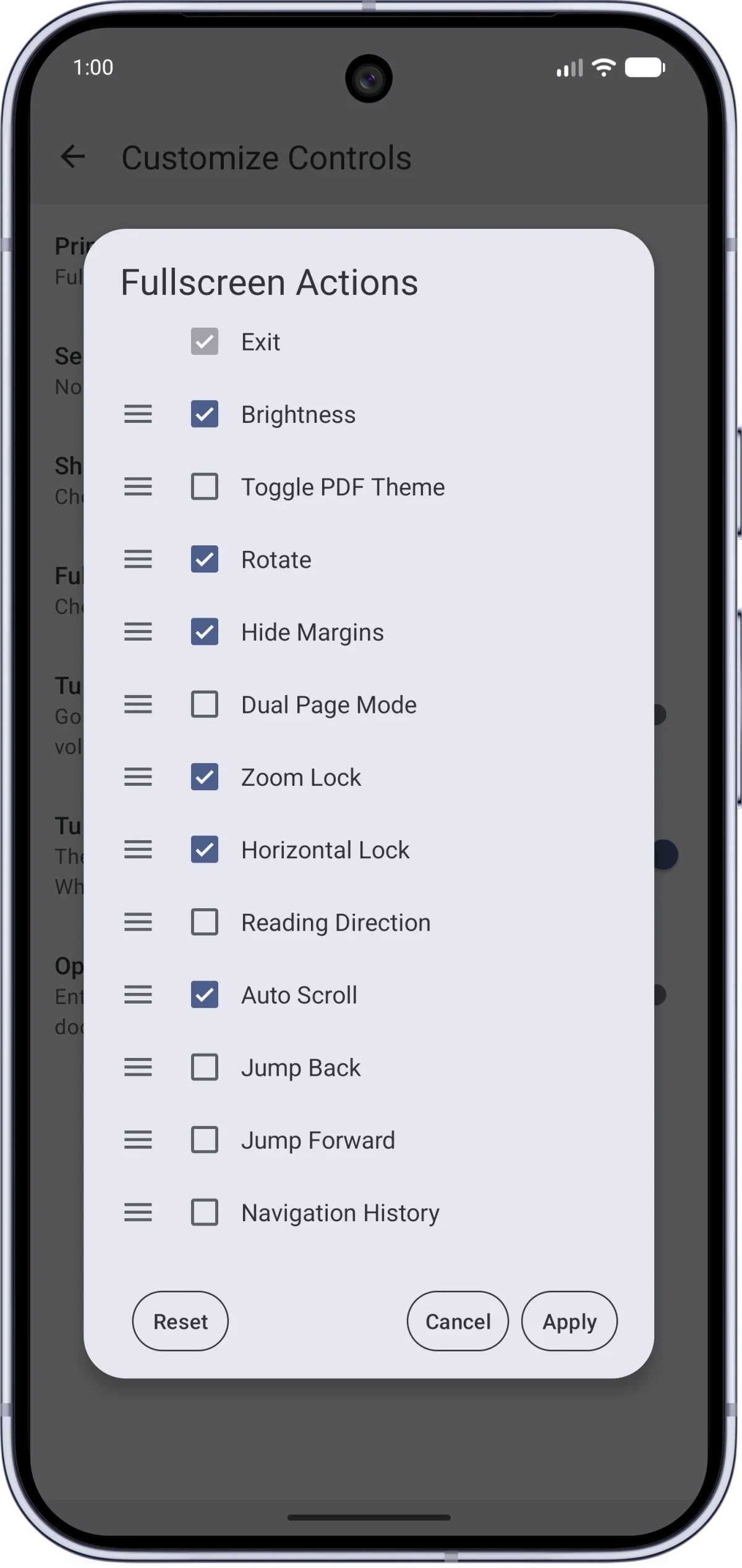
Reading controls include dark mode for the document, text reflow, page-fit options, and different page layouts. You can customize fullscreen buttons, highlight text, attach notes, draw a signature, and fill supported PDF forms. Backup tools export app settings and reading history.
The app is free. The publisher states that it has no ads or tracking and keeps documents on the device. Local PDFs can be read offline. Opening a PDF from an online link needs a connection, and crash reports are sent only if you approve them.
What you can do
- Recent files, library and document folders
- Search, bookmarks and table of contents
- Text reflow and page layouts
- Highlights, notes, signatures and supported forms
- Custom reading controls and history backup
Free features and limits
PDF documents are supplied by you. Form editing depends on the fields supported by the PDF.
Image credits
App icon
MJ PDF app icon
Screenshot 1
Browse document folders
Screenshot 2
PDF reading and library settings
Screenshot 3
Customize fullscreen reading buttons