Librera Reader
Documents, scanning and filesRead local books and documents, adjust text and themes, and use installed text-to-speech voices with Librera Reader for Android.
By Librera
Get Librera Reader
Store availability and purchase options can vary by country. Check the listing for your device.
Screenshots
Select a screenshot to enlarge it.
About Librera Reader
Librera Reader opens a broad range of book and document formats on Android, including PDF, EPUB, MOBI, DjVu, and plain text. Its library tools help find saved files, keep favorites, and return to recently opened material.
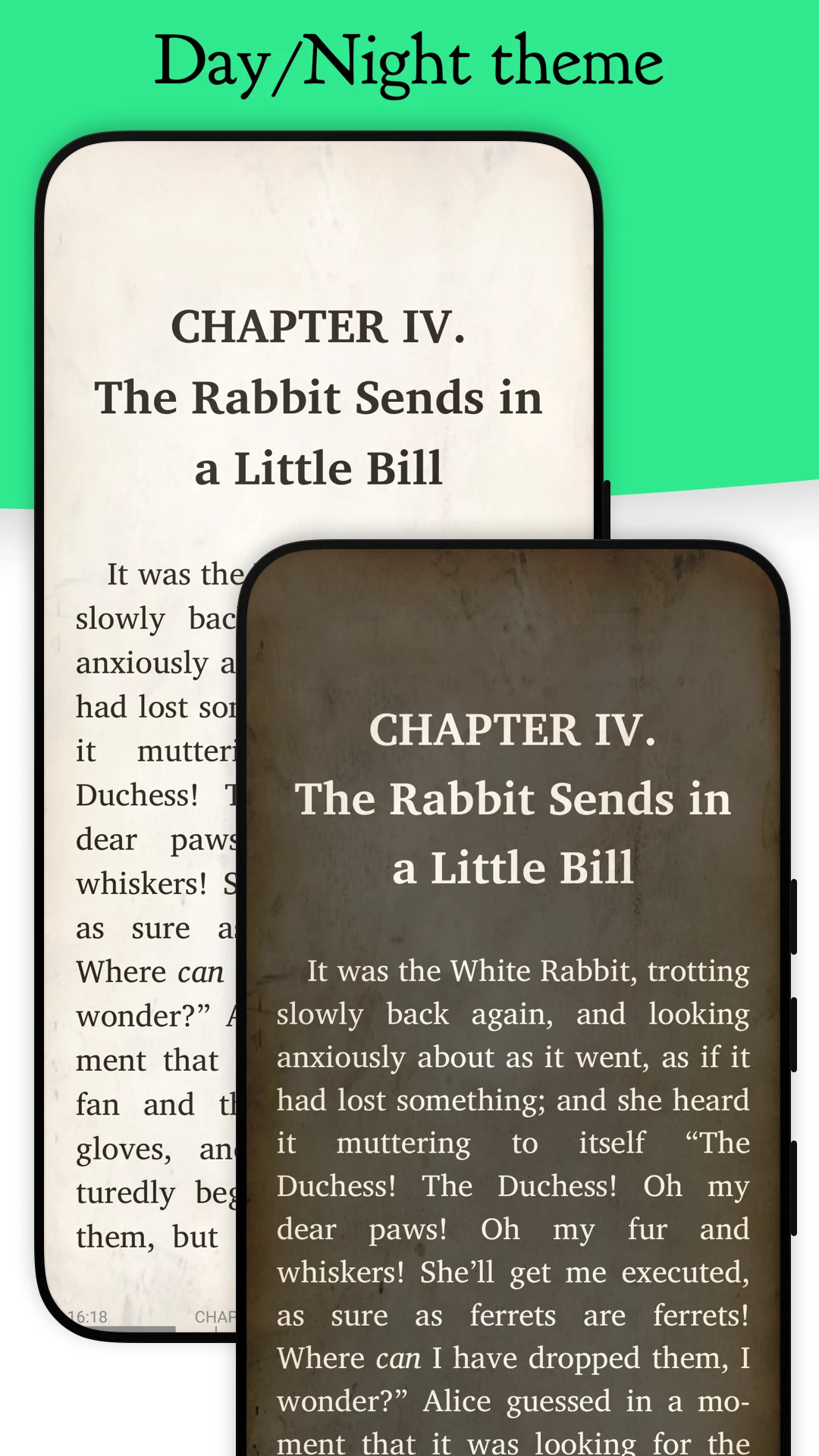
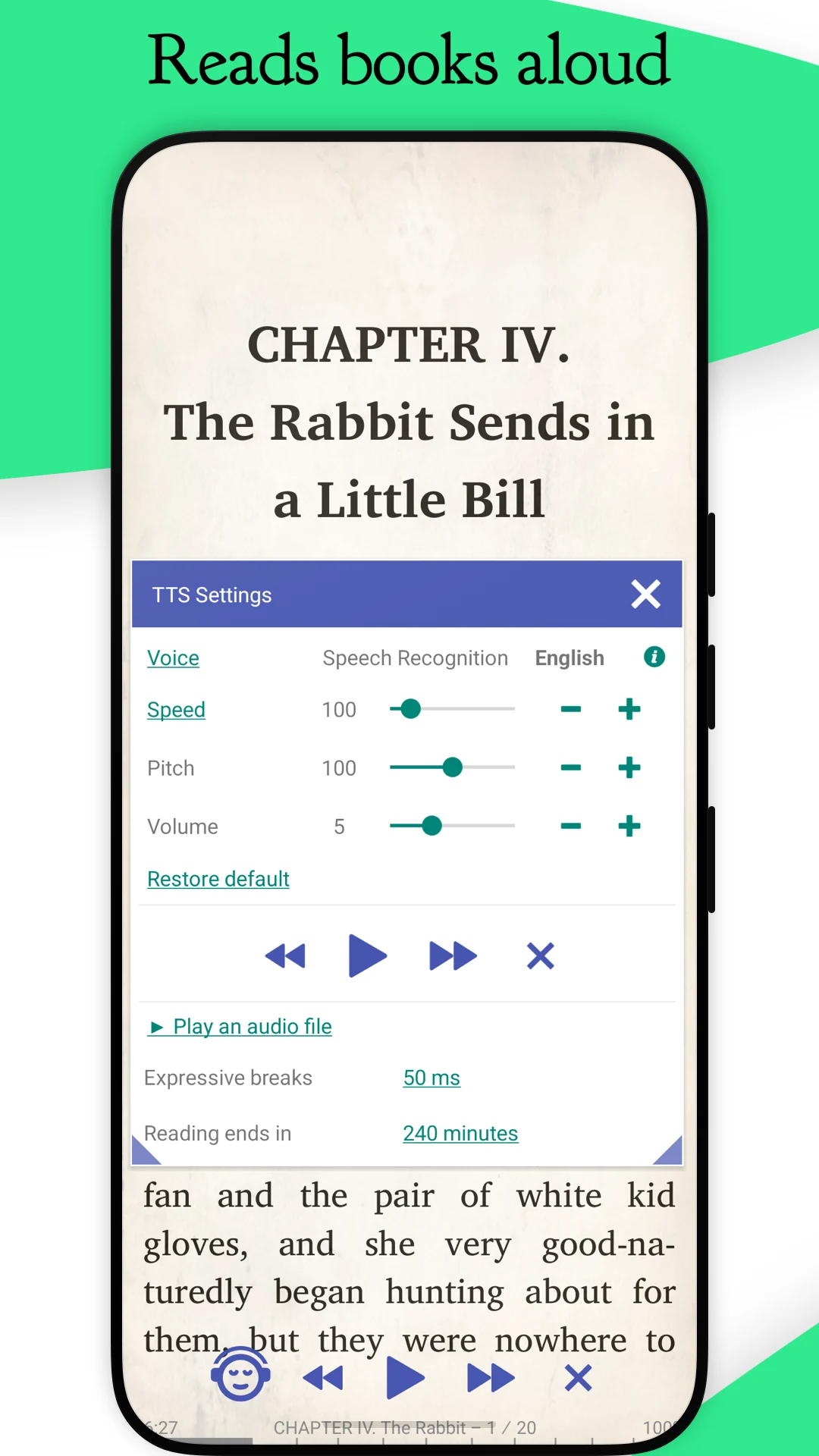
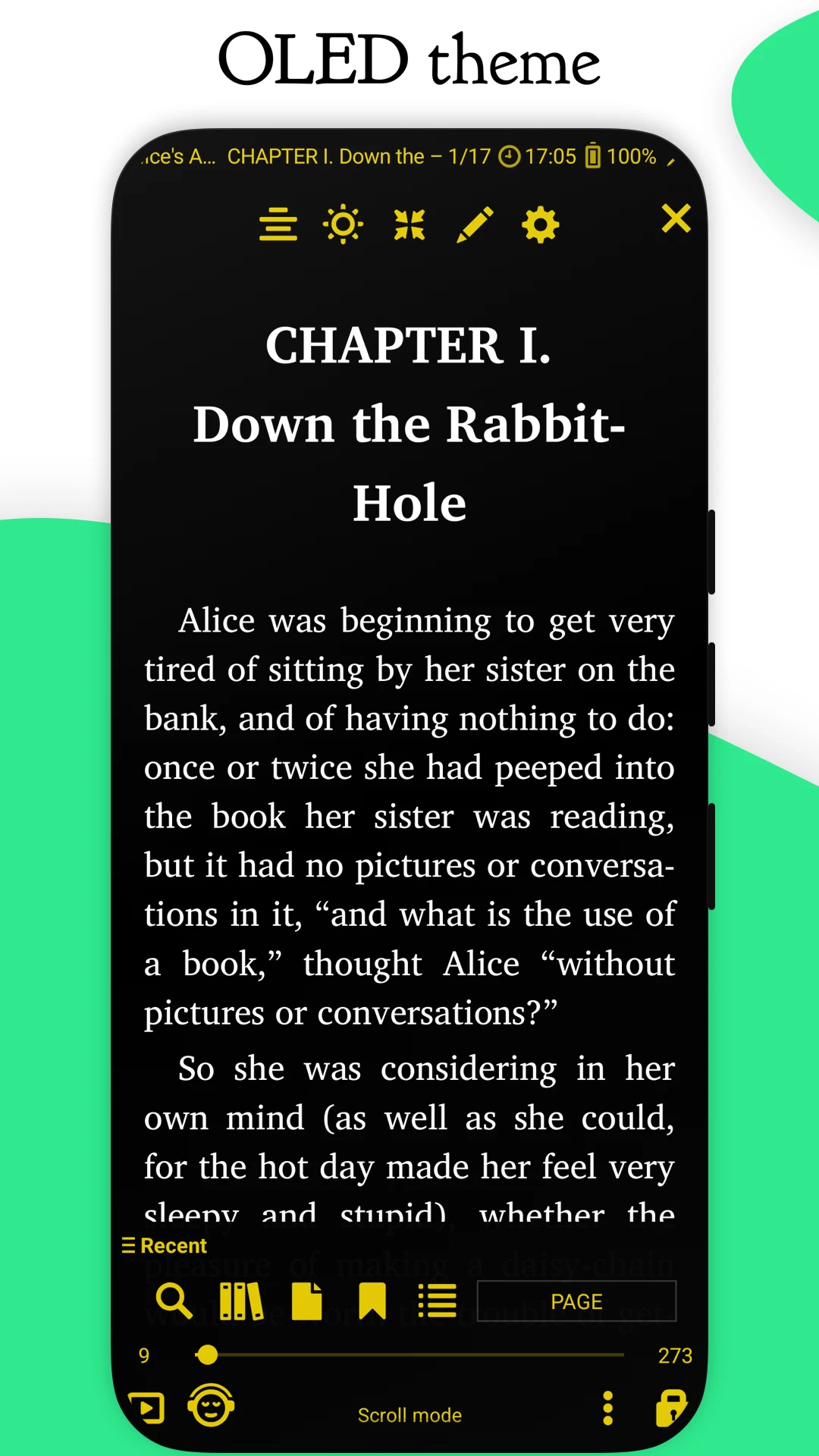
Reading controls include themes, text appearance, and bookmarks. The app can read aloud through a text-to-speech engine installed on the device. Available voices and their connection requirements depend on that engine.
The verified Android product is free and lists ads. The publisher also links a separate Pro product. Supported formats do not guarantee that every document's layout or protection method will work the same way.
What you can do
- PDF and EPUB reading
- Local book library
- Bookmarks and themes
- Installed text-to-speech support
Free features and limits
The verified free listing contains ads; the publisher offers a separate Pro product.
Image credits
App icon
Librera Reader app icon
Screenshot 1
Day and night reading themes
Screenshot 2
Text-to-speech controls
Screenshot 3
Dark reading view