
Fossify Voice Recorder
Audio, podcasts and readingRecord voice memos, organize audio files and play recordings back on Android.
By Fossify
Get Fossify Voice Recorder
Store availability and purchase options can vary by country. Check the listing for your device.
Screenshots
Select a screenshot to enlarge it.
About Fossify Voice Recorder
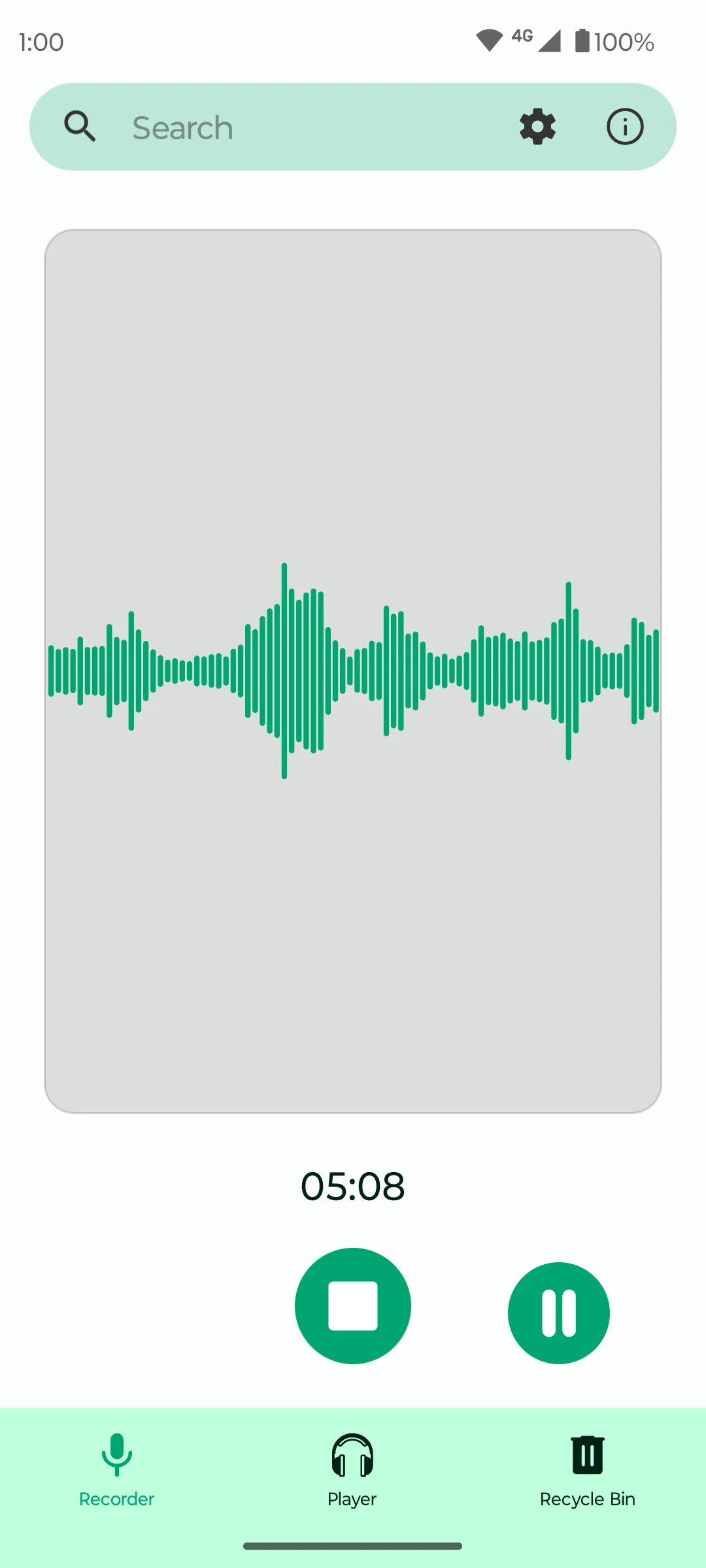
Fossify Voice Recorder uses an Android phone to record spoken notes and other audio. The recording screen shows the waveform and elapsed time, with pause and stop controls. It is useful for a quick voice memo, a practice session or notes you want to hear later.
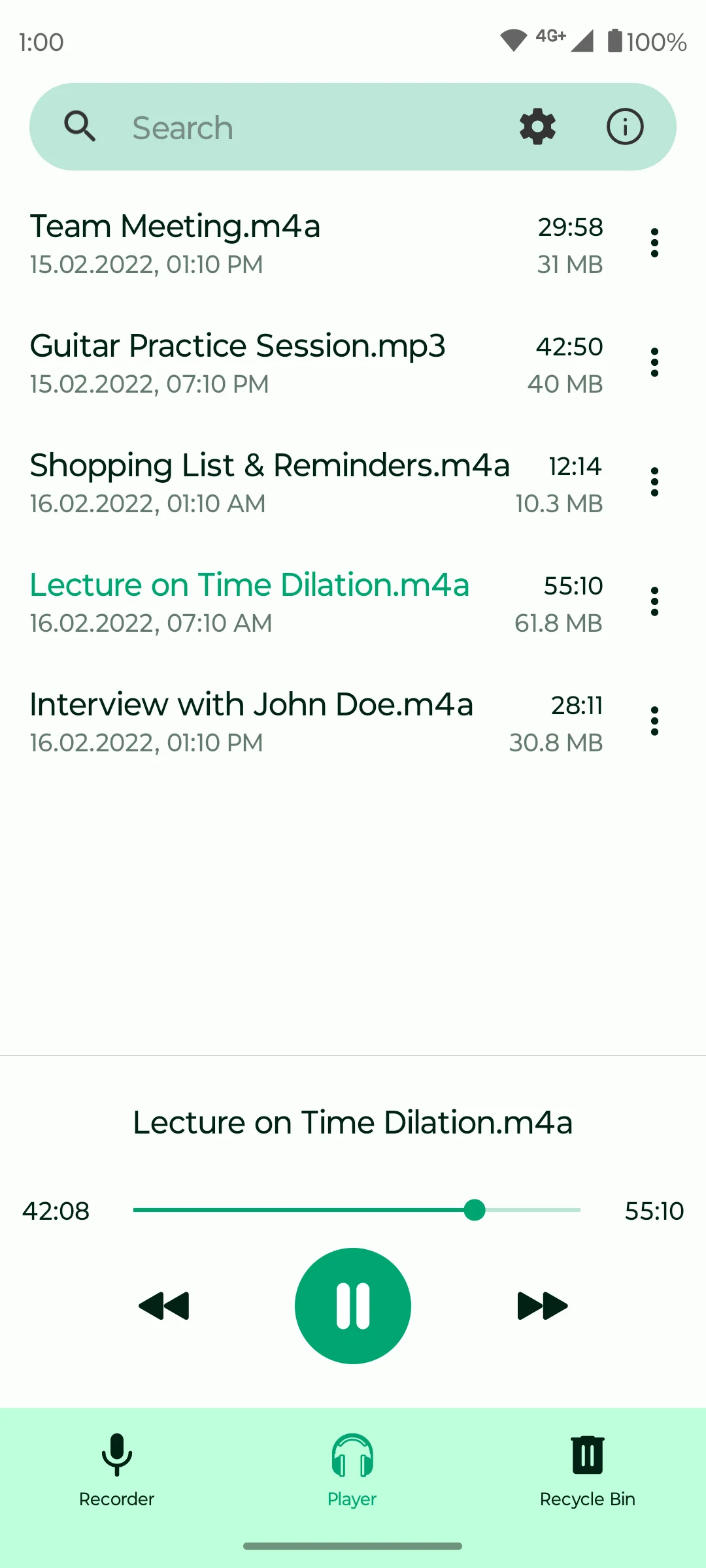
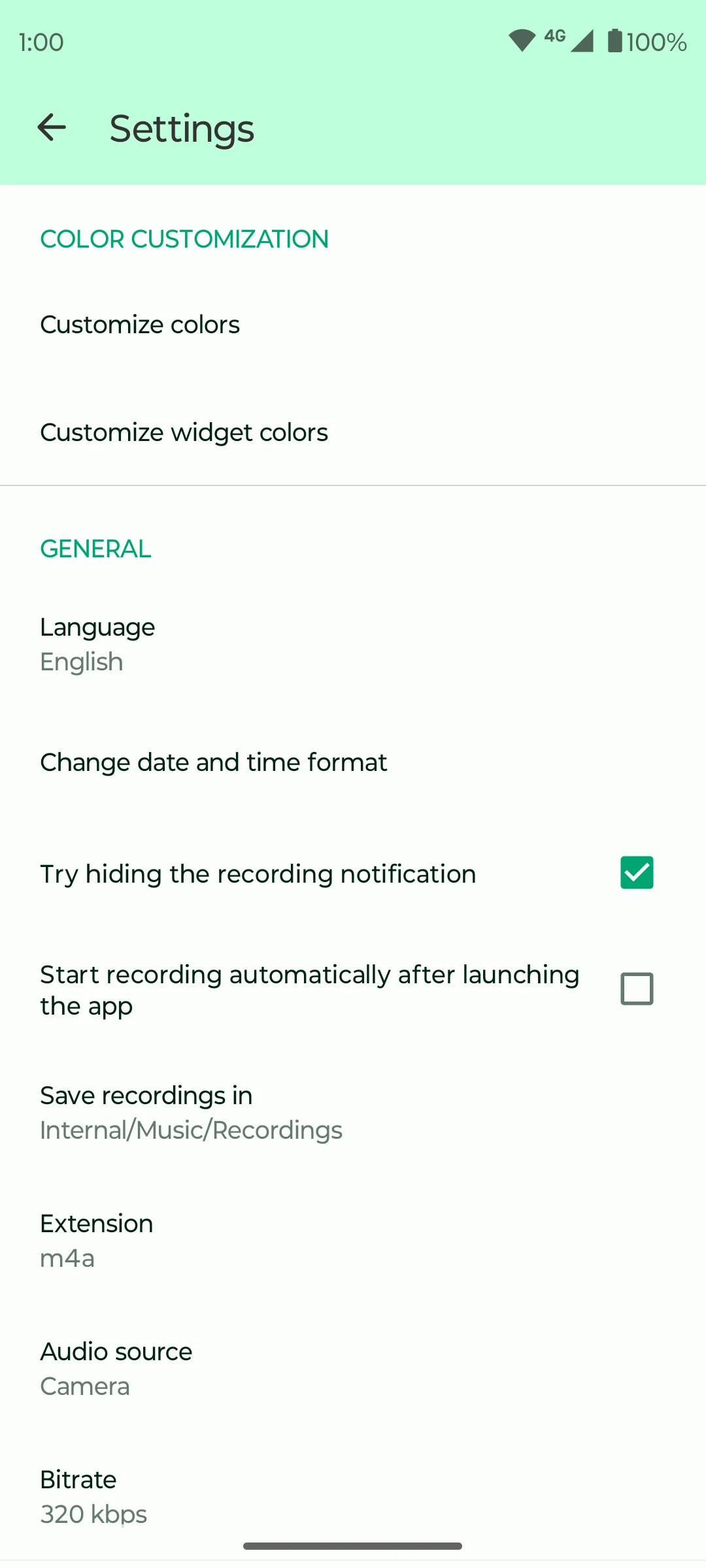
A player view lists saved recordings with their duration and file size. Search helps locate a recording, while settings control the save folder, recording format, audio source and bit rate. The app also has a recycle-bin view for deleted recordings and options for starting a recording after opening the app.
The publisher describes the recorder as free, without ads and able to work offline. Google Play currently labels it as a beta. Recording requires microphone access and device storage; available input sources depend on the phone.
What you can do
- Voice recording
- Pause and stop controls
- Recording playback
- Search
- Format and bit-rate settings
Free features and limits
The current official listing is labelled beta. Audio-input support depends on the phone.
Image credits
App icon
Fossify Voice Recorder app icon
Screenshot 1
Recording waveform and controls
Screenshot 2
Saved recordings and playback
Screenshot 3
Recording format and input settings