
Fossify Paint
Photo editing and designMake simple drawings on Android, choose precise brush colors and export pictures as PNG, JPG or SVG.
By Fossify
Get Fossify Paint
Store availability and purchase options can vary by country. Check the listing for your device.
Screenshots
Select a screenshot to enlarge it.
About Fossify Paint
Fossify Paint is a drawing app for quick sketches and simple pictures on Android. Choose a brush size and color, draw on the canvas, then save the result. The publisher documents PNG, JPG and SVG export, which gives you a choice of formats for sharing or using the drawing elsewhere.
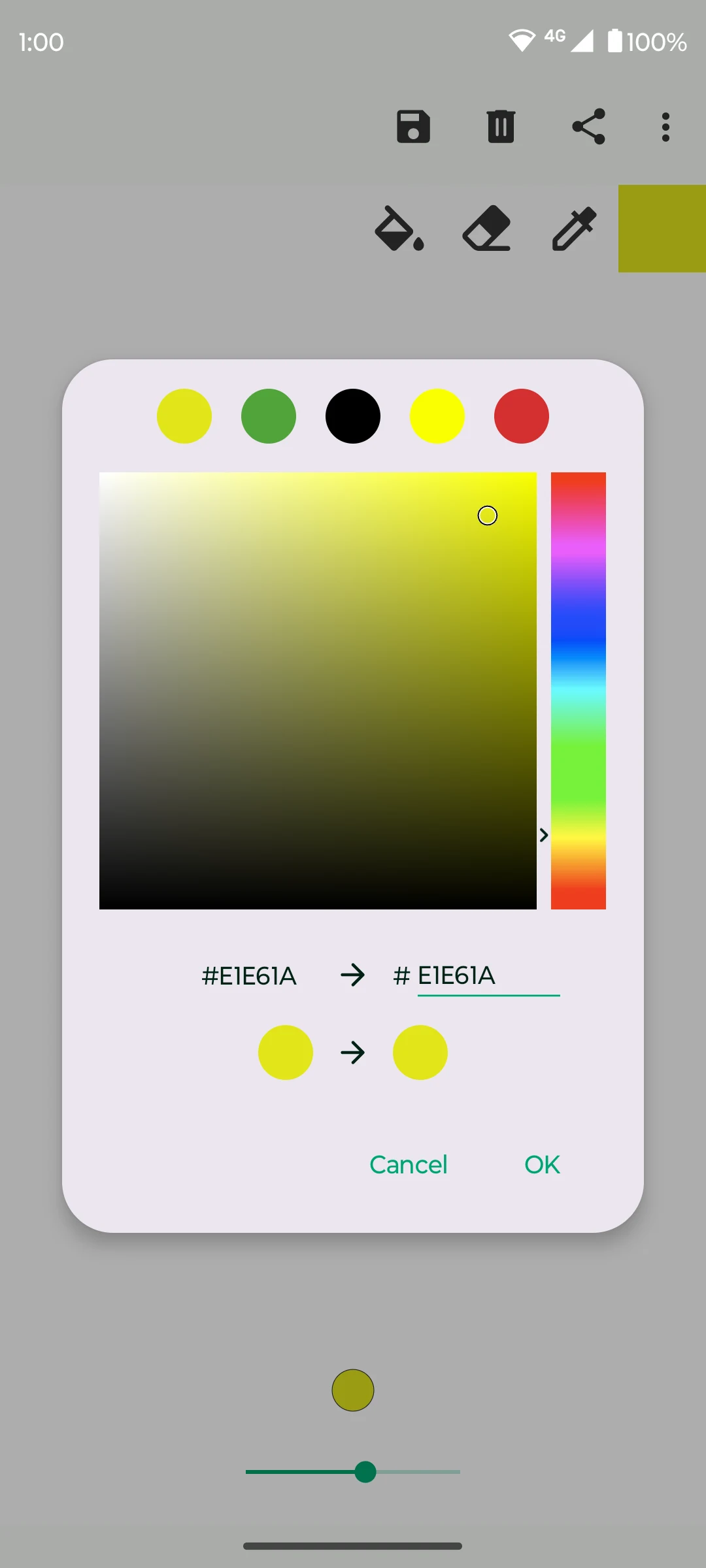
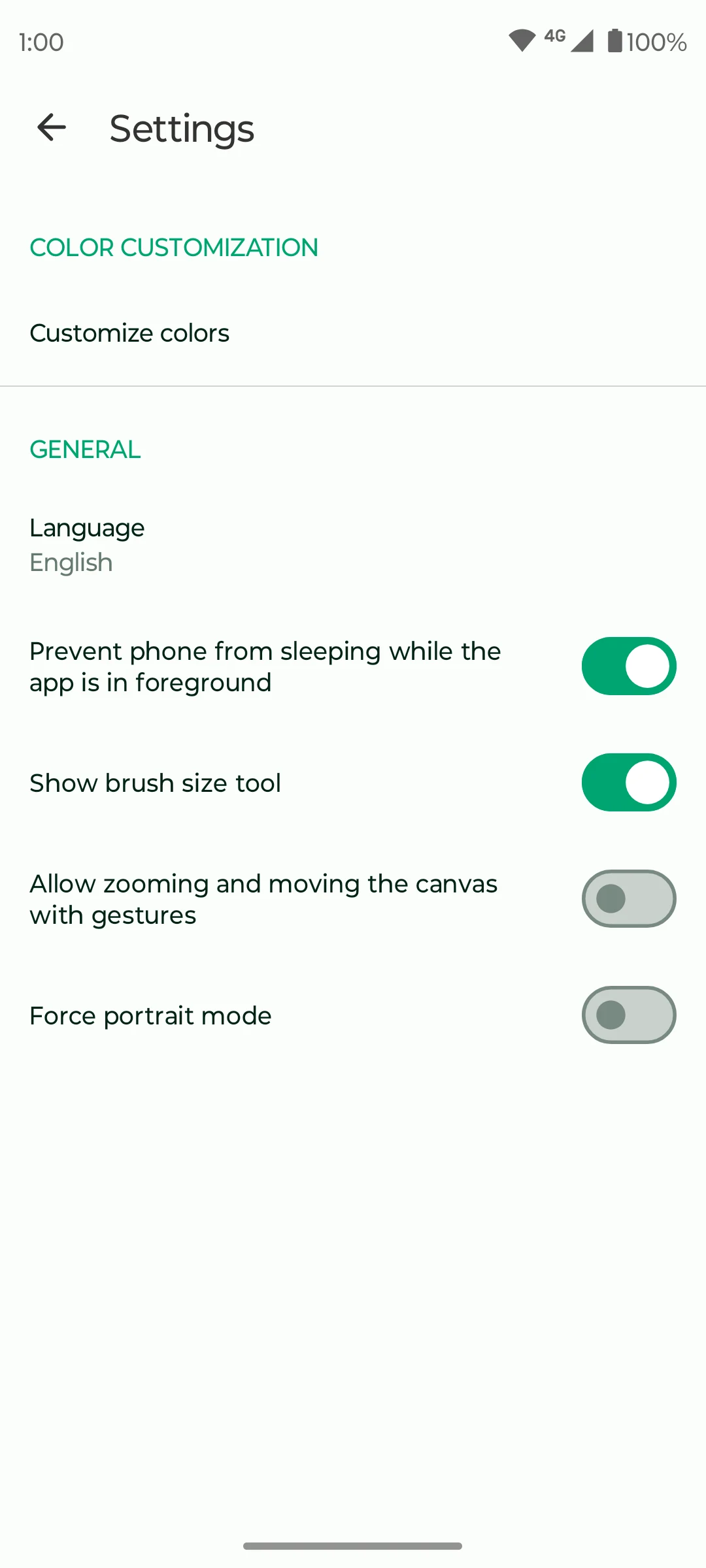
The app works offline and is available free. You can enter color values, change the canvas background and adjust drawing settings. The settings also let you control canvas gestures and orientation, so a drawing session can match the way you hold the phone.
What you can do
- Adjustable brush size
- Precise color picker
- Canvas background settings
- PNG, JPG and SVG export
- Offline drawing
Image credits
App icon
Fossify Paint screenshots and icon by Fossify contributors, GPL-3.0. Unmodified source PNGs are available from the recorded publisher commit. Display copies may be resized or re-encoded.
Screenshot 1
Fossify Paint brush-color chooser with numeric color values.
Fossify Paint screenshots and icon by Fossify contributors, GPL-3.0. Unmodified source PNGs are available from the recorded publisher commit. Display copies may be resized or re-encoded.
Screenshot 2
Fossify Paint settings for brush controls, canvas gestures and orientation.
Fossify Paint screenshots and icon by Fossify contributors, GPL-3.0. Unmodified source PNGs are available from the recorded publisher commit. Display copies may be resized or re-encoded.
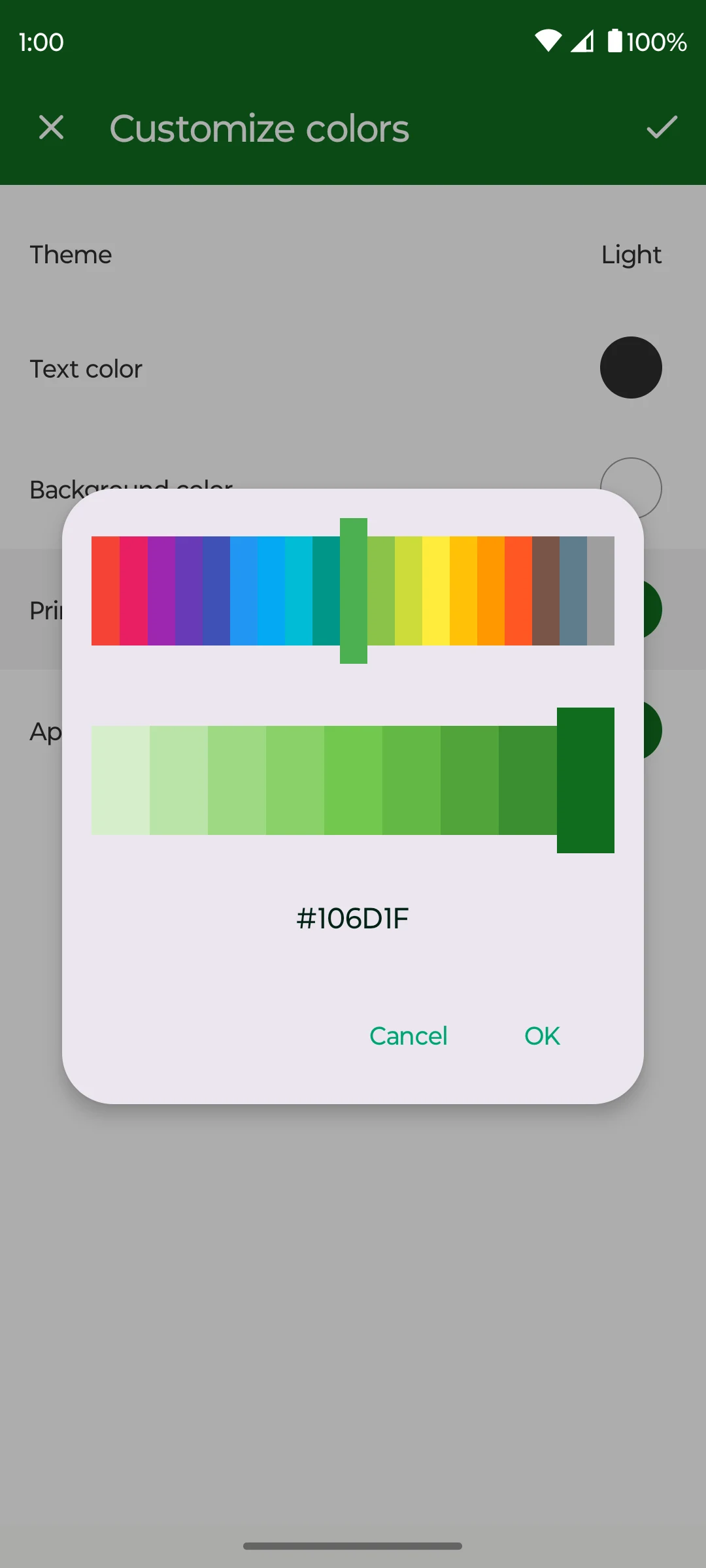
Screenshot 3
Fossify Paint interface-color chooser.
Fossify Paint screenshots and icon by Fossify contributors, GPL-3.0. Unmodified source PNGs are available from the recorded publisher commit. Display copies may be resized or re-encoded.