
Fossify Keyboard
Utilities and securityType on Android with an offline keyboard and controls for languages, layout and colours.
By Fossify
Get Fossify Keyboard
Store availability and purchase options can vary by country. Check the listing for your device.
Screenshots
Select a screenshot to enlarge it.
About Fossify Keyboard
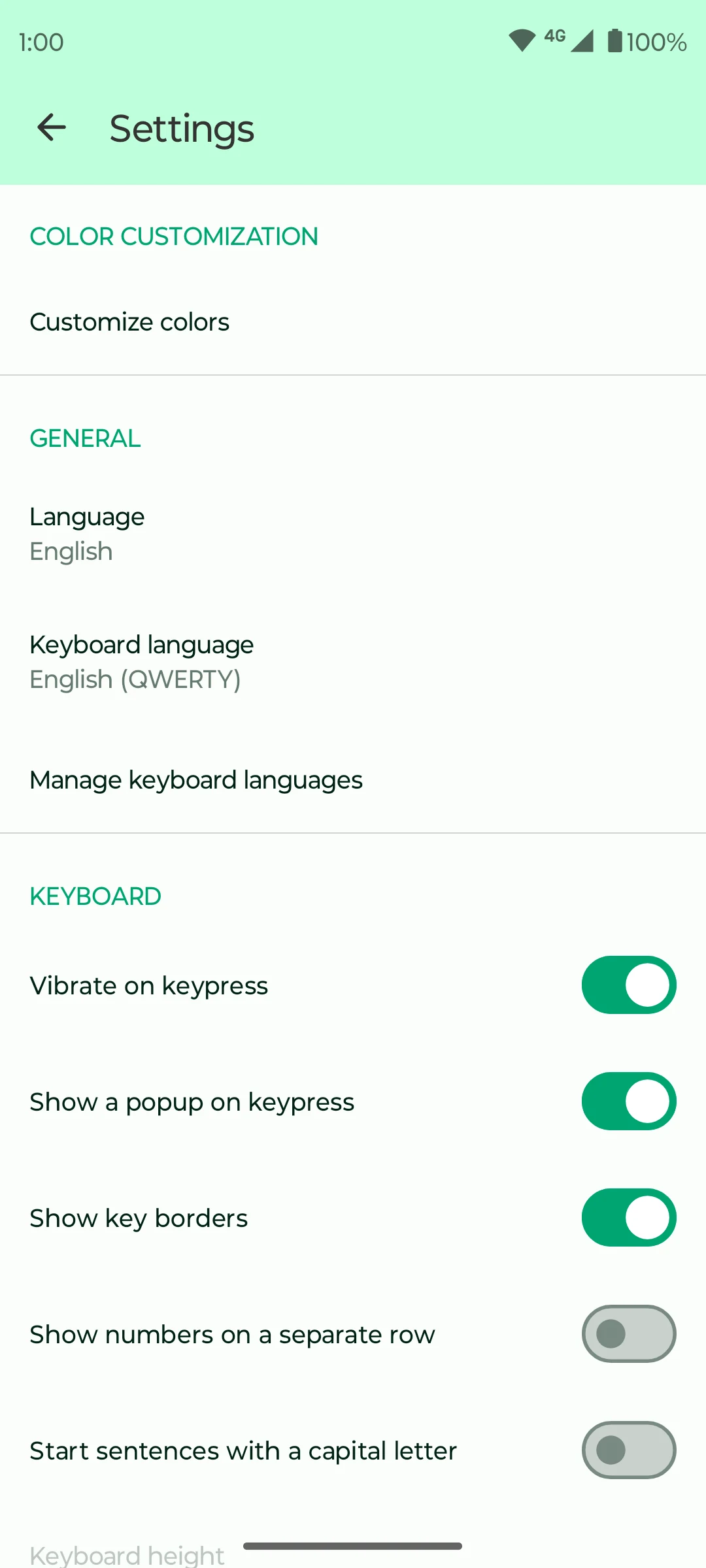
Fossify Keyboard provides an on-screen keyboard for Android. It supports keyboard-language choices, emoji input and appearance settings. You can choose whether numbers occupy a separate row, show key borders and adjust how key presses appear or feel.
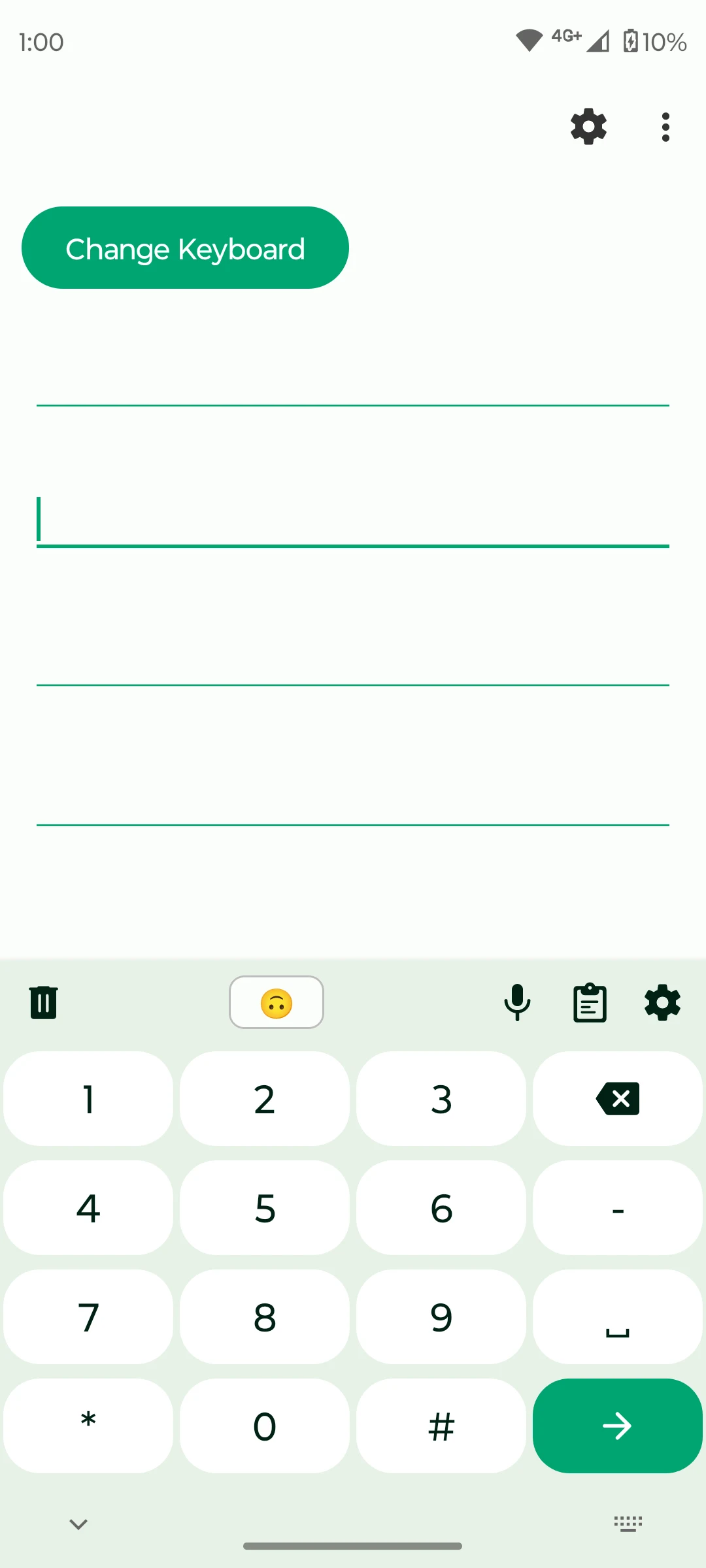
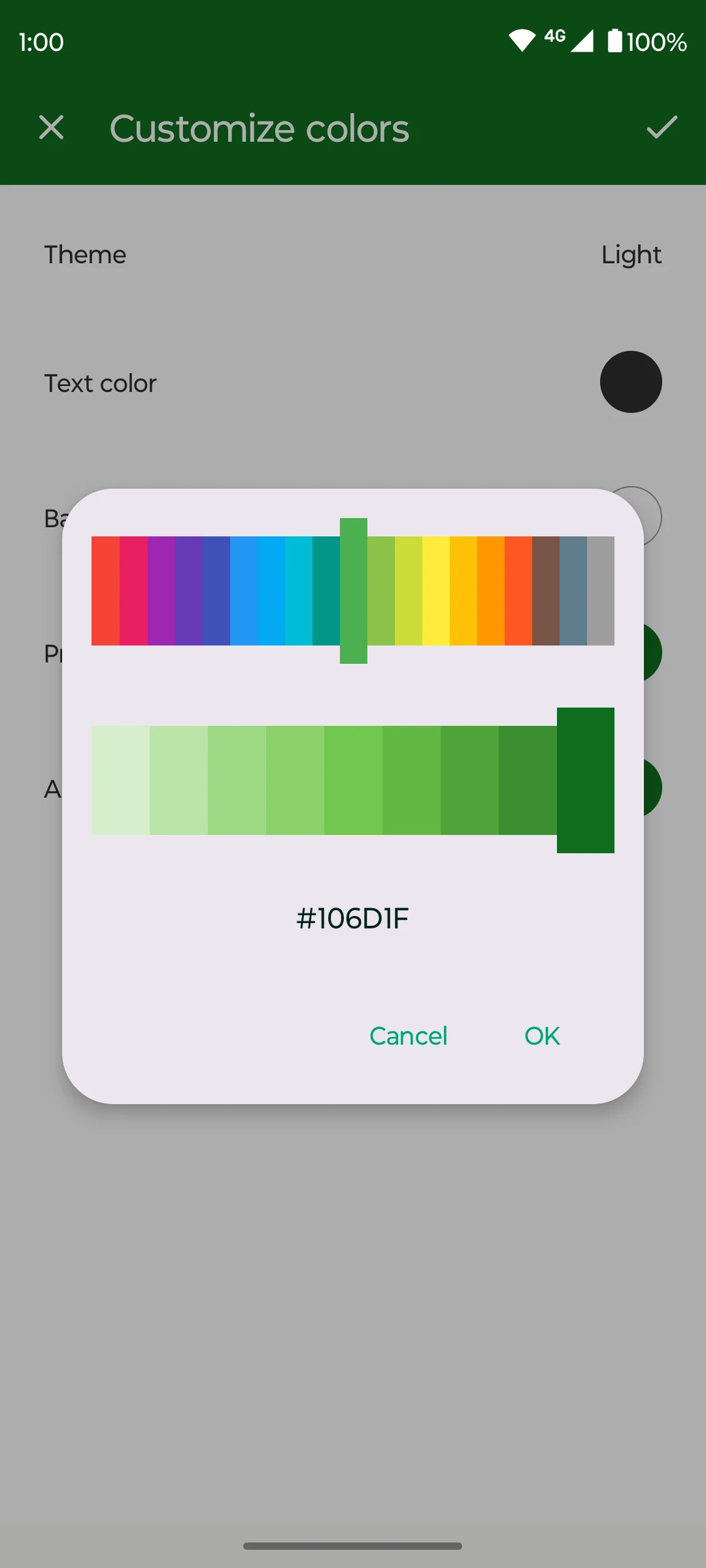
The app includes a numeric layout and a colour picker for the interface. These options are useful if the default keyboard has a layout or appearance you find awkward. Android's input settings let you choose which keyboard is active; installing the app alone does not change every text field automatically.
Fossify states that the keyboard works offline and has no internet permission. The Google Play listing offers it free and currently calls it a beta. Check its supported keyboard languages and input features before depending on it for a particular writing system or typing workflow.
What you can do
- Keyboard-language selection
- Emoji input
- Numeric layout
- Separate number-row option
- Colour and key-feedback settings
Free features and limits
Current listing: beta. Language and input-feature support depend on the available keyboard options.
Image credits
App icon
Fossify Keyboard app icon
Screenshot 1
Numeric keyboard layout
Screenshot 2
Language and key-feedback settings
Screenshot 3
Customize keyboard colours