
Fossify Contacts
Messaging and meetingsOrganize Android contacts into groups and use contact backup and merge tools.
By Fossify
Get Fossify Contacts
Store availability and purchase options can vary by country. Check the listing for your device.
Screenshots
Select a screenshot to enlarge it.
About Fossify Contacts
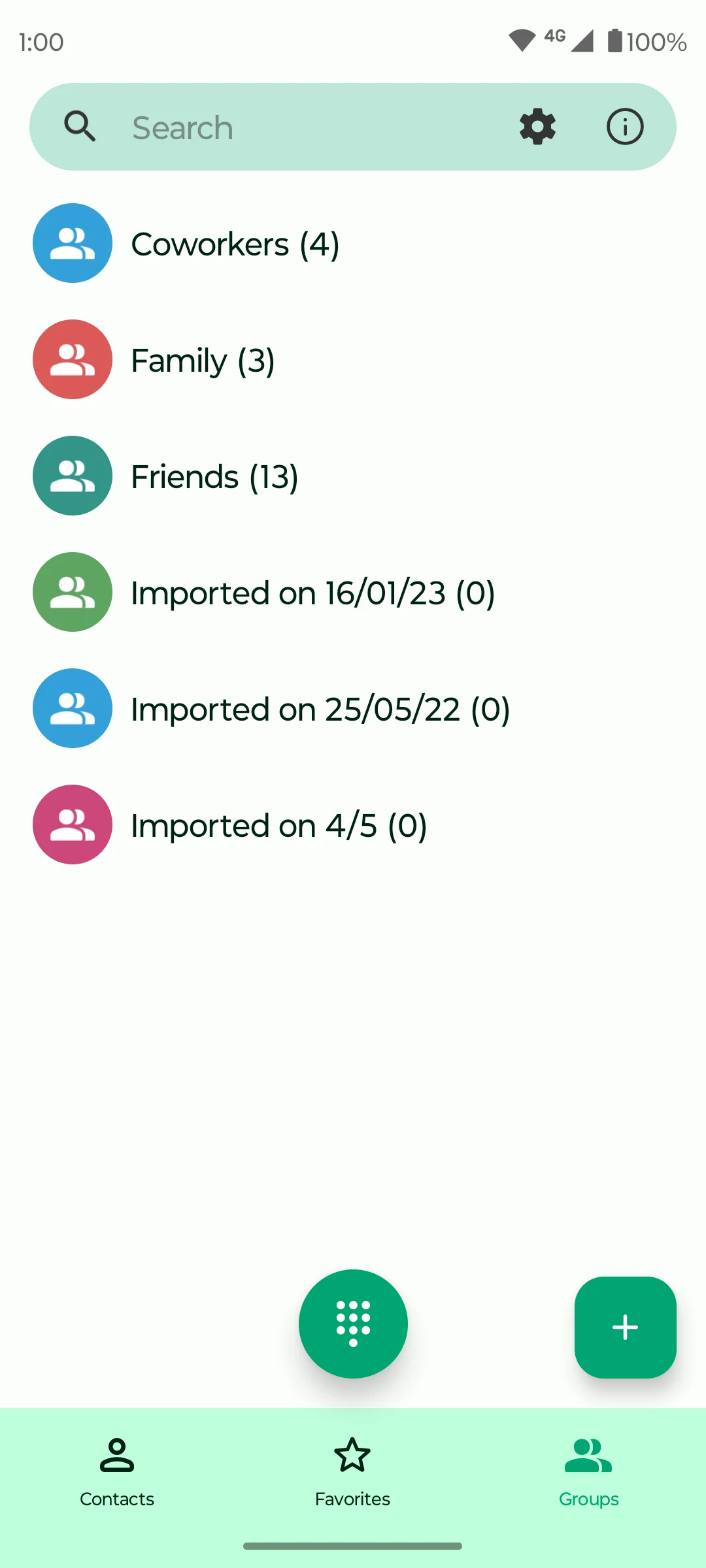
Fossify Contacts keeps phone contacts in a searchable Android address book. A contact can hold phone numbers, email addresses and other details. Groups help separate family, friends or work contacts, and favourites make frequently used entries easier to find.
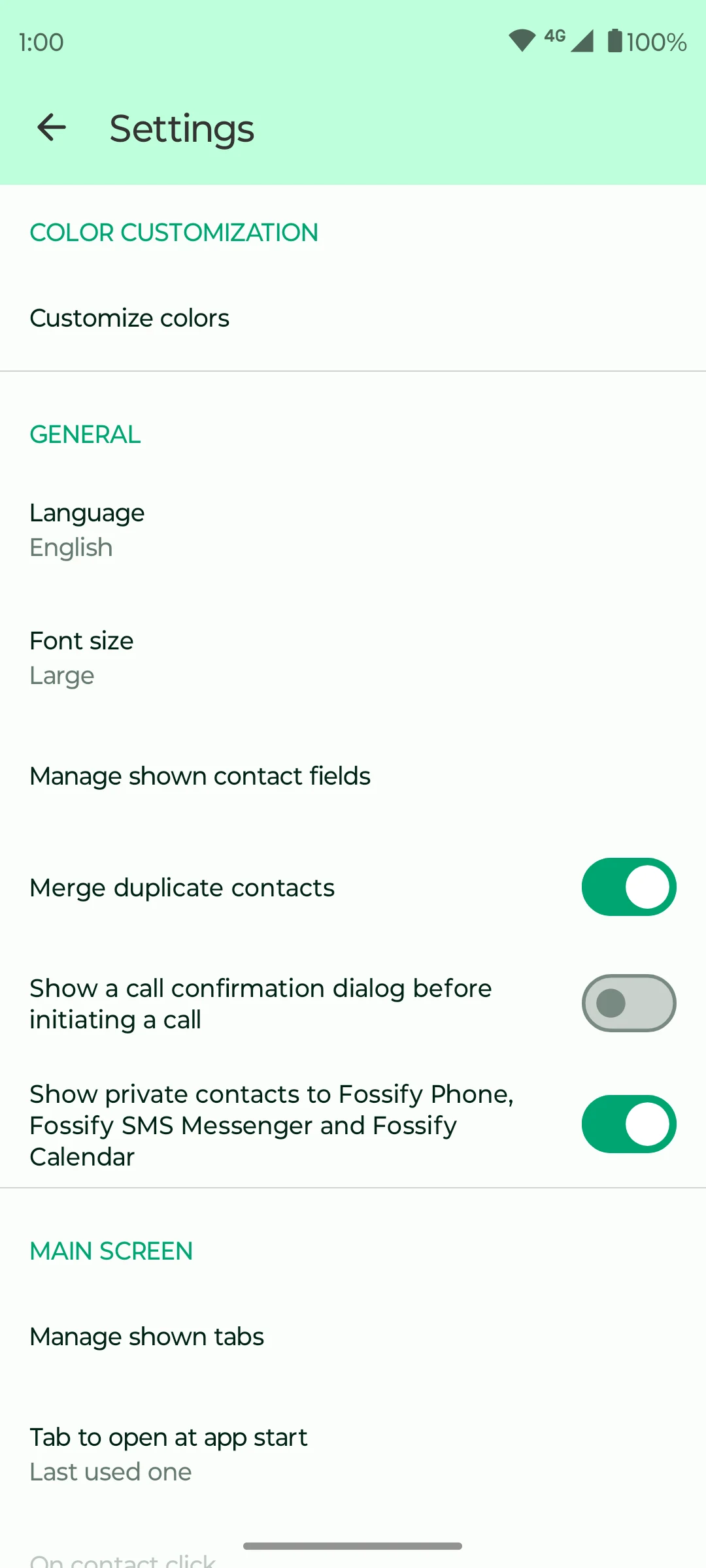
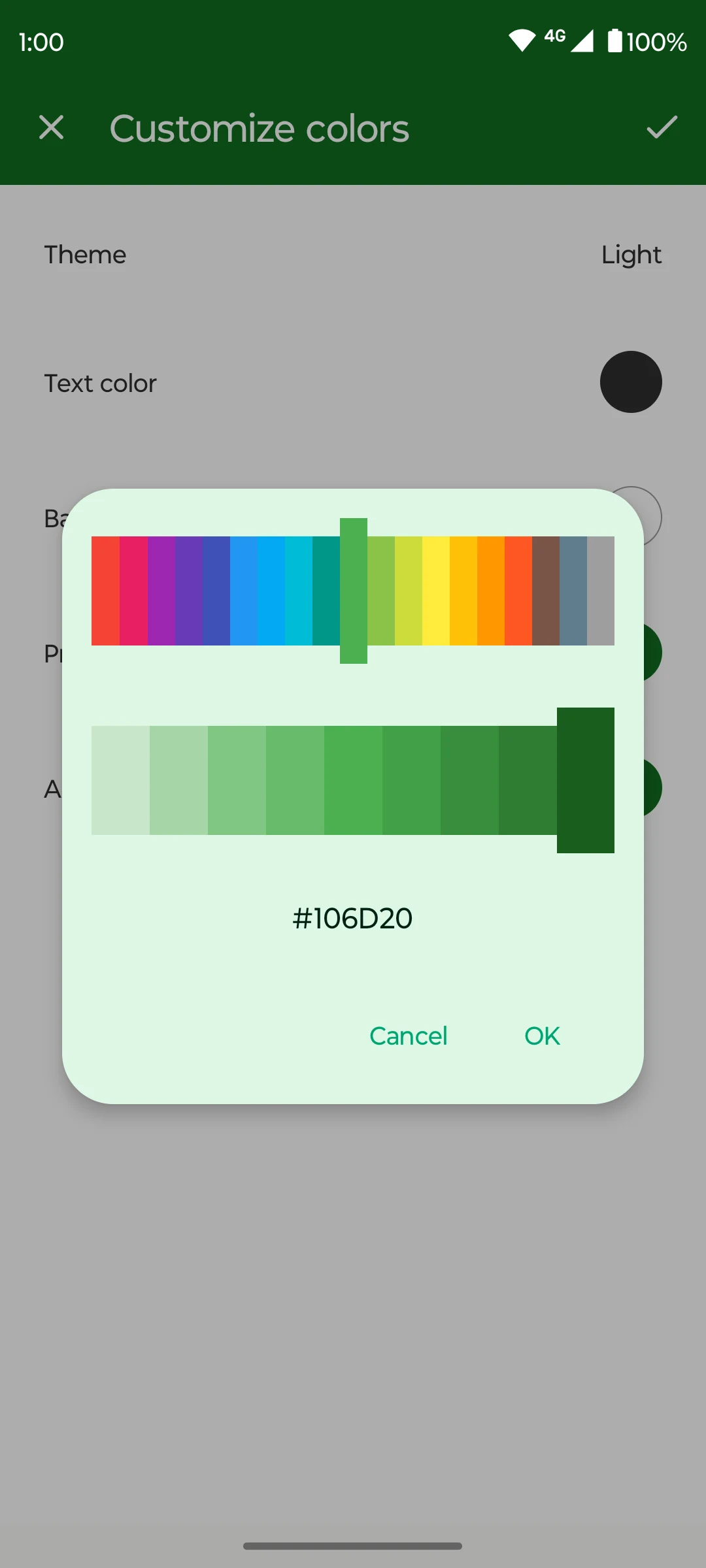
The app includes contact import and export, duplicate merging and controls for which fields appear. You can adjust text size and colours and choose the first tab shown when it opens. Private contacts can also be kept separately from the normal device address book, with settings that control their use by other Fossify apps.
Fossify Contacts is offered free on Google Play. Contact access is needed to manage the device address book. A backup file is useful before combining duplicate entries or moving contacts to another phone, because those actions can change which details are retained.
What you can do
- Contact groups
- Search and favourites
- Import and export
- Duplicate merging
- Private contacts
Image credits
App icon
Fossify Contacts app icon
Screenshot 1
Contact groups
Screenshot 2
Contact-management settings
Screenshot 3
Customize address-book colours