Fossify Clock
Utilities and securitySet alarms, check world times, run a stopwatch, and save countdown timers with Fossify Clock for Android.
By Fossify
Get Fossify Clock
Store availability and purchase options can vary by country. Check the listing for your device.
Screenshots
Select a screenshot to enlarge it.
About Fossify Clock
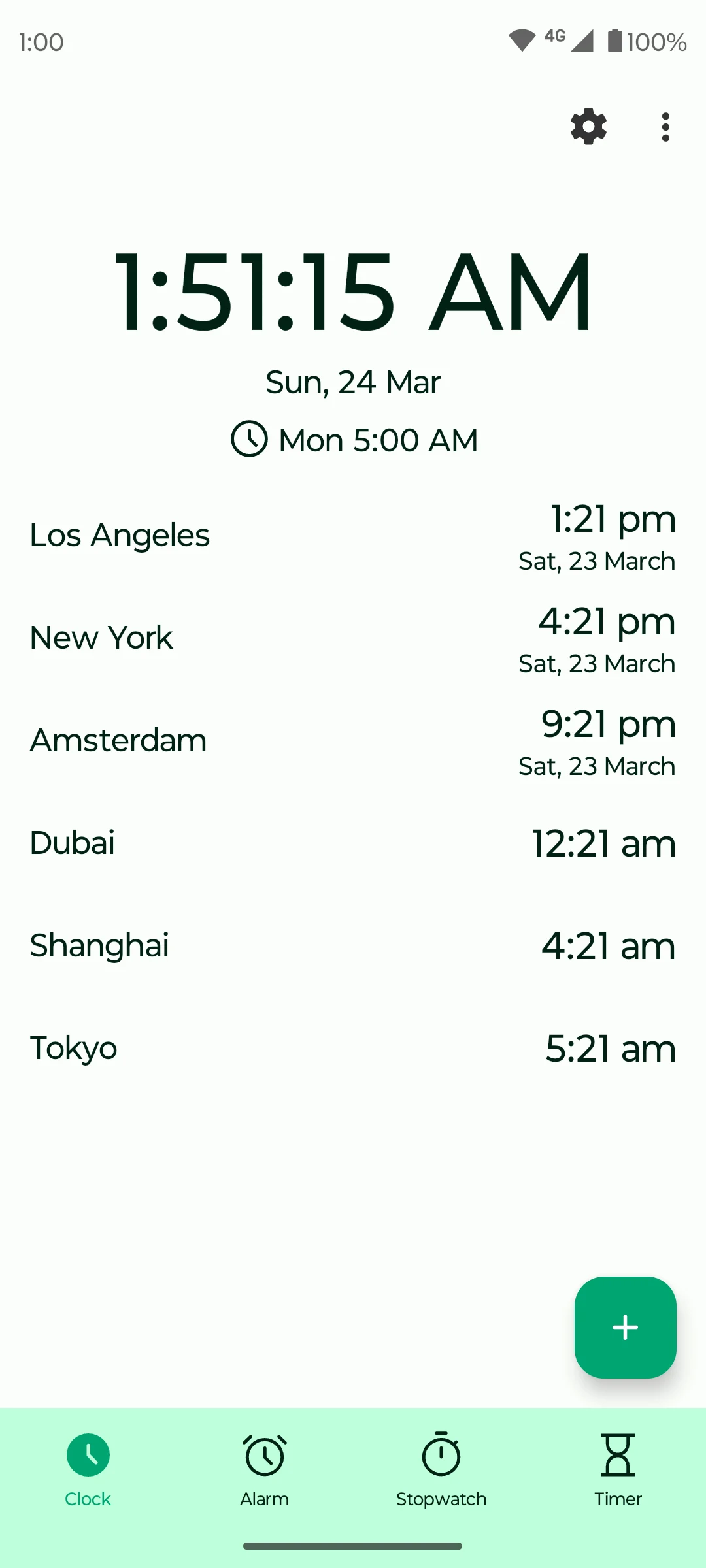
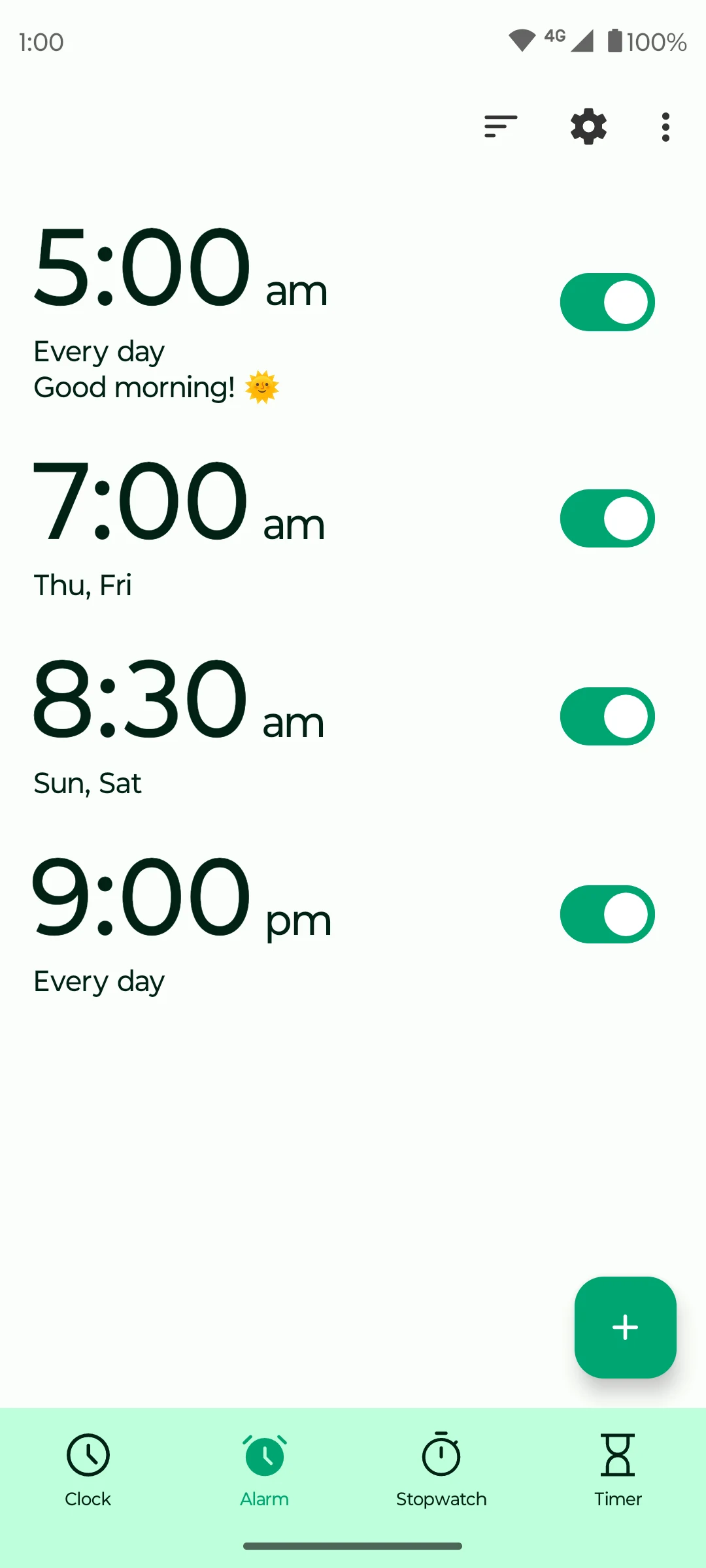
Fossify Clock brings everyday time tools into one Android app. Set several alarms with different days, labels, sounds, and snooze options. The clock view shows selected cities, which helps when planning a call across time zones.
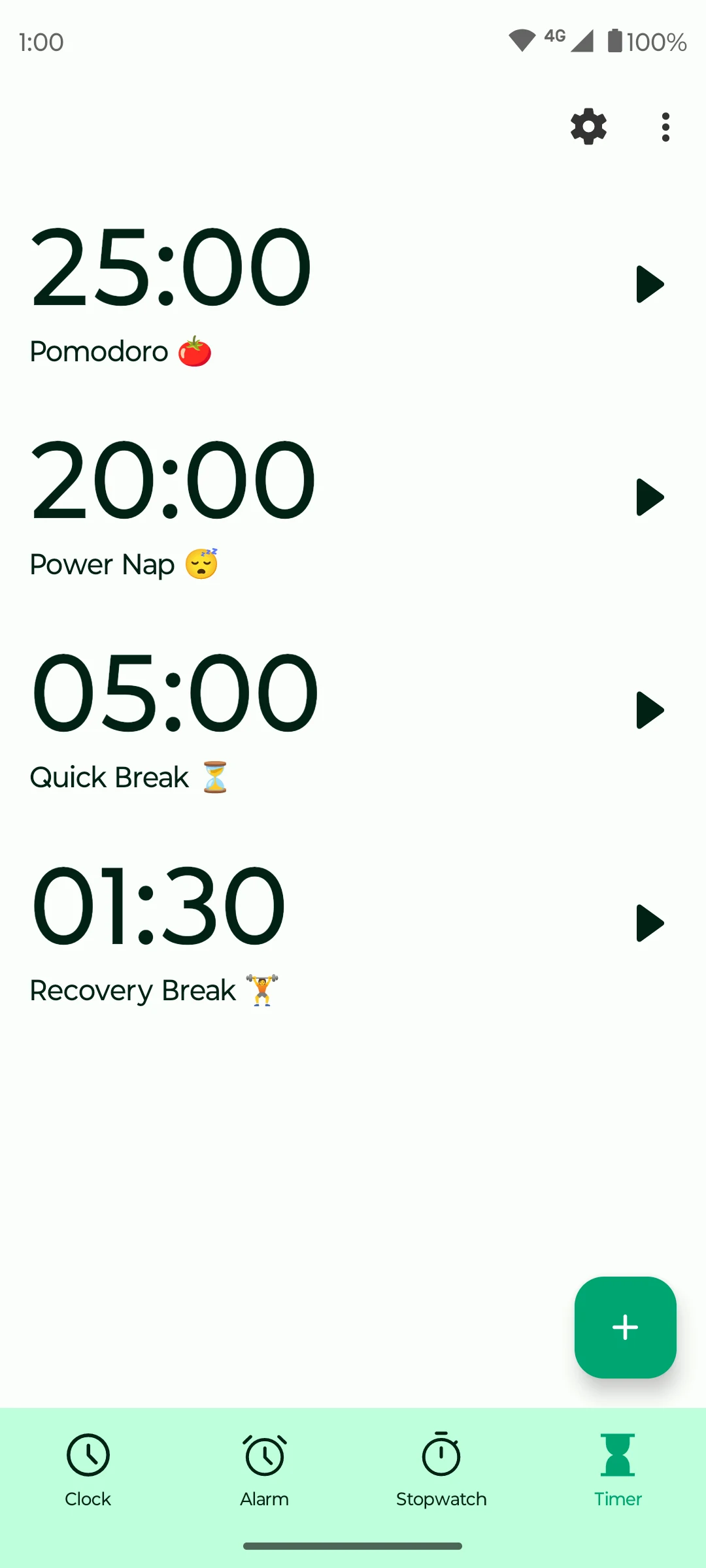
Use the stopwatch to record laps, or save separate countdown timers for cooking, study sessions, and breaks. The app also offers a home-screen clock widget and interface colors. Its publisher describes offline operation and an ad-free experience.
The current Google Play listing is labelled Beta. Check the store's device requirements before installing, and allow any Android alarm permissions the app requests for reminders. Fossify Clock does not need a cloud service for the timekeeping features described by the publisher.
What you can do
- Multiple alarms with repeat days
- World-clock city list
- Stopwatch with laps
- Saved countdown timers
- Clock widget
Free features and limits
The verified Google Play listing is free and currently labelled Beta.
Image credits
App icon
Fossify Clock app icon
Screenshot 1
World clocks and the next alarm
Screenshot 2
Alarms with different repeat days
Screenshot 3
Saved countdown timers