
Fossify Calendar
Utilities and securityOrganize Android calendar events with month, week, day and event-list views.
By Fossify
Get Fossify Calendar
Store availability and purchase options can vary by country. Check the listing for your device.
Screenshots
Select a screenshot to enlarge it.
About Fossify Calendar
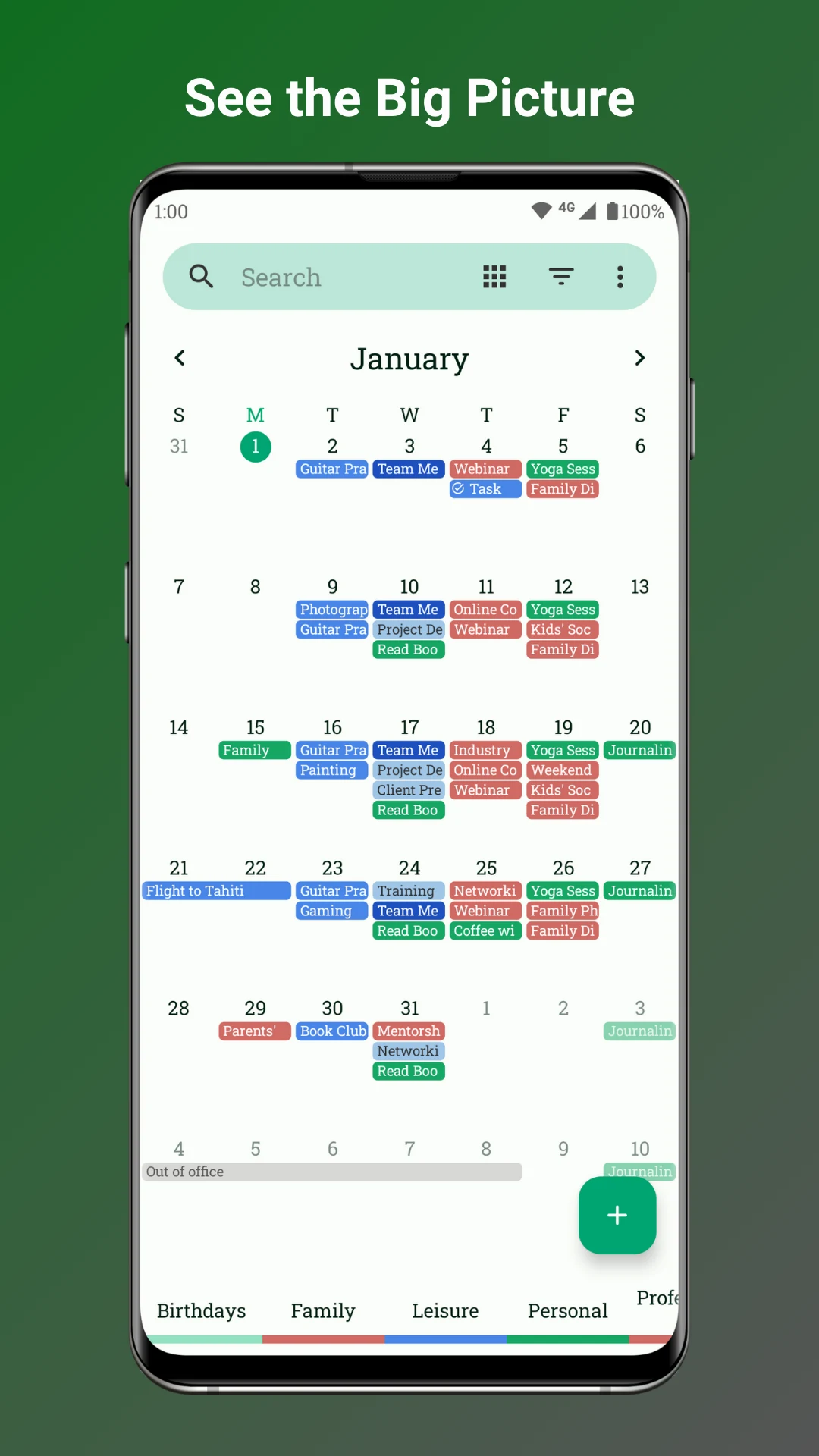
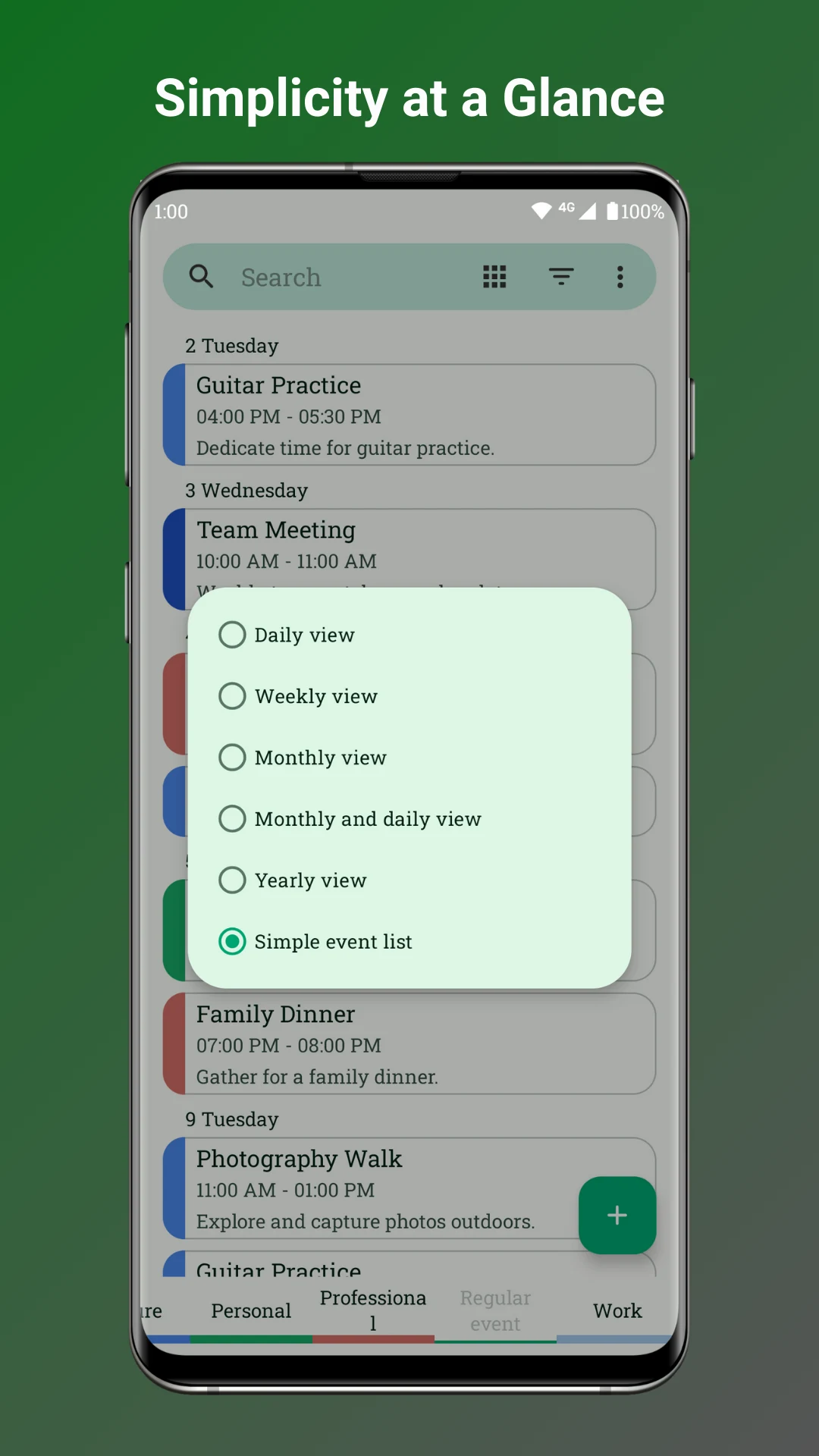
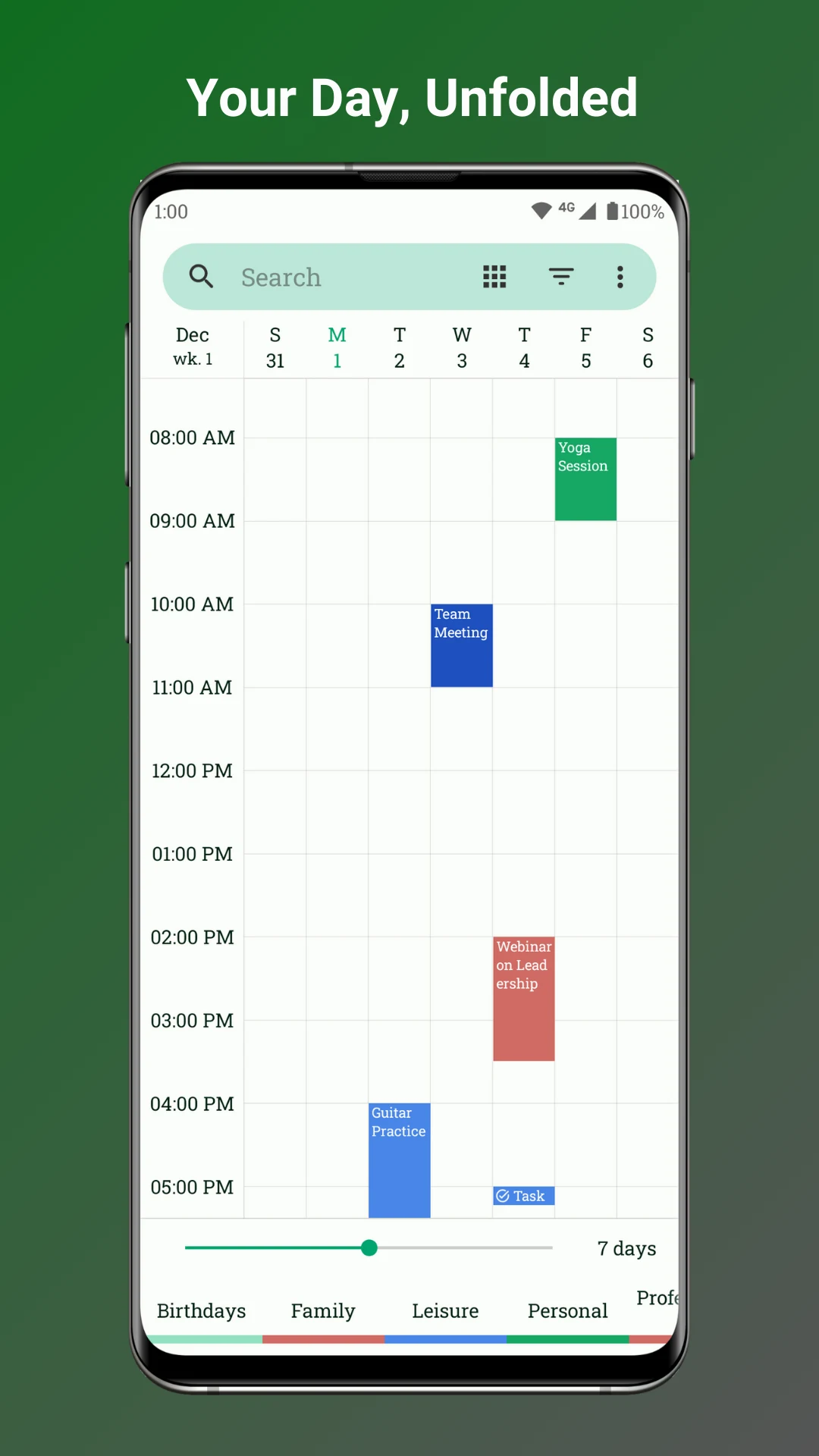
Fossify Calendar keeps appointments and other events in an Android calendar. It offers several views, so you can inspect a full month, look at a week or focus on a single day. The event-list view is useful when you want upcoming items without a calendar grid.
Events can have reminders and repeat rules. Color settings help distinguish calendars or types of events, but the event title and time remain the details to check before relying on a reminder.
Fossify describes its calendar as free and without ads. Review its current synchronization options before using it to manage events shared with another person or a work account.
What you can do
- Month, week and day views
- Event-list view
- Event reminders
- Repeating events
Free features and limits
Check current synchronization support for the calendar service or work account you use.
Image credits
App icon
Fossify Calendar app icon
Screenshot 1
Month view with sample events
Screenshot 2
Choose a calendar view
Screenshot 3
Week view with sample events