Cryptomator
Documents, scanning and filesOpen files in encrypted Cryptomator vaults on Android or iPhone, with free read-only access and optional paid writing features.
By Skymatic GmbH
Get Cryptomator
Store availability and purchase options can vary by country. Check the listing for your device.
Screenshots
Select a screenshot to enlarge it.
About Cryptomator
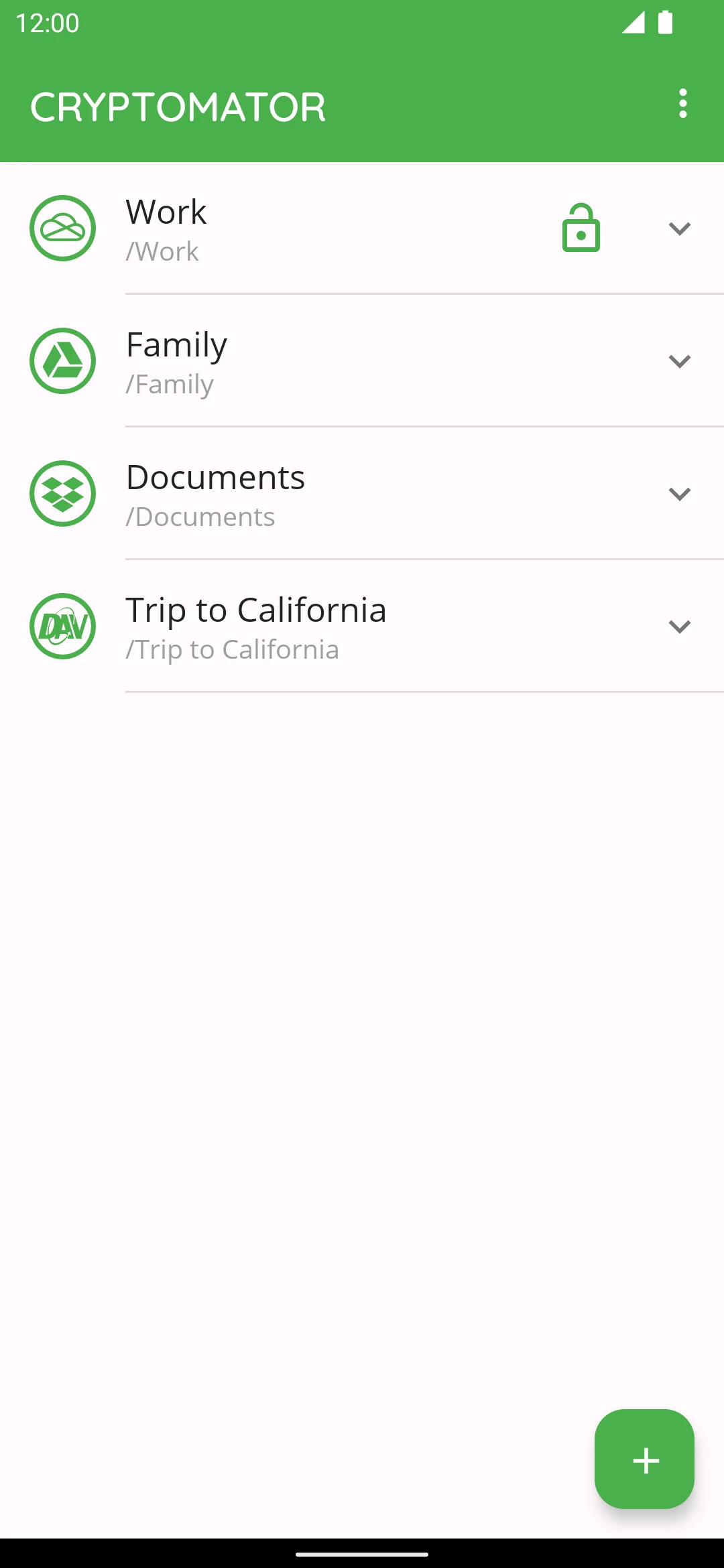
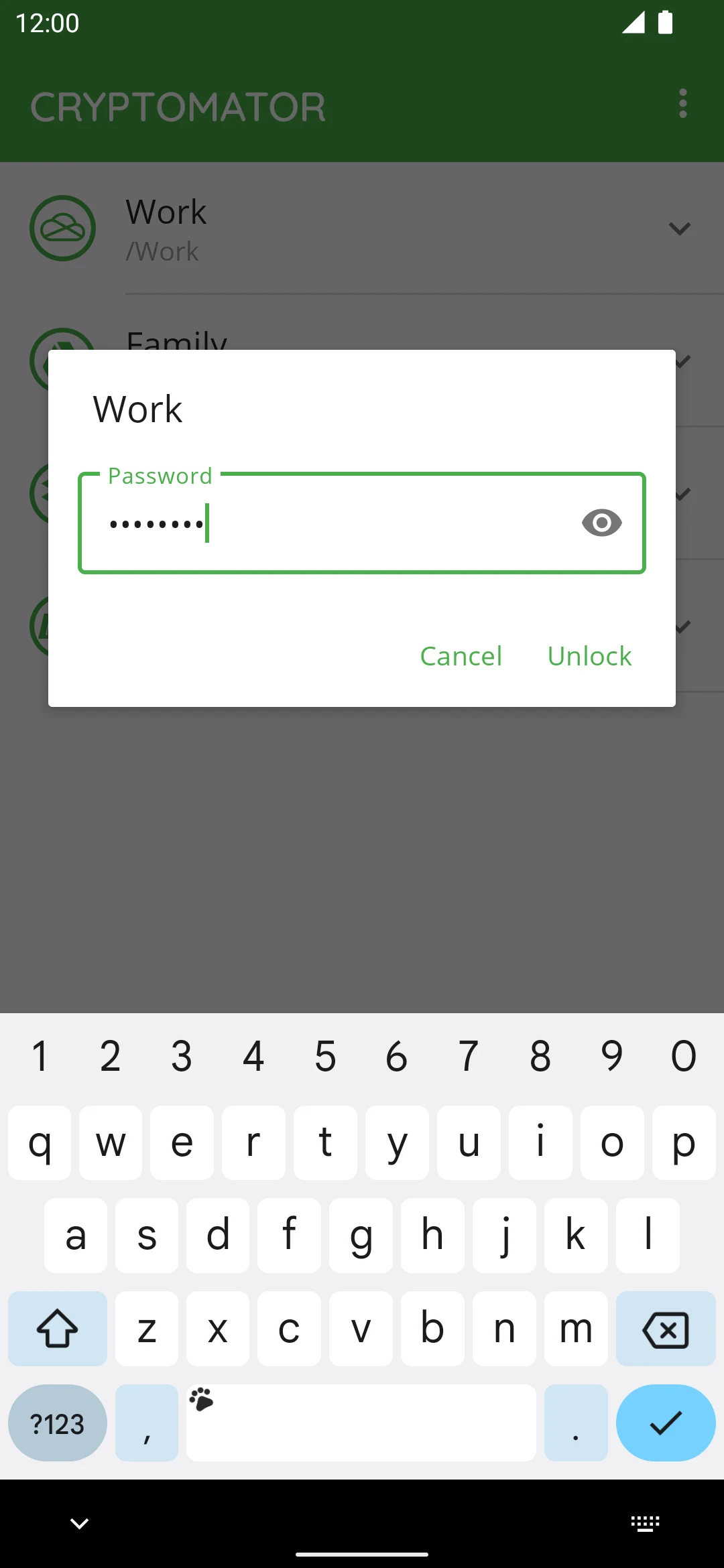
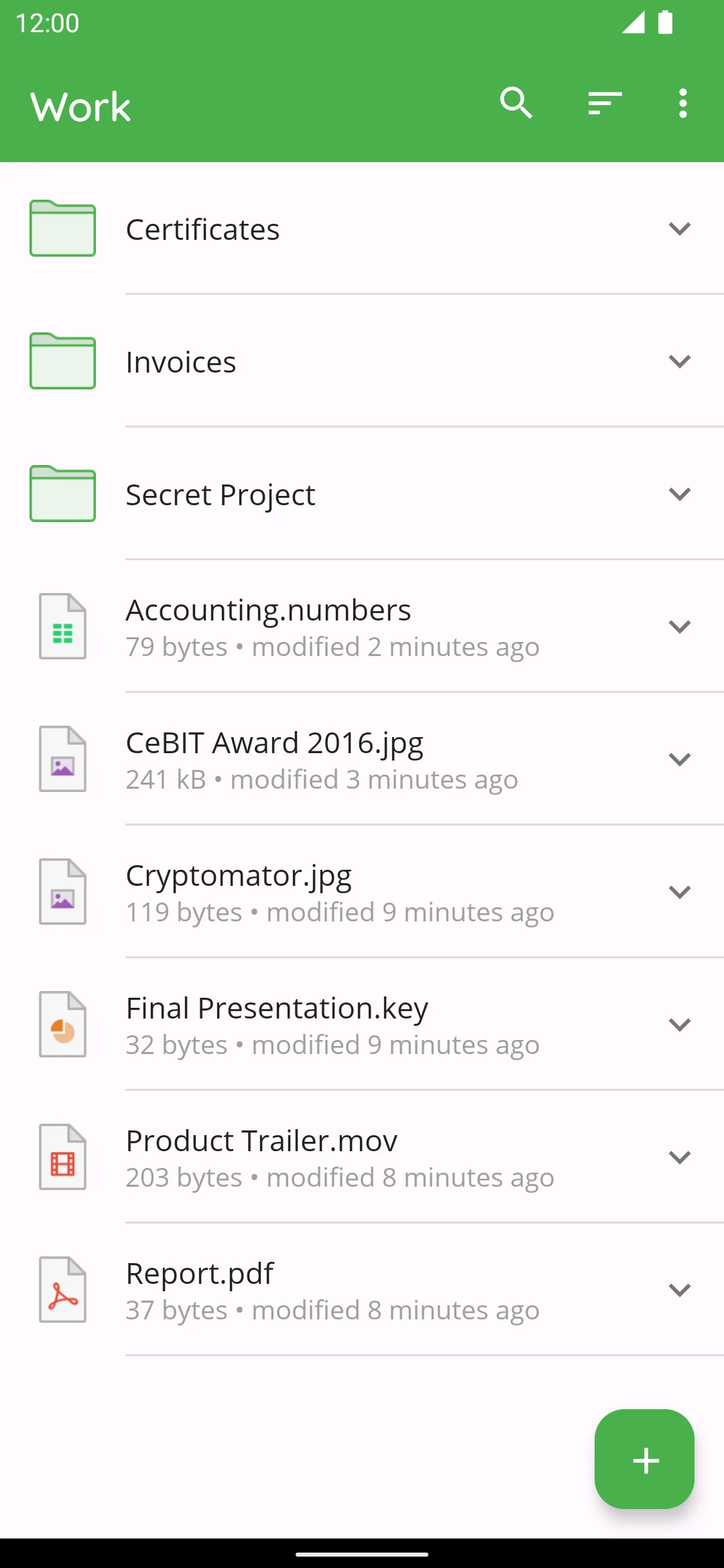
Cryptomator lets you open an encrypted file vault from your phone. Choose an existing vault, enter its password, and browse the decrypted files while the stored vault remains encrypted. It works with local storage and supported cloud locations, making it useful for reading documents that you protect with Cryptomator on another device.
The Android and iPhone apps are free to download with permanent read-only vault access. Adding or changing files inside a vault requires the paid full version. A trial of writing features is separate from the ongoing free reading mode, and a licence for one mobile platform does not unlock the other.
You need the vault's password and access to its storage location. Cloud services have their own sign-in and storage conditions. Cryptomator also works with local files, so cloud storage is optional. Keep your password or recovery key safe: the publisher cannot retrieve a lost vault password for you.
What you can do
- Free read-only access to existing vaults
- Browse decrypted files on a phone
- Password-protected vault unlocking
- Local and supported cloud storage
- Optional paid write access
Free features and limits
The free Android and iPhone editions provide permanent read-only vault access. Writing features require the paid full version; mobile licences are platform-specific.
Image credits
App icon
Cryptomator app icon
Cryptomator logo by Katharina Hagemann, CC BY-SA 4.0. Unchanged publisher icon.
Screenshot 1
Earlier publisher Android vault list
Screenshot 2
Earlier publisher Android password-unlock view
Screenshot 3
Earlier publisher Android files inside a vault