
Binary Eye
Utilities and securityRead QR codes and barcodes, inspect their contents and create new codes on Android.
By Markus Fisch
Get Binary Eye
Store availability and purchase options can vary by country. Check the listing for your device.
Screenshots
Select a screenshot to enlarge it.
About Binary Eye
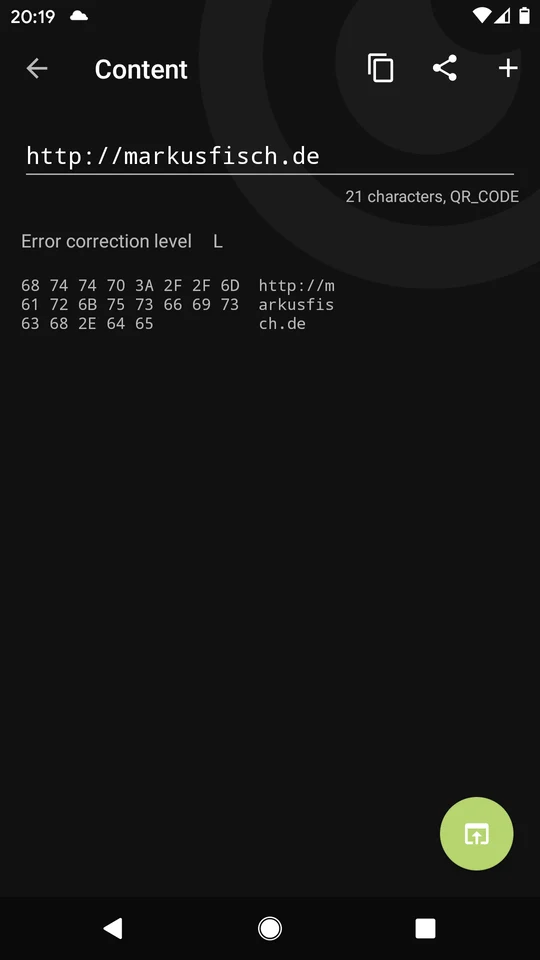
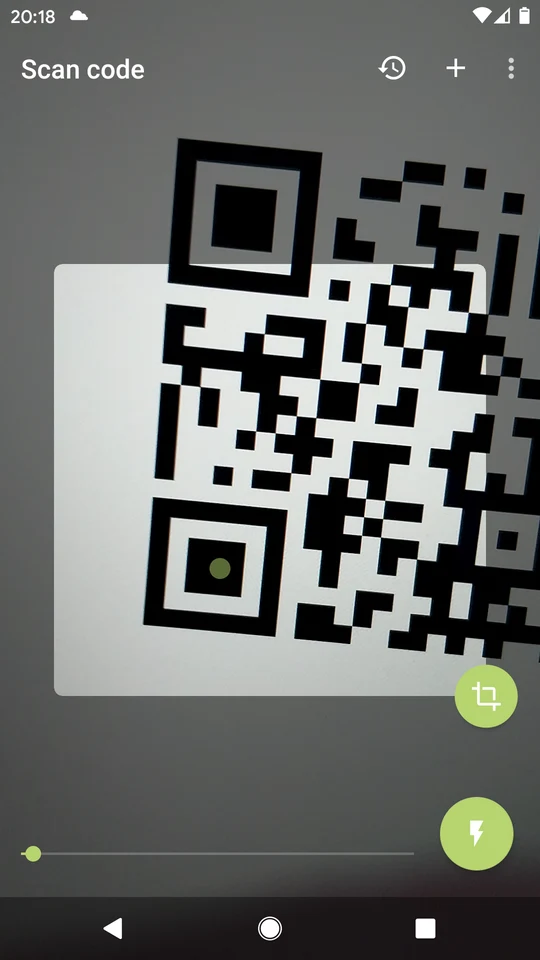
Binary Eye reads QR codes and other supported barcodes with an Android phone's camera. The decoded-content screen shows the information inside a code before you choose what to do with it. Copy and share controls help move that text or address into another app.
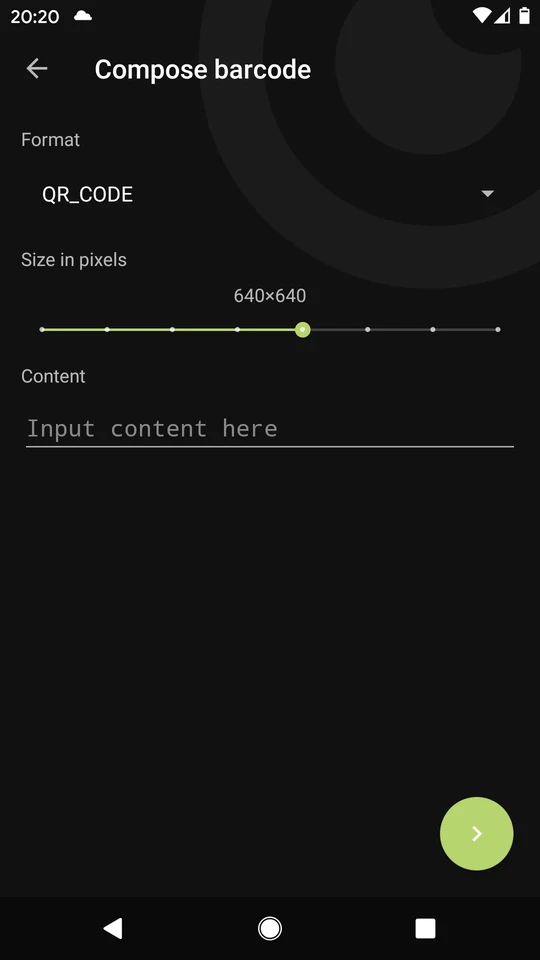
The app can also compose a barcode from supplied content. You choose the format and image size, then enter the data to encode. This is useful for sharing a short address or text as a code that another phone can scan. Scan history provides access to earlier results.
The publisher describes Binary Eye as free, without ads and open source. Camera scanning needs permission to use the camera. A decoded address is simply information found in the code; opening an online destination uses a browser or other app and may need an internet connection.
What you can do
- QR and barcode reading
- Decoded-content view
- Copy and share
- Barcode creation
- Scan history
Free features and limits
Opening an online destination uses another app and its network connection.
Image credits
App icon
Binary Eye app icon
Screenshot 1
Compose a QR code
Screenshot 2
Inspect decoded content
Screenshot 3
Scan a code with the camera